Opening Hours

Laptop repairs in Brisbane
Onsite laptop repairs in Brisbane for HP, Dell, Lenovo, ASUS, Acer and MacBook laptops that won't start, run slowly or keep crashing. We check first, then help you weigh up repair, an upgrade or data recovery.
★★★★★Rated 4.9 out of 5, based on 2,763 ratings
Repair, upgrade or recover?
We check first, then you choose.
Repair it
Worth it when the laptop still suits what you do.
Upgrade it
An SSD or more memory can fix slow starts.
Recover the files
If repair is poor value, we save what matters.
Laptop brands we repair
Windows laptops and Apple MacBooks, repaired at your home or office.
Looks fatal. Often it is fixable.
Laptop problems we see most
- Startup goes in circlesThe laptop restarts into the same repair screen or blue screen of death and never reaches your desktop.
- It won't turn onYou press the power button and get a black screen, a blinking light or nothing at all.
- Everything takes agesThe laptop is running slow, and opening a document or a browser tab leaves you waiting.
- Files become unreadableFolders you could open yesterday now produce errors or disappear from view.
- Running hot and loudThe fan never stops, and the laptop overheats or shuts itself down.
What we check on your laptop
Follow the startup sequence
We check how far the laptop gets, read any messages and narrow down whether Windows or the hardware needs attention.
Check the drive
We look for signs of storage trouble and discuss your important files before attempting work that could put them at risk.
Investigate slow performance
We check free storage, memory use and background activity while doing the task you find slow.
Match a suitable upgrade
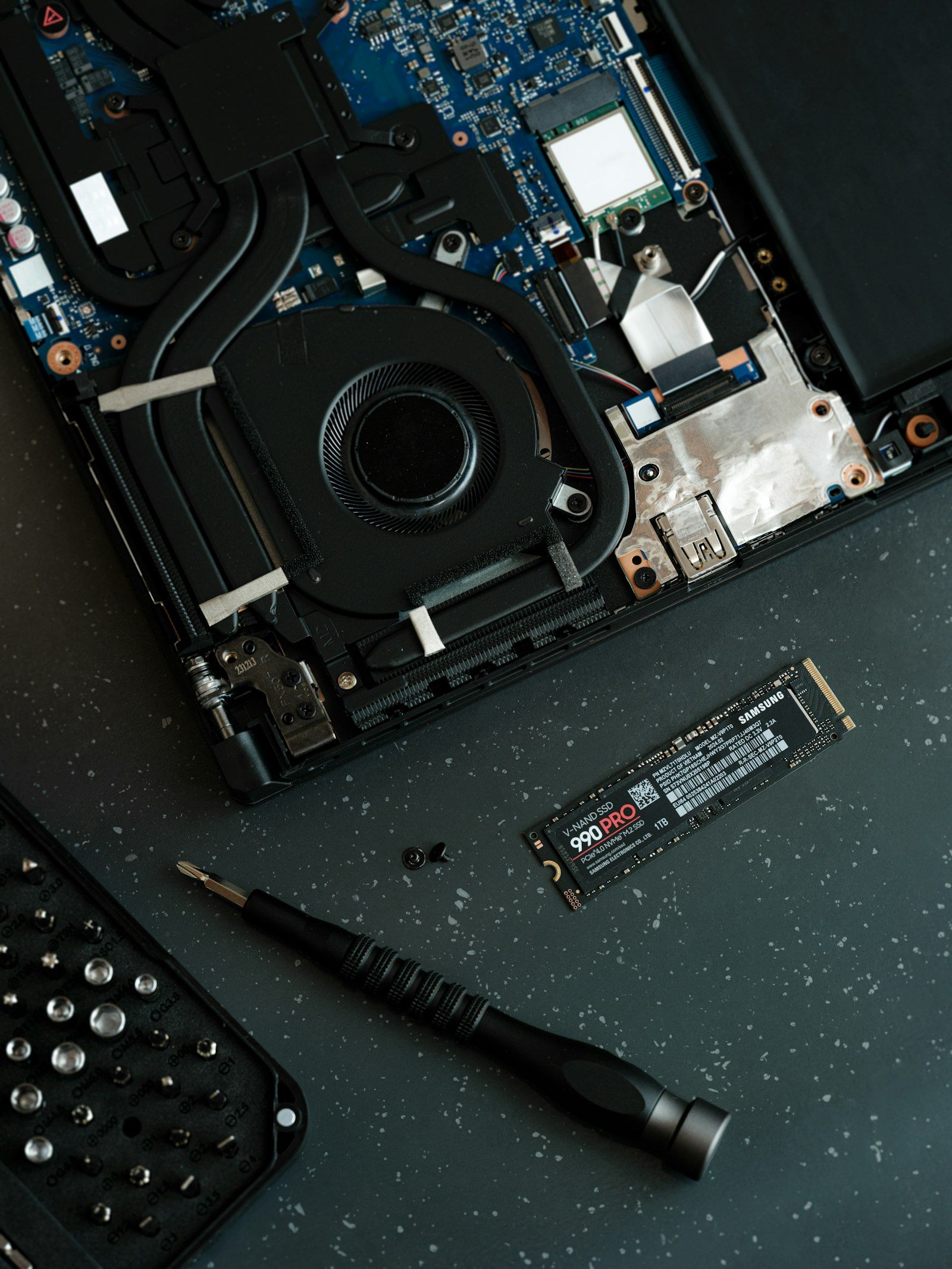
We identify whether your laptop accepts a replacement SSD or extra memory and whether either change addresses the problem.
Deal with Windows faults
We investigate settings, drivers or software changes linked to the fault, then repeat the task that originally failed.
Assess file recovery
If repair is poor value, we check whether we can read the drive and which files you most want to recover.
"Nav came to my home and fixed all my laptop issues, even connected a new printer up for me. He was absolutely amazing, and it was very affordable. I would 100% recommend this local business."Dorrie
Rated 4.9 out of 5, based on 2,763 ratings
Book a laptop repairHow a laptop repair visit works
Book online or by phone. It takes a couple of minutes.
Share the symptoms
Have the make, model and any error message handy when you book.
Show us the laptop
A Geek visits and checks the fault with your priorities in mind, including any files you need to keep.
Choose the next step
We explain the findings so you can decide whether to repair the laptop, upgrade it or focus on the data.
StartupWindows repair needed
DriveHealthy
MemoryUpgrade available
Your filesSafe
What we found, in plain wordsWe come to you
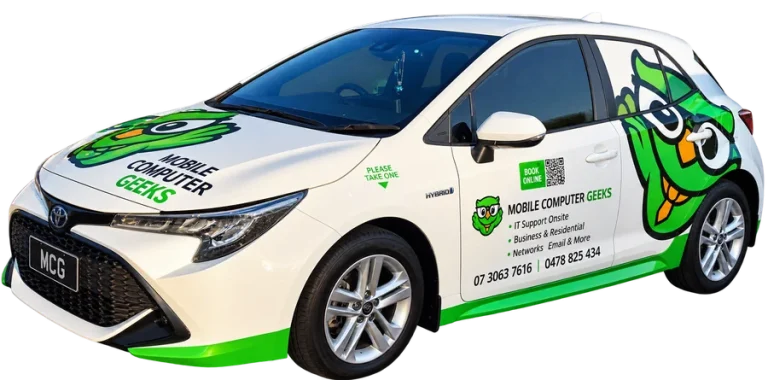
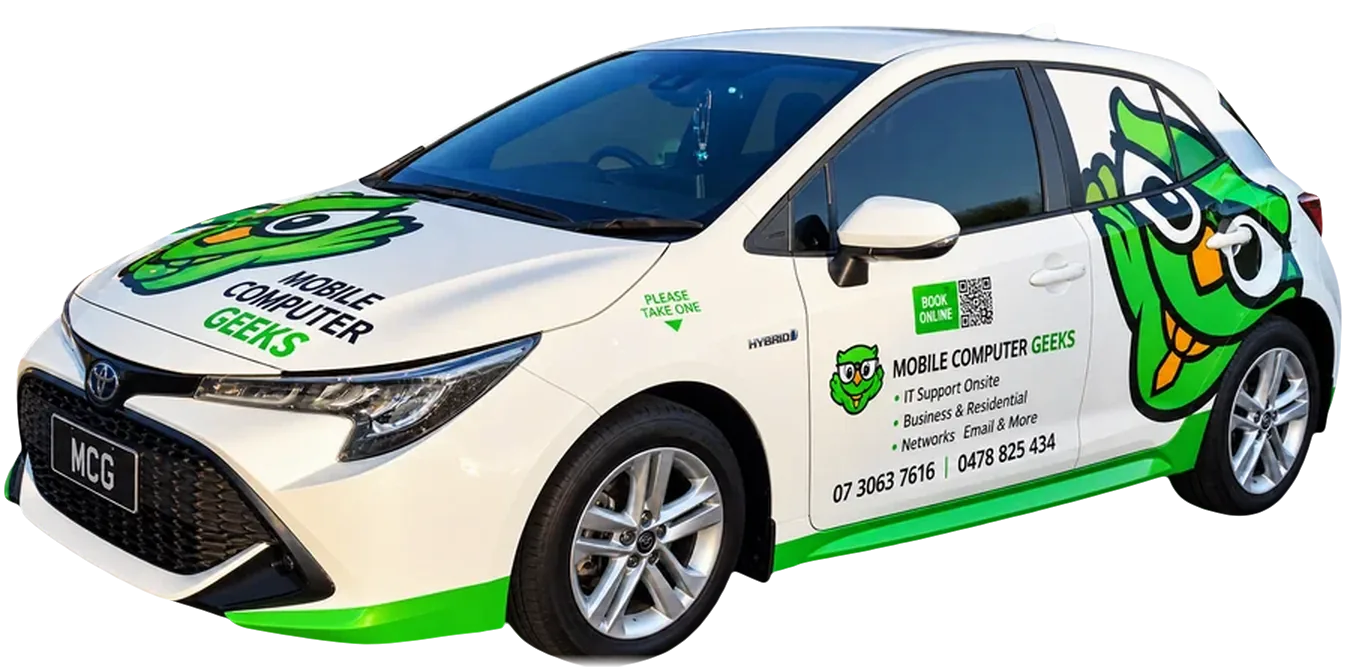
Local Geeks visit homes and small businesses across South East Queensland.
Brisbane · Logan · Ipswich · Moreton Bay · Redlands
Appointments: Monday to Friday 9am to 9pm, Saturday 9am to 8pm.
Phones answered: Monday to Friday 8am to 4:30pm, Saturday 9am to 12pm. Book online any time.
Laptop repair questions
Quick answers before you book.
Which laptop brands do you repair?
We repair HP, Dell, Lenovo, ASUS, Acer, Microsoft Surface, Samsung, MSI, Alienware, Razer, LG Gram, Gigabyte and Toshiba laptops running Windows 10 or Windows 11, and Apple MacBook Air and MacBook Pro. Tell us the brand and model when you book.
Do you repair MacBooks?
Yes. We fix MacBook software problems, including a Mac that will not start, runs slowly, will not update macOS or has lost files. We also replace MacBook batteries and screens. We do not carry out other MacBook hardware repairs, and we will tell you plainly if that is what yours needs.
How do I fix a blue screen of death on my laptop?
A blue screen of death is Windows stopping itself because of a faulty driver, a failing drive, bad memory or a damaged update. Note the stop code if you can. We read the error, test the drive and memory and repair Windows, backing up your files first where the drive allows it.
My laptop won't turn on. Can you fix it?
Often, yes. We check the charger, the power and how far the startup gets to find out whether it is a Windows or macOS fault we can repair. If it turns out to be a failed part we cannot replace, we help you recover your files and weigh up your options.
Is an old laptop worth repairing?
Think about what you need the laptop to do, what else is wearing out and whether your important files exist anywhere else. If the display is damaged, weigh the cost of a screen replacement against the value of the laptop. An older laptop often is not worth repairing. If the main aim is to save documents and photos, we can look at recovering them as a separate job.
Can you get my files if the laptop will not turn on?
We can usually recover data from an old laptop, but the condition of its storage matters. Let us know what happened before it stopped working and which folders matter most. If you have already seen repeated drive errors, leave the laptop switched off until you get advice.
Should I reset Windows before my appointment?
If you want to keep files that you have not backed up, leave the reset until a Geek has assessed the laptop. Tell us what happens when you press the power button and whether you can reach the sign-in screen. A photo of any error message is helpful.
Will adding memory make my laptop faster?
It depends on what slows it down. If it struggles with several apps open, we can check memory use under that workload. If it is slow even opening the first app, the drive or another issue may need attention. We also check whether your model allows a memory upgrade.
Can you replace a hard drive with an SSD?
We upgrade storage in compatible laptops. Before choosing an SSD, we check the model, drive connection, capacity you need and whether the existing drive is readable. If the existing drive shows signs of failure, tell us which files are important so we can discuss protecting them first.
Can you help with a laptop I use for work?
We provide onsite computer repairs for small businesses as well as homes. Tell us whether the laptop belongs to you or is managed by an employer. If someone else looks after its software or security settings, check with them before arranging work and have their contact details handy.
What should I have ready for a laptop repair?
Keep the laptop, charger and any accessories involved in the problem together. If the laptop still works, note which task causes the fault and what appears on screen. Have access to your own sign-in details and any backups, so you can enter passwords yourself if they are needed.