Opening Hours

Computer hardware repairs in Brisbane
A computer that won’t start doesn’t always need replacing. We diagnose hardware faults, explain the repair options and help you decide what makes sense for your desktop, laptop or Mac.



Find out what's going wrong inside your computer
A blank screen, unexpected shutdown or noisy fan can have several causes. Guessing which part to replace can become expensive quickly. Our first job is to work out where the fault is coming from.
Mobile Computer Geeks provides computer repairs around Brisbane, Logan, Ipswich, Moreton Bay and the Redlands. Tell us your computer’s make, model and symptoms so we can discuss the right type of appointment.
Need a hand with your computer?
Our local Geeks come to you at home or work, or help remotely, across Brisbane, Logan, Ipswich, Moreton Bay and Redland Bay. No surcharge for same-day, weekend or after-hours appointments, subject to availability. Instant confirmation when you book online.

Common hardware problems we investigate
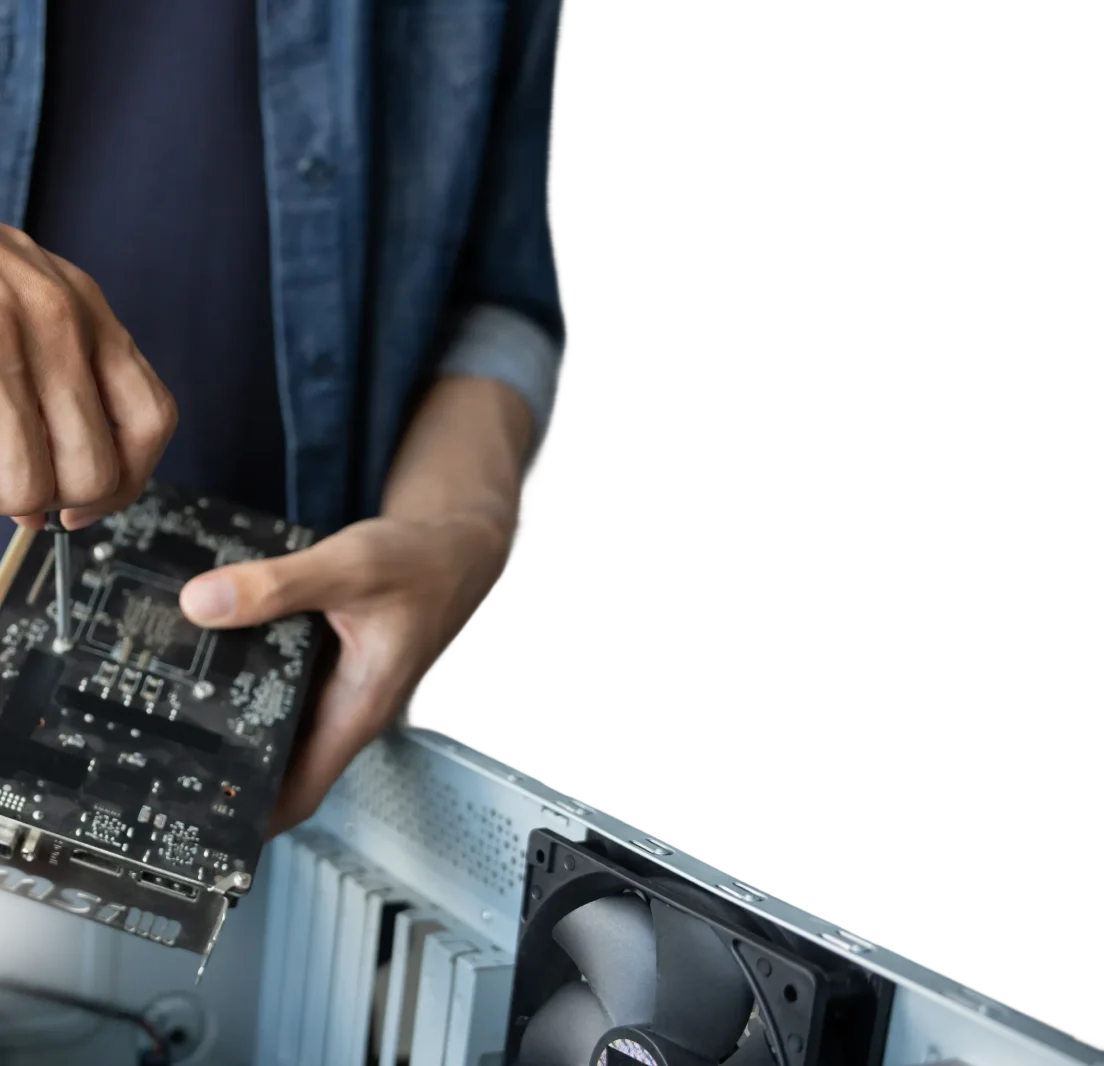
We can assess a wide range of desktop and laptop faults, including:
- A computer that won't switch on or keeps restarting
- A screen that stays blank, flickers or shows distorted images
- Unusual fan sounds or other internal noises
- Power or charging problems
- Freezing, overheating or sudden shutdowns
- Storage drives that aren't detected or memory-related faults
Repair the fault, then check the result
Once we’ve identified the likely cause, we’ll explain the proposed work and parts before going ahead. Compatibility, parts availability and the computer’s condition all matter. We’ll also discuss any important data before work that could affect it.
After a repair, we test the relevant functions and check whether the original symptoms have cleared
Install, activate and configure
A failing drive or cooling fan may be replaceable without buying a whole computer. An SSD or extra memory can also be worthwhile, depending on your model. We’ll check what your machine supports and whether the cost is reasonable for its age.
Our computer upgrade service can help you compare the options. If a drive is failing and files are missing, we may recommend data recovery before further repair work.
Motherboard faults and compatibility
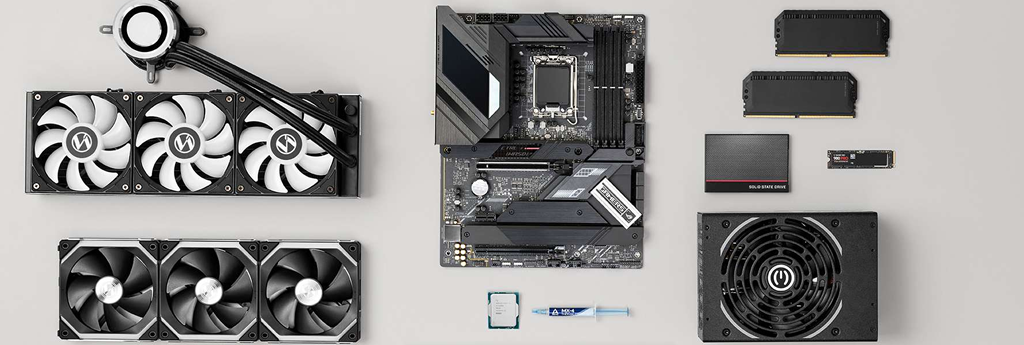
A motherboard change needs careful planning. The processor, memory, case and power supply must work with the replacement, and software activation may need attention. We’ll explain whether repair, a compatible replacement or a different computer is the more practical choice.
Deal with overheating and cooling problems
Dust, restricted airflow and worn fans can contribute to heat problems. We can inspect the cooling system and recommend cleaning or replacement components where appropriate. The work depends on the computer’s design and how easily its internal parts can be accessed.
Frequently Asked Questions
Can you come to me for a hardware repair?
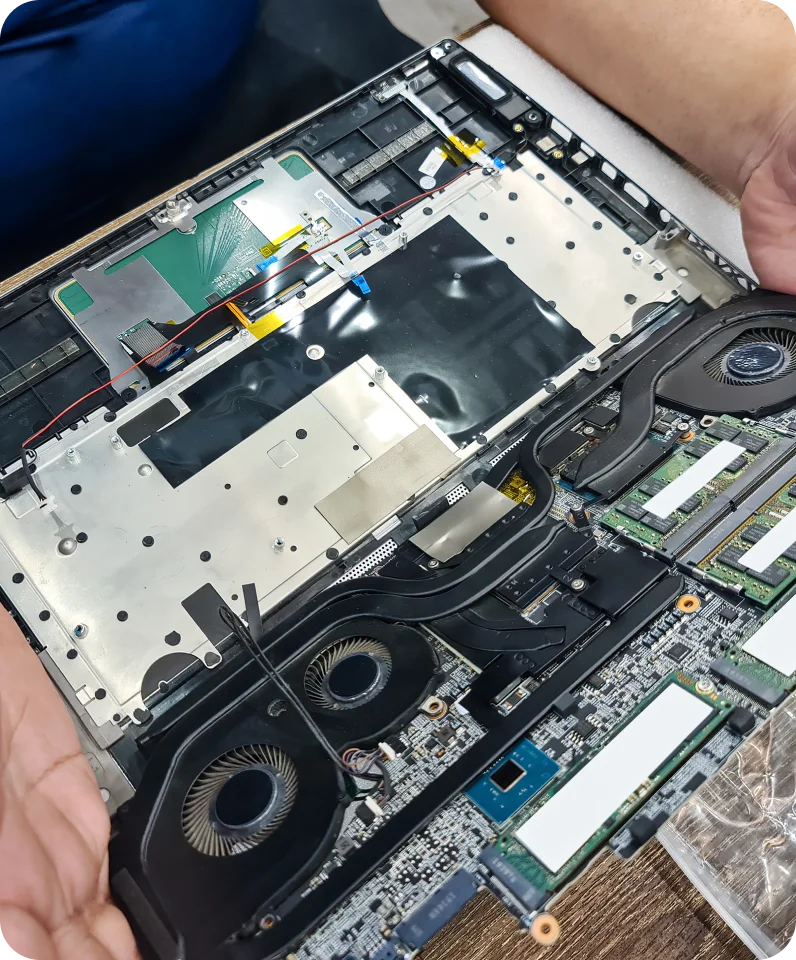
We offer onsite appointments within our service areas. Some repairs require parts or further work, so please describe the fault when booking. We can then explain what may be possible during the visit.
What does a processor or motherboard repair cost?
The cause needs to be confirmed first. A fault that appears processor-related may involve another component. Costs depend on diagnosis, labour and compatible parts. We’ll discuss the options before replacement work proceeds.