Opening Hours
Virus, Spyware, and Malware Removal
Reach out to our team of computer security experts at Mobile Computer Geeks to eliminate viruses, spyware, and malware from your computer. We’ll thoroughly test your device’s functionality and ensure your security software is up to date and properly installed, safeguarding your system against future threats.

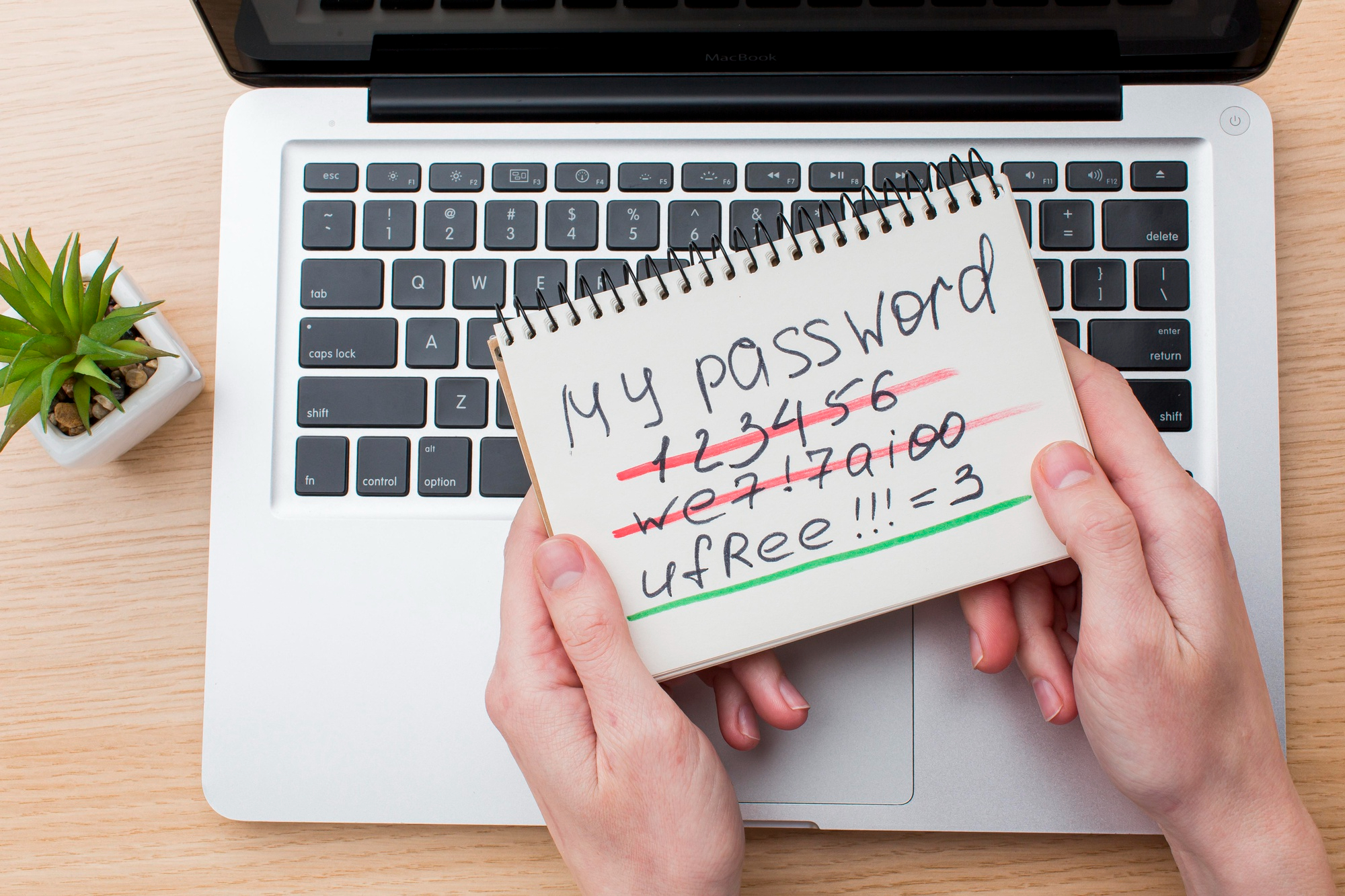


Is Your Device Infected with a Virus or Malware?
Viruses and spyware can severely impact your computer’s performance. Is your desktop sluggish? Does your laptop keep displaying error messages? Or perhaps your contacts are receiving strange emails from you that you didn’t send? These issues may suggest that your computer is infected with viruses or spyware.
Identifying and removing malicious software promptly is crucial to prevent potential damage. The earlier these threats are addressed, the better your chances of avoiding serious harm to your files or loss of data, including sensitive personal information. The process of removing these threats can be complex, but you’re in safe hands with Mobile Computer Geeks. Here’s how we ensure your device is protected and secure.
Malware & Virus Removal Support
We’ll conduct a thorough virus scan to detect and eliminate any malicious viruses, spyware, and rootkits on your computer using advanced removal tools and software. As hackers become increasingly sophisticated, conventional over-the-counter software might not detect all threats. But there’s no need to worry—our expert team at Mobile Computer Geeks is equipped to handle these issues for you, ensuring your system is clean and secure.
Install or Update Internet Security Software
Malware can infect your computer in various ways, commonly through online browsing or email attachments. The most effective defense against these threats is to maintain up-to-date internet security software. Our team at Mobile Computer Geeks will assess whether you have internet security software already installed. If it’s present, we’ll update it and ensure it’s functioning correctly. If not, we’ll install robust security software for you, providing the best protection against future threats.
Need a hand with your computer?
Our local Geeks come to you at home or work, or help remotely, across Brisbane, Logan, Ipswich, Moreton Bay and Redland Bay. No surcharge for same-day, Saturday or after-hours appointments, subject to availability. Instant confirmation when you book online.

What is a computer virus?
A computer virus is a type of malicious software that, once it infects your computer, can damage your files, steal your data, or cause your system to malfunction. If you suspect your computer has a virus, contact Mobile Computer Geeks. We can remove the virus and restore your computer’s health.
How can I tell if my computer has malware?
Signs of malware include slow computer performance, frequent crashes, unexpected ads or pop-up windows, and unusual messages that appear randomly. If you notice any of these symptoms, it’s important to get professional help. Mobile Computer Geeks specializes in identifying and removing malware to keep your computer safe.
What should I do if I think I've been hacked?
If you suspect your computer has been hacked, it’s critical to act quickly to protect your personal information. Mobile Computer Geeks can help secure your system, remove any threats, and advise you on how to prevent future attacks. Don’t hesitate to reach out to us for immediate assistance.
How can I protect my computer from viruses and hackers?
Protecting your computer involves using up-to-date antivirus software, enabling firewalls, and being cautious about the emails and websites you open. Mobile Computer Geeks can provide you with comprehensive security solutions and guidance on safe computing practices to safeguard your devices.
Is it safe to use public Wi-Fi?
Using public Wi-Fi can be risky as it might expose you to security threats. However, with proper precautions like using a VPN and ensuring your firewall is activated, you can safely use public networks. For more detailed guidance and to set up protective measures, contact Mobile Computer Geeks.
How do I print from my smartphone or tablet to my printer?
Printing from mobile devices can sometimes require additional setup. If you’re having trouble, Mobile Computer Geeks can help configure your printer to connect with all your devices, ensuring seamless printing from anywhere in your home or office.