Opening Hours

PC cleaning and computer tune-ups in Brisbane
Slow starts, unwanted pop-ups and a fan that never seems to settle? A computer clean-up can help identify what’s getting in the way. We’ll check the software and, where needed, the dust inside.



Give your computer some overdue attention
You shouldn’t have to make a cup of tea while your computer starts. If everyday tasks are taking longer, we’ll look at what is using its resources and whether routine maintenance could help.
Our PC cleaning and tune-up service covers practical software housekeeping and suitable physical cleaning. Mobile Computer Geeks comes to homes and businesses across Brisbane and surrounding service areas. Some software clean-up tasks can also be handled remotely.
Need a hand with your computer?
Our local Geeks come to you at home or work, or help remotely, across Brisbane, Logan, Ipswich, Moreton Bay and Redland Bay. No surcharge for same-day, Saturday or after-hours appointments, subject to availability. Instant confirmation when you book online.

Find out what's slowing startup and shutdown
Programs that launch automatically can add to the wait when you turn on your computer. We check what’s loading, look for processes causing delays and adjust settings where appropriate. If slow startup points to a hardware problem, we’ll explain that rather than treating it as a simple clean-up.
Check Windows and application updates
We review relevant updates for your supported operating system and applications, then check how the computer behaves after any required restart. If an update won’t install or your system is no longer supported, we’ll explain the options before making major changes.
Tidy the taskbar and background apps
Not sure what those little icons are doing? We’ll help you identify the apps you use and the ones you don’t. We can tidy shortcuts and review background programs while keeping the tools your computer needs to work properly.
Remove unwanted programs and expired trials
Old trial software, browser add-ons and programs you never use can clutter the computer. We’ll review them with you before removing anything. If pop-ups suggest something more than an unwanted app, our virus and malware removal service can help investigate.
Clear dust and check the cooling
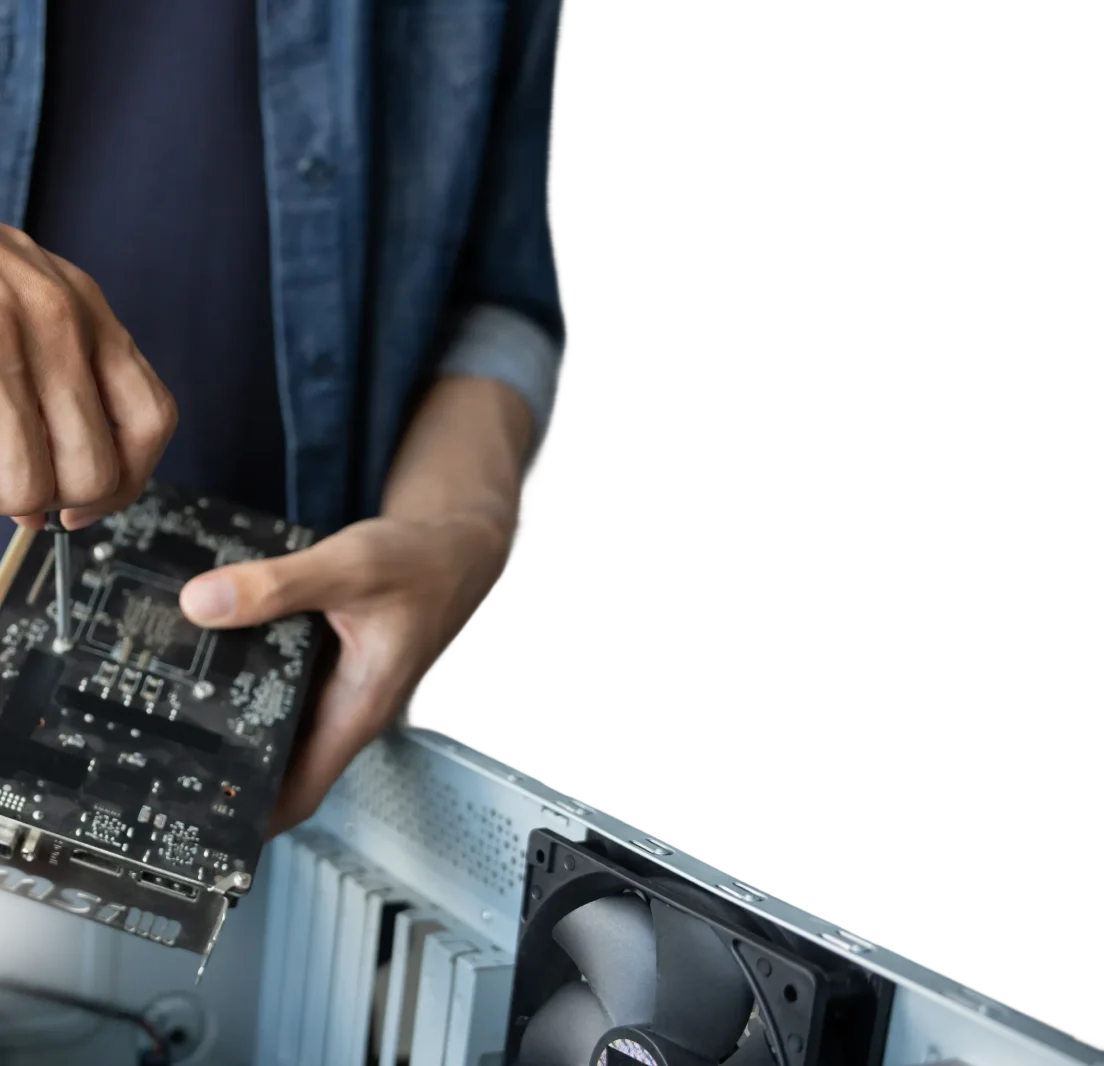
Dust around fans and vents can restrict airflow and contribute to overheating. Where your computer’s design allows suitable access, we can clean accessible areas and check for cooling problems.
Physical cleaning requires an onsite appointment and can’t be done through remote support. If a fan is worn or temperatures suggest a fault, we’ll discuss hardware repair options. A tune-up won’t make ageing hardware perform like a new machine, but it can help establish what needs attention.
Frequently Asked Questions
What does a computer tune-up involve?
We review the problems you’ve noticed, startup apps, unwanted programs, available storage and relevant updates. Physical cleaning is considered separately based on access and need. After changes, we check performance and explain any remaining issues or recommended upgrades.