Opening Hours



BigPond email isn’t closing, despite the rumours. But Telstra does suspend accounts that go unused, and leaving Telstra comes with conditions. Here’s how to keep yours.
By MCG Team | 5 minute read | Lead image: Priscilla Du Preez / Unsplash
Key points
- BigPond email is not closing. Telstra continues to support existing accounts.
- Telstra can suspend an account that hasn’t been used for 180 days.
- Suspended accounts can be reactivated if they haven’t been off for more than six months.
- You can keep your BigPond address after leaving Telstra, but the 180-day rule still applies.
Every few months, a rumour does the rounds that Telstra is shutting down BigPond email. It isn’t. As IT consultant Ian Piggott explained in August 2026, Telstra says existing BigPond and Telstra Mail accounts continue to be supported.
The rumour isn’t surprising. Other providers really have handed their email to a third party: TPG in 2023, and the Vocus brands, including iPrimus and Dodo, in 2026. Telstra hasn’t.
What Telstra’s rules actually say
Telstra’s own support page sets out when an account can be suspended: suspicious activity, inactivity, or ending your Telstra service.
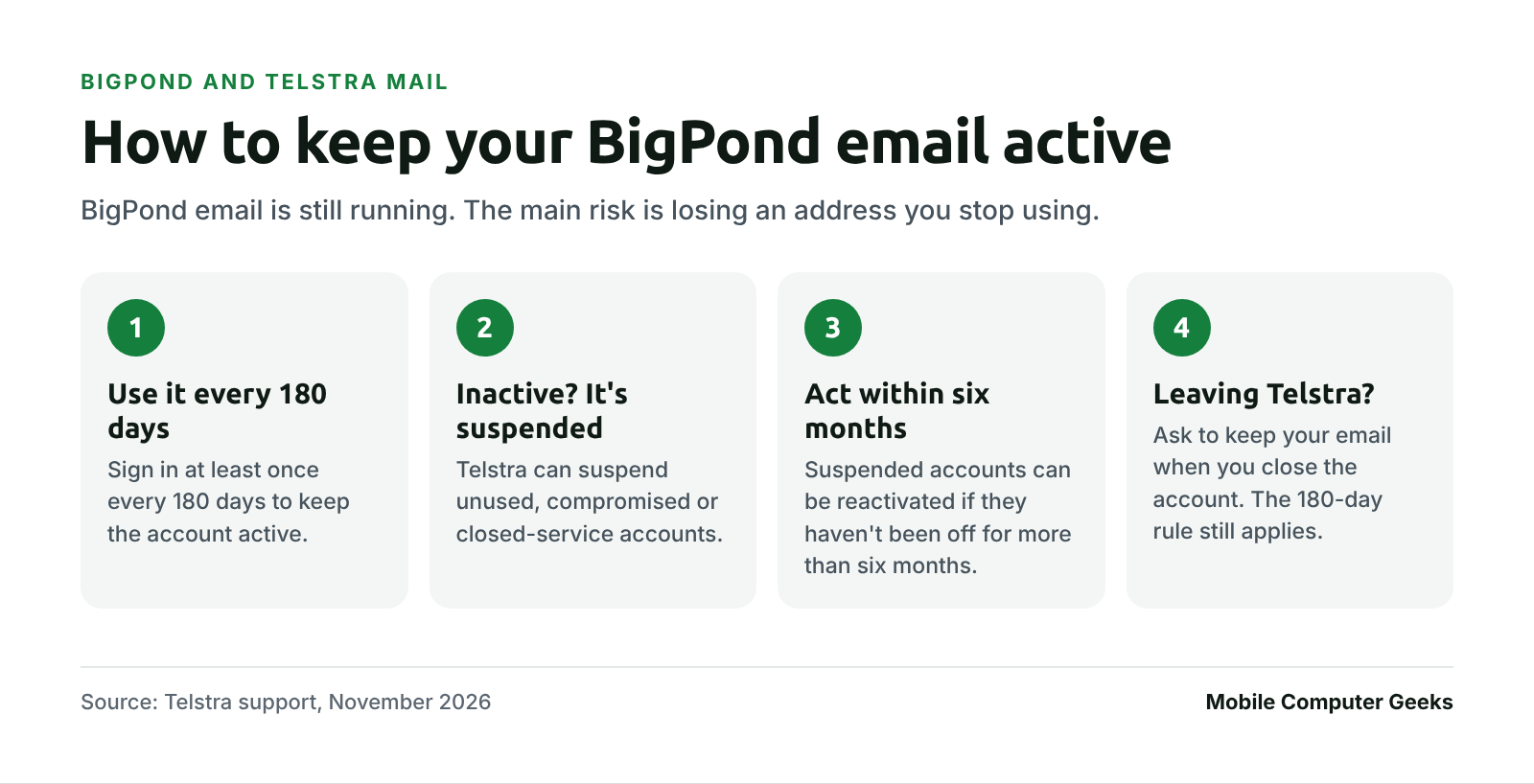
- You need to use your email at least once every 180 days to keep it active.
- A suspended account can be reactivated, provided it hasn’t been deactivated for more than six months.
- To reactivate, sign in to webmail or chat with Telstra. Telstra says it takes about 30 minutes.
Leaving Telstra? You can keep your address
Telstra lets you keep your email when you close your Telstra account. You need to tell Telstra you want to keep it at the time. The 180-day rule still applies, so sign in regularly. If it does get suspended, you’ll need to chat with Telstra to restore it.
No new BigPond addresses
New BigPond addresses can no longer be created, Your Time Magazine reported. If you have one, it’s worth looking after.
Should you move off BigPond?
There’s no deadline forcing you to. But an address tied to your internet provider makes switching providers harder, and losing it after 180 days of inactivity is easy if it’s a second account you rarely check.
If BigPond is your main address and it works, keeping it is fine. If you’re setting up something new, a free Outlook.com or Gmail address, or your own domain for a business, is more future-proof.
If you decide to move, do it in this order:
- Set up the new address first, so nothing gets lost in between.
- Copy your old emails, contacts and calendar across.
- Update the logins that use your old address, starting with your bank, myGov, the ATO, utilities and health providers.
- Tell family and friends, and set an automatic reply on the old address pointing to the new one.
- Keep the old account active for a few months to catch anything you missed.
How Mobile Computer Geeks can help
Our Geeks sort out email problems every week, onsite or remotely, across Brisbane, Logan, Ipswich, Moreton Bay and Redland Bay. We can get your email working again on your computer and phone, clear space in a full mailbox, or move everything to a new address without losing a message. One-hour tech support is $160 including GST, then $40 per 15 minutes, with no call-out fee.
Call 07 3063 7616 or book online. You can also read more about our email help service.
Frequently asked questions
Is BigPond email closing?
No. Telstra continues to support existing BigPond and Telstra Mail accounts.
How long before an unused BigPond account is suspended?
Telstra says you need to use your email at least once every 180 days to keep it active.
Can I keep my BigPond email if I leave Telstra?
Yes. Tell Telstra you want to keep your email when you close your account, and keep using it at least every 180 days.
Can I create a new BigPond email address?
No. New BigPond addresses are no longer available.
Sources
- Telstra: Why is my Telstra Mail suspended?
- Ian Piggott: Is Telstra shutting down @bigpond.com email? (August 2026)
- Your Time Magazine: Change is coming: it’s in the mail (October 2023)