Opening Hours

The power is back but your computer or internet isn’t. Here’s what to do after the storm
Tens of thousands of south-east Queensland homes lost power this week. When it returns, not every computer, modem and TV comes back with it. A calm guide to what to check, what to leave alone and who pays for the damage.
By MCG Team | 12 November 2026 | 8 minute read
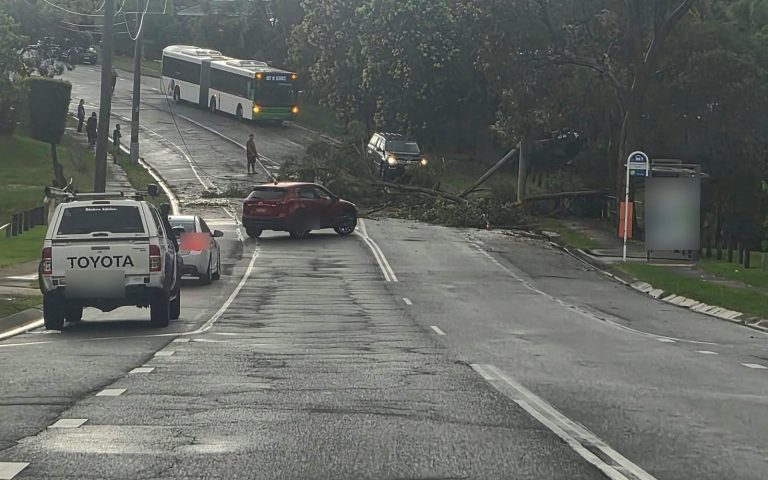
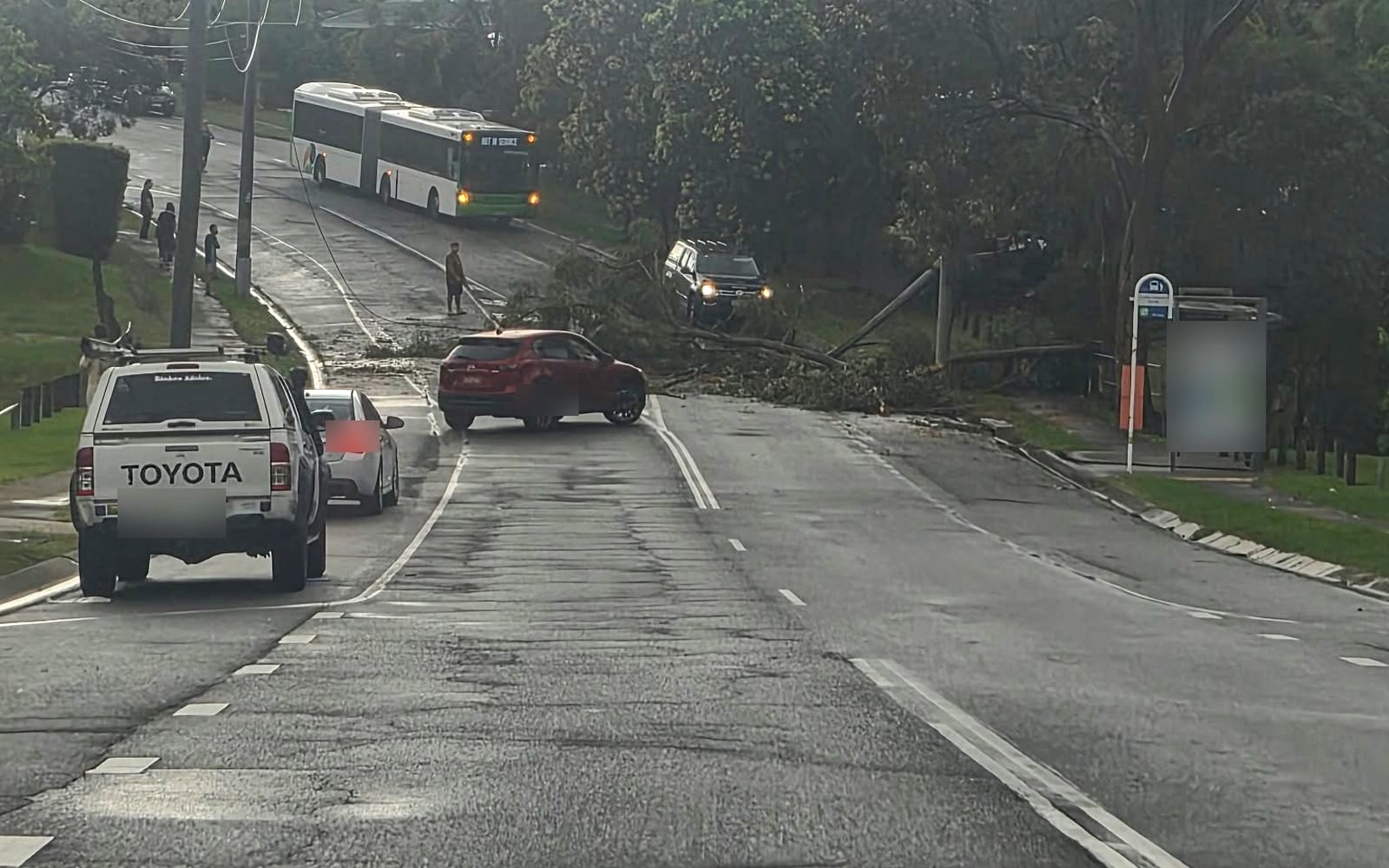
Lead photo: a tree and powerlines across a suburban road after Wednesday’s storm. Mobile Computer Geeks
The short version
- Stay at least 10 metres from fallen powerlines and report them on 000 or 13 19 62.
- Unplug computers, modems and TVs before the power comes back, then plug them in one at a time.
- No internet does not always mean a broken modem. Parts of the NBN in your street need mains power too.
- If a device is dead, stop after the basic checks below. Repeated attempts can make data recovery harder.
- Energex does not pay for storm or lightning damage. Your home and contents insurer might, and will usually want a written report from a repairer.
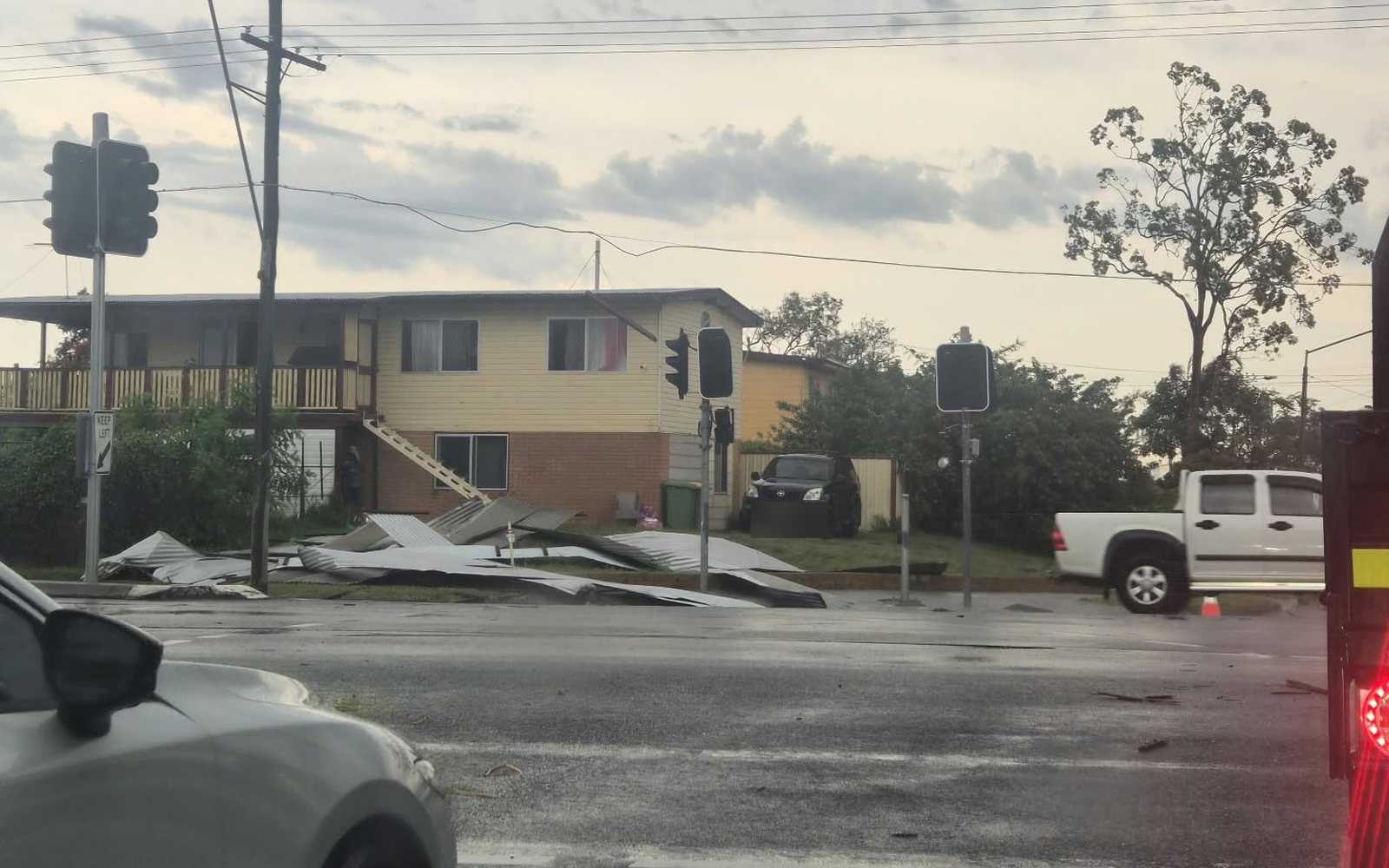
The storms that tore through south-east Queensland on Wednesday afternoon left more than 80,000 homes without electricity, the ABC reported. Logan took the worst of it, with more than 43,000 properties blacked out and a substation at Jimboomba damaged. The Scenic Rim, Moreton Bay and Gympie regions lost power as well.
By Thursday morning about 50,000 properties were still waiting, most of them in Logan, and the Bureau of Meteorology was warning that more severe storms were possible from the Gold Coast to Brisbane. Telstra confirmed mobile outages in Logan suburbs including Marsden, Crestmead and Waterford West.
“This is not going to be a quick fix.”
Energex, on restoring power to Logan, quoted by the ABC on 12 November
For most households the lights will come back and life will carry on. For some, the return of power is when the trouble starts: a desktop that stays dark, a modem with no lights, a laptop that boots to an error screen. Our technicians see the same pattern after every big storm, so this is the advice we give on the phone, written down.
First, the things that can hurt you
Nothing in this guide is worth a risk to your safety. Deal with these before you think about the Wi-Fi.
Fallen powerlines and wet electrics
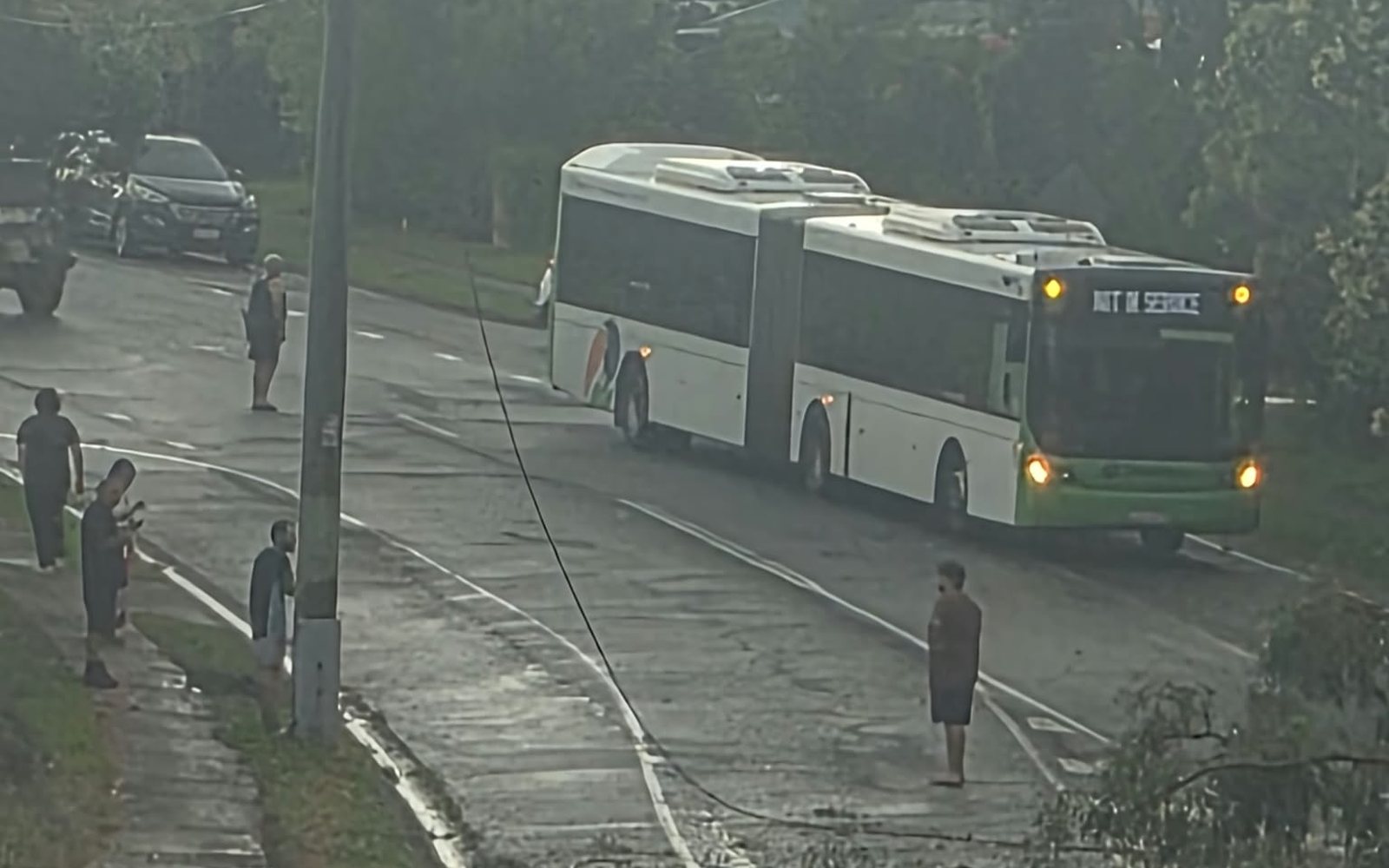
Energex says to stay at least 10 metres away from fallen powerlines and anything touching them, and to treat every line as live. Lines can be hidden in branches and debris.
If water has been through your home, or an appliance has been wet, Energex’s advice is to have a licensed electrical contractor check it before you use it. Its rule of thumb for water-affected appliances: “If in doubt, throw them out.”
Before the power comes back
If you are reading this on your phone in a dark house, you have a useful job to do right now. When electricity is restored to a damaged network it does not always arrive cleanly. Voltage can dip, spike or flicker on and off several times as crews switch sections of the network back in. Sensitive electronics cope with that far worse than a kettle does.
- Unplug the expensive and the fragileComputers, monitors, modems, the NBN box, TVs, game consoles and printers. Switching off at the wall is good. Pulling the plug is better.
- Leave one light switched onIt tells you when the power is back without anything valuable being connected.
- Wait for it to settleOnce the power has been steady for ten minutes or so, plug things back in one at a time, starting with the modem and NBN box.
- Charge phones and power banks firstIf more storms are forecast, a charged phone is your internet connection, your torch and your way of calling for help.
If your computer won’t turn on
A computer that was running when the power cut out has had the equivalent of a hard fall. Most get up again. Work through these checks in order, and stop at the first one that brings it back.
- Rule out the wall and the power boardPlug a lamp or phone charger into the same socket. Many power boards have a small reset button that trips in a surge. Press it, or bypass the board and plug straight into the wall for the test.
- Desktop: check the switch on the backThe power supply has its own rocker switch near the power cord. Make sure it is on. Then unplug the cord, hold the front power button for 30 seconds, plug back in and try again. This drains leftover charge and clears a surprising number of dead PCs.
- Laptop: do the same without the chargerUnplug the charger, hold the power button down for 30 seconds, reconnect and try again. Look at the charger itself too. If its light is off or it feels unusually hot, the charger may have taken the hit and saved the laptop.
- Check it is the computer and not the screenFans spinning and lights on, but a black monitor, points to the screen, its cable or its power pack.
- Notice anything that smells or sounds wrongA burnt smell, a pop when you plug it in, or a repeated clicking from inside means stop. Unplug it and leave it for a technician.
It turns on, but something is not right
Losing power in the middle of saving a file or installing an update can leave Windows or macOS with a damaged file system. You might see “Preparing automatic repair”, a disk check that runs before the desktop appears, or a machine that is suddenly very slow.
Let the first repair attempt finish, even if it takes an hour. If the computer loops back to the same screen two or three times, stop restarting it. Each forced restart is another hard knock for a drive that may already be struggling, and your photos and documents are worth more than the machine. This is the point where a technician can copy your data to safety before attempting a repair.
If the internet won’t come back
This is the question we are asked most after a storm, and the answer is often not inside your house. The NBN is not one network but several, and they behave differently in a blackout. NBN Co’s own guidance is blunt: on most connection types, getting power back at your place does not help if the network equipment in your street is still without it.
| Your connection | What needs power | What that means after a storm |
|---|---|---|
| Fibre to the premises (FTTP) | The NBN connection box inside your home | Usually back soon after your power is. The most resilient type. |
| Fibre to the node or building (FTTN, FTTB) | Your modem, plus a powered cabinet in the street or building | Your internet can stay down after your lights are on if the cabinet’s area is still blacked out. |
| Fibre to the curb (FTTC) | The small NBN box in your home, which also powers equipment in the pit outside | Works once your power does, but that small box is a common casualty of lightning. |
| Cable (HFC) | The NBN box in your home, plus powered equipment along the street | Same as fibre to the node. Street power matters. |
| Fixed wireless | Your equipment, plus the tower | Down until the tower has power. |
Not sure which type you have? It is printed on your provider’s bill or app, and NBN Co’s address checker will tell you.
A sensible order of attack
- Check for a known outageUse your phone’s mobile data to look at your internet provider’s outage page and NBN Co’s network status page. If there is an outage listed for your address, nothing you do at home will fix it.
- Restart in the right orderTurn off the modem or router and the NBN box. Wait a full minute. Turn the NBN box on first and give it a few minutes to settle, then turn on the modem or router.
- Read the lightsNo lights at all means the device or its power pack is dead. Power packs fail far more often than the modem itself and are cheap to replace. A power light with no internet or “online” light after ten minutes points back to the network or to the line.
- Test with a cableIf Wi-Fi is missing but a laptop plugged into the modem with a network cable works, the modem’s wireless side has failed.
- Hold off on the factory resetThe reset pinhole wipes the settings your provider needs. It rarely fixes storm damage and often turns a small problem into a long phone call.
If the NBN box itself is dead, it belongs to NBN Co. Your internet provider arranges the replacement, so the fault has to be lodged with them. Your own modem or router, mesh units and anything plugged into them are yours to repair or replace.
The damage that shows up later
Lightning does not need to hit your house. A strike nearby can travel along phone lines, TV antenna cables and network cables as well as the power lines, which is why a computer on a good surge board can still lose its network port. Watch for these over the next week or two:
- A computer that works but has no wired internet, or a smart TV that has lost one HDMI socket.
- A printer, security camera or Wi-Fi extender that has gone offline and will not rejoin.
- A desktop that now shuts down under load, or a power pack that has started to buzz.
- An external hard drive that is no longer recognised. Do not keep plugging it in and out.
Note the date you first saw each problem. It matters for the next section.
Who pays for storm damage to your tech
Many people assume the electricity distributor covers equipment damaged in a blackout. For storms, it does not. Energex’s loss or damage claims page lists “natural disasters, storms or lightning related damage” among the things it will not pay for, and tells customers to go to their insurer first.
What Energex will do
Consider claims where its own actions or failures caused the damage. Storm and lightning damage is excluded.
It can supply an insurance letter confirming the nature and cause of the outage, which some insurers ask for.
What your insurer may do
Home and contents policies often cover electronics damaged by storm, lightning or power surge. Cover and excesses vary, so check your policy or call your insurer before you spend money.
Most will want evidence that the item is damaged, what caused it and what it costs to repair or replace.
That evidence is usually a written report from a qualified repairer. To give a claim its best chance:
- Keep the damaged equipment. Do not throw it out or take it to the tip until the claim is settled.
- Take photos of the item, its model and serial number label, and any visible damage.
- Write down when the power went out, when it returned and when you noticed the fault.
- Find the receipt or a bank record of the purchase if you can.
We prepare insurance reports for computers, laptops and other devices for a fixed price of $199. A technician tests the equipment, records what failed and why, and sets out whether it can be repaired or needs replacing, in the form insurers ask for.
Before the next one
Storm season in south-east Queensland runs through summer, and the Bureau has more on the way. An hour of preparation now is cheaper than any repair.
- Back up this week. One copy on an external drive that you unplug afterwards, and one in a cloud service. A backup drive left plugged in during a storm is not a backup.
- Use surge-protected power boards for computers, TVs and the modem, and replace old ones. They absorb everyday spikes but wear out, and none will stop a direct lightning strike.
- Unplug when a severe storm warning is issued. Power, and the antenna and network cables too. It costs nothing and is the only complete protection.
- Consider a small battery backup (UPS) for a home office. It gives a desktop time to shut down properly and smooths out flickering power. It will not keep the internet up if the street equipment has lost power.
- Keep a charged power bank and know how to turn on your phone’s hotspot.
When to call for help
If the basic checks have not worked, or the data on the machine matters to you, that is the time to stop and hand it over. Most storm faults we see are a failed power supply, charger or modem power pack, and are fixed in a single visit. The rest are worth diagnosing properly before anyone decides between repair, replacement and an insurance claim.
And if your power is still out as you read this: unplug what you can, keep your phone charged, and stay well clear of anything on the ground that looks like a cable.
Need a hand after the storm?
Our technicians come to homes and businesses across Brisbane, Logan, Ipswich, Moreton Bay and the Redlands, six days a week, or can help remotely. $160 for the first hour including GST, then $40 per 15 minutes. No call-out fee, and no solution, no fee.
Sources and further reading
- ABC News: More than 80,000 homes without power as storms leave trail of destruction, 11 November 2026
- ABC News: Further storms forecast for south-east Queensland as thousands remain without power, 12 November 2026
- Energex: Report fallen powerlines
- Energex: Keeping safe in severe weather
- Energex: Loss or damage claims
- NBN Co: What happens in a power blackout
This guide is general information. For anything involving mains wiring, switchboards or water-affected appliances, use a licensed electrical contractor.