Opening Hours



Starlink satellite internet has changed what is possible on rural and semi-rural properties around South East Queensland. For many homes in the suburbs, though, NBN is still the better choice. Here is how to decide, and how to set it up well.
6 minute read | Updated 7 November 2026 | Lead image: Galen Crout / Unsplash
In short
- Starlink suits properties with slow NBN fixed wireless or satellite, and some acreage blocks.
- In most suburbs with fibre or HFC NBN, NBN is usually more consistent and cheaper.
- The dish needs a clear view of the sky. Trees and roof lines cause dropouts.
- Treat the Starlink router like any other: strong Wi-Fi password, updates, and mesh for big homes.
When Starlink makes sense
Starlink works well on properties where the NBN option is slow fixed wireless or Sky Muster satellite, or where a business needs a backup connection that does not rely on the same cables as the NBN. Around Brisbane, that often means acreage in the Scenic Rim, the Lockyer, the hinterland or parts of Moreton Bay.
In suburbs with fibre or HFC NBN, a good NBN plan is usually more consistent, with lower latency and a lower monthly cost.
Getting the installation right
- Mount the dish where it has a clear view of the sky, away from trees and roof ridges
- Use the Starlink app’s obstruction check before drilling any holes
- Run the cable neatly and seal any wall penetrations
- Place the router centrally, or add mesh units for larger homes and sheds
Security basics
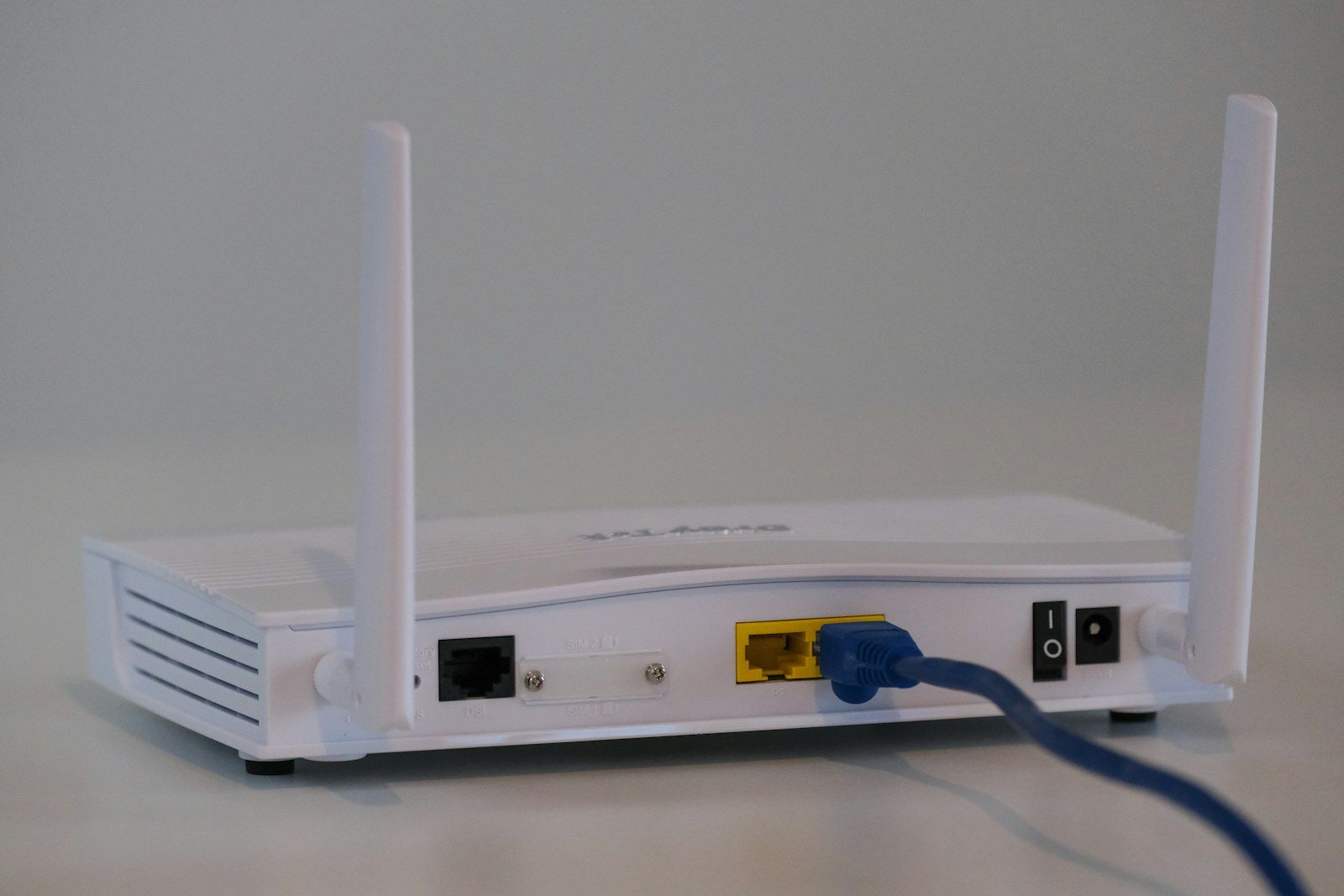
Change the default Wi-Fi name and password, keep the router’s firmware updated, and use a separate guest network for visitors and smart devices. Businesses using Starlink as a primary or backup link should have the network set up with proper firewall rules. Our network security service covers this.
Starlink as business backup
For businesses that cannot afford downtime, a second internet connection that fails over automatically is worth considering. Starlink, or a 4G or 5G modem, can sit alongside your NBN service and take over during an outage.
How Mobile Computer Geeks can help
We set up Starlink, NBN and backup connections, Wi-Fi and mesh networks for homes and businesses across Brisbane, Logan, Ipswich, Moreton Bay and the Redlands. See modem installation and networking and home and business internet.
Call 07 3063 7616 or book online. Bookings run Monday to Friday 9am to 9pm and Saturday 9am to 8pm, and our first hour is $160 inc GST with no call-out fee. See the full price list.
Frequently asked questions
Is Starlink faster than NBN?
It depends on your NBN technology. Fibre and HFC NBN are usually more consistent in the suburbs. Starlink is often much better than fixed wireless or satellite NBN.
Can Starlink be used as a backup for NBN?
Yes. With the right router setup, it can take over automatically during an NBN outage.