Opening Hours


An online tutorial makes most computer fixes look easy. In practice, a small mistake can wipe your files, void a warranty or turn a cheap repair into an expensive one.
6 minute read | Updated 7 November 2026 | Lead image: Samsung Memory / Unsplash
In short
- Most DIY repair damage happens to data, not hardware: one wrong click can overwrite the files you were trying to save.
- Opening a laptop or all-in-one PC can void its warranty and damage fragile ribbon cables and clips.
- A technician diagnoses the cause, not just the symptom, so the same fault does not come back next month.
- Our first hour is $160 inc GST, onsite or remote, with no call-out fee and no solution, no fee.
The real risk is your data
When a computer slows down, freezes or will not start, the instinct is to search for a quick fix and start clicking. The problem is that many of those fixes involve resetting Windows, reinstalling programs or running repair tools that write to the same drive your photos and documents live on.
If the drive is already failing, every extra write lowers the chance of getting files back. That is why our first step on any faulty computer is to protect the data, then work on the fault. If something has already gone wrong, our data recovery service is the place to start, and the sooner the better.
Modern hardware is less forgiving
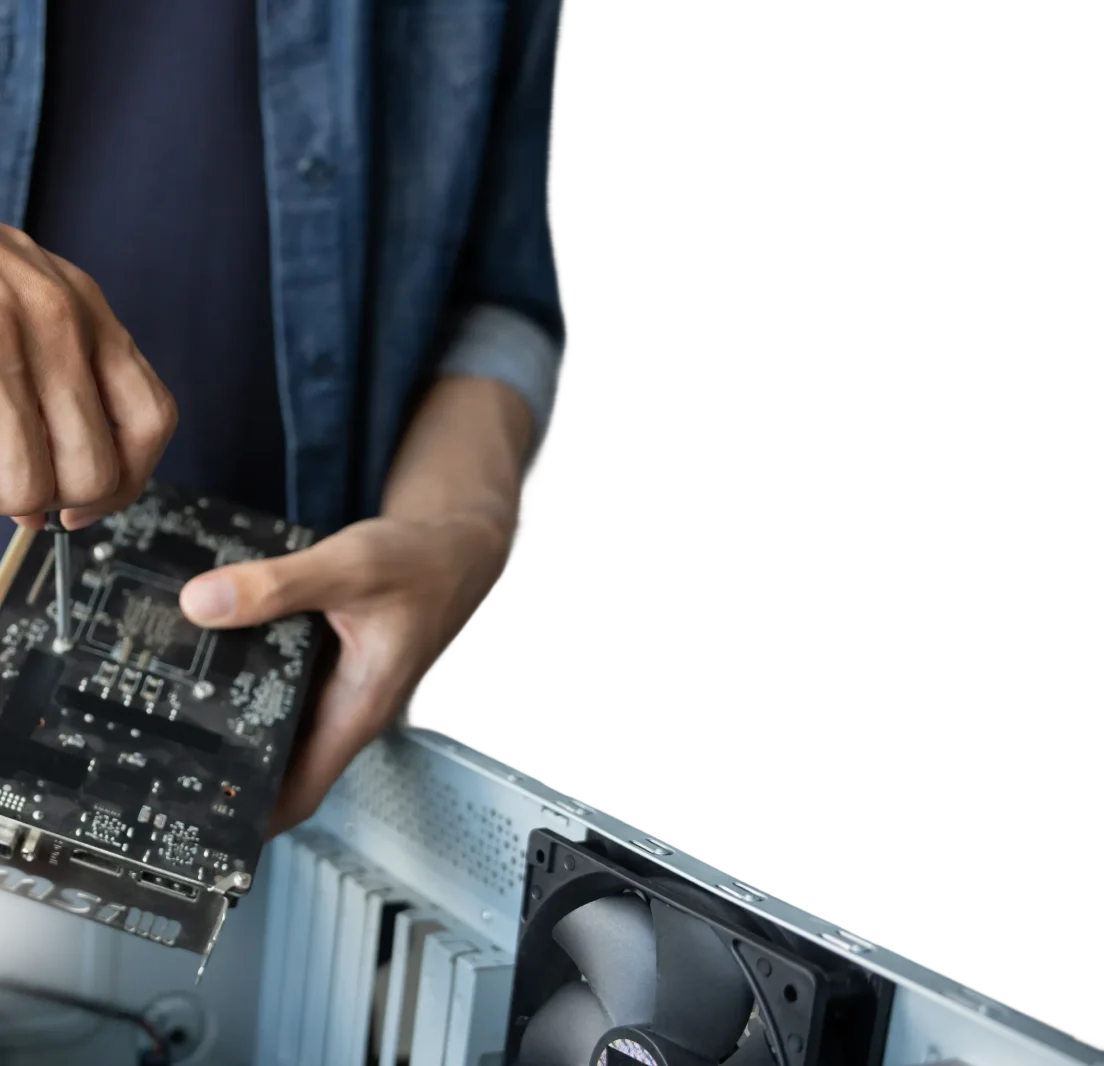
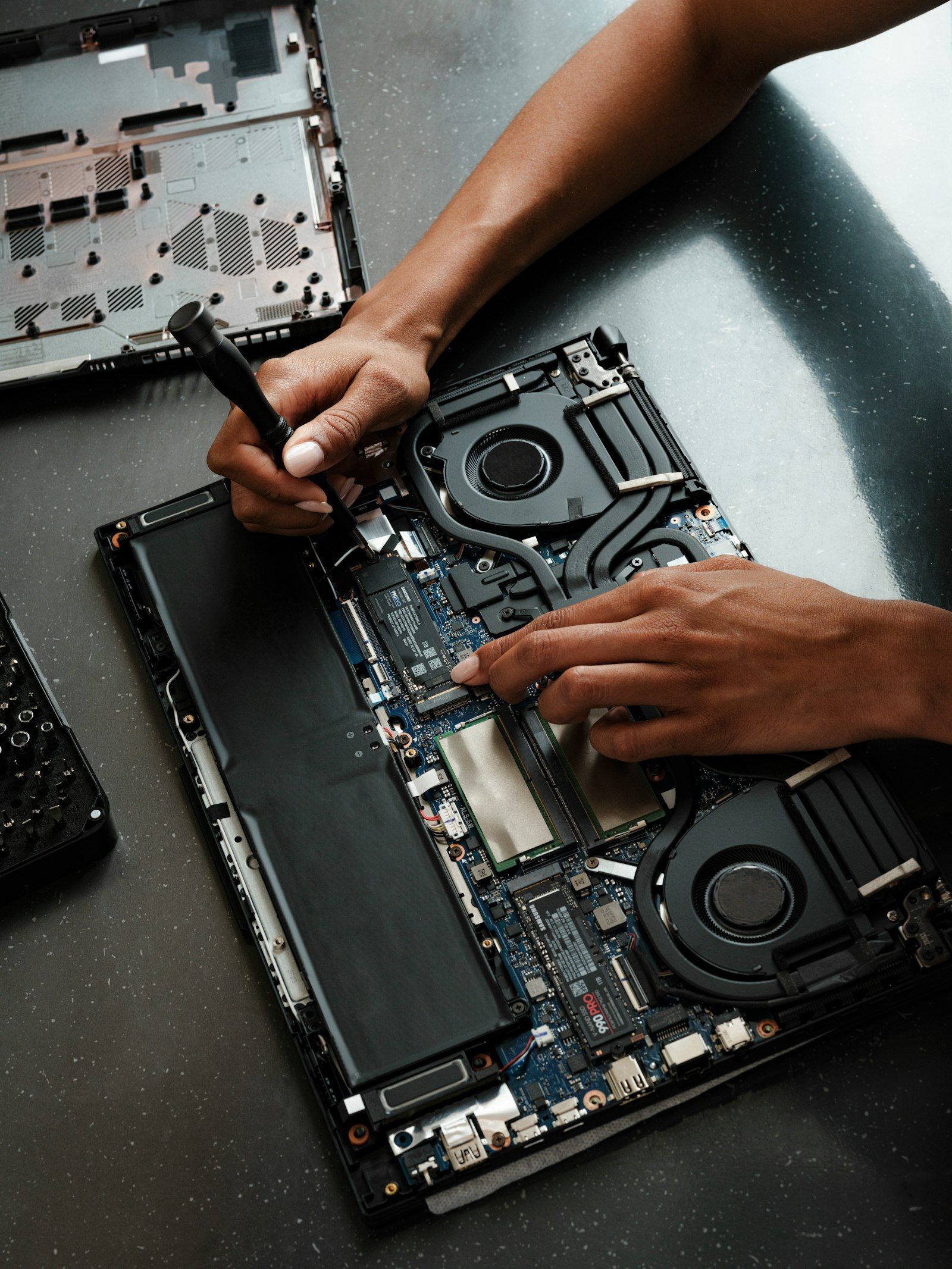
Laptops and all-in-one PCs are built thin and tight. Batteries are glued in, keyboards are riveted, and the cables that connect screens and trackpads are thinner than a fingernail and clip into connectors that break easily.
A cracked connector or a torn cable can turn a simple battery swap into a motherboard replacement. Opening a device can also void the manufacturer’s warranty, and some faults that look like hardware turn out to be software that never needed a screwdriver at all.
Symptoms are not causes
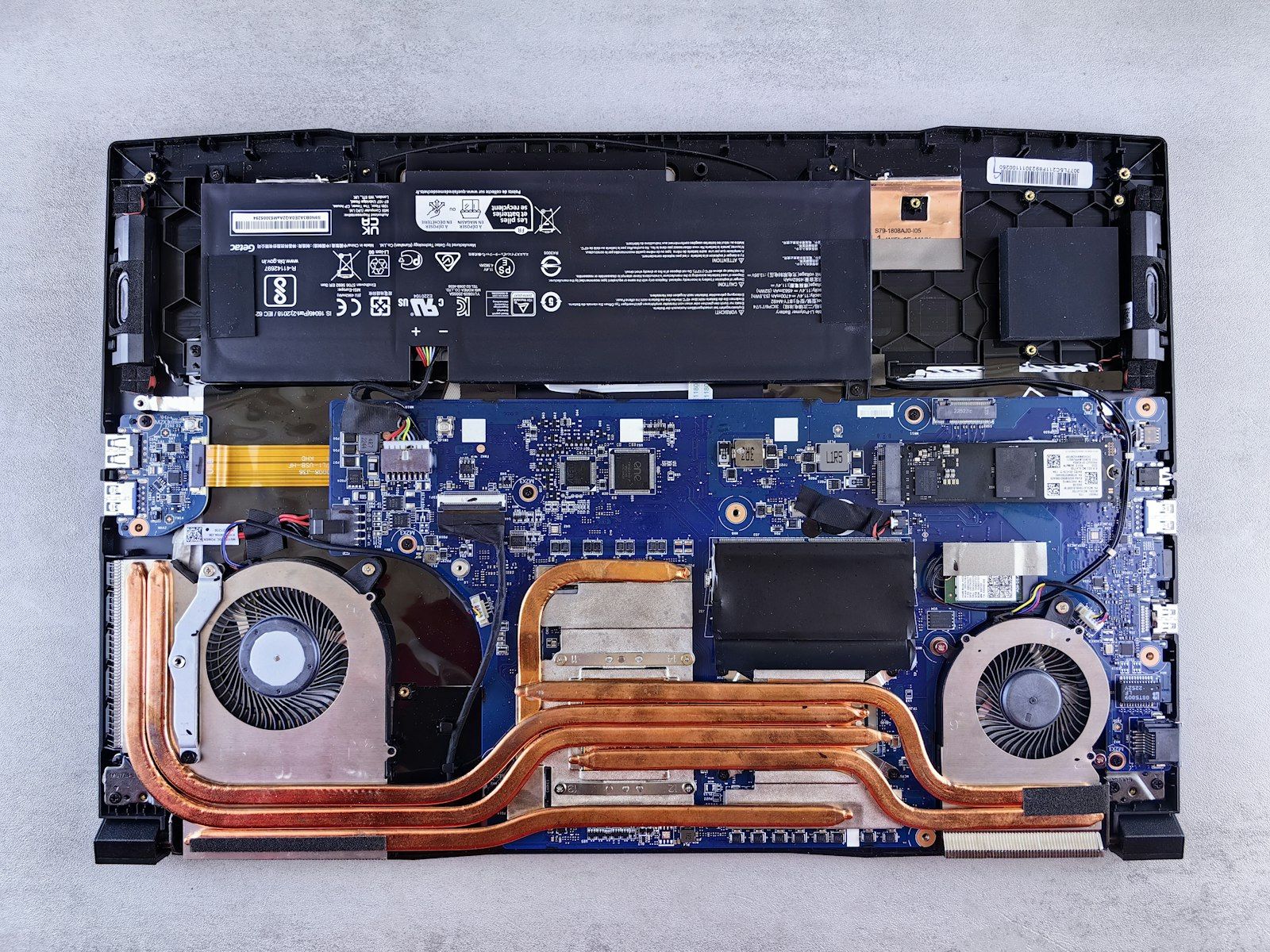
A slow computer might be a full drive, a failing drive, malware, too little memory or a dozen programs launching at startup. Each one needs a different fix. Guessing means you can spend an afternoon on the wrong problem.
A technician works through the likely causes in order, tests the hardware properly and fixes what is actually wrong. If your machine is simply tired, a PC clean and tune-up or a memory or SSD upgrade is often all it needs.
When DIY is fine
Plenty of jobs are safe to do yourself, and we are happy to say so:
- Restarting the computer and your modem before anything else
- Running Windows Update or macOS updates
- Uninstalling programs you no longer use
- Freeing up space by moving old photos and videos to an external drive or cloud storage
- Cleaning the outside of the keyboard and vents with compressed air
If those do not help, or the computer is making clicking noises, overheating or showing error screens, that is the moment to stop and call someone.
How Mobile Computer Geeks can help
Our technicians come to homes and businesses across Brisbane, Logan, Ipswich, Moreton Bay and the Redlands, or connect remotely for software problems. We look after computer repairs, laptop repairs, Mac repairs and virus removal, and explain what we did in plain English.
Every job is covered by our no solution, no fee policy, and there is no surcharge for same-day, evening or Saturday visits.
Call 07 3063 7616 or book online. Bookings run Monday to Friday 9am to 9pm and Saturday 9am to 8pm, and our first hour is $160 inc GST with no call-out fee. See the full price list.
Frequently asked questions
Is it worth repairing an old computer?
Often, yes. A solid-state drive and a tune-up can make a five-year-old computer feel new for far less than a replacement. If a repair is not worth it, we will tell you before you spend money.
Will I lose my files during a repair?
We protect your data first wherever possible. Repairs can carry some risk to data, so it is always wise to have a backup, and we can set one up for you.
How much does a computer repair cost in Brisbane?
Our first hour is $160 inc GST, onsite or remote, then $40 per 15 minutes. There is no call-out fee.