Opening Hours
How To Tell If Your Computer Needs Professional Repair
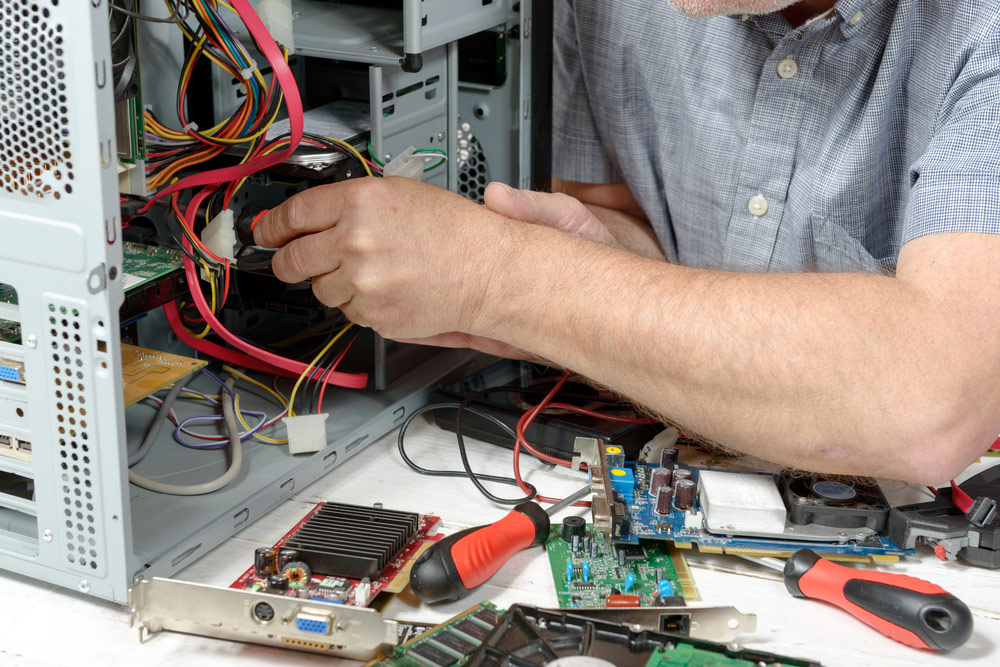
Is your computer running slower than usual or acting unpredictably? Whether you’re a home user trying to check emails or a small business owner relying on daily software, computer issues can be disruptive and frustrating. While some problems can be resolved with simple DIY fixes, others may point to deeper faults that need expert attention. In this blog, we’ll explore the signs that your device may need professional repair, when DIY fixes are no longer effective, and how local computer repair services in Brisbane can offer convenient support when you need help close to home. Common Signs Your Computer Needs Professional Help Many computer issues start small but worsen if left unresolved. Recognising the early warning signs can help prevent data loss, system failure, or extended downtime. If your computer takes too long to boot up, opens programs slowly, or regularly freezes, it could be dealing with hardware stress, outdated drivers, malware, or failing components. This is especially noticeable after software updates or installing new programs. Unexpected Crashes or Blue Screens Frequent system crashes or the dreaded “blue screen of death” (BSOD) are red flags. They may indicate driver conflicts, overheating, memory issues, or faulty hard drives that require a more technical fix than a reboot. Overheating & Loud Noises Excessive heat or unusual fan noises can signal blocked vents, failing cooling systems, or overworked components. If the computer is hot to the touch or shuts down unexpectedly, it’s time for a hardware inspection. Pop-Ups, Ads & Suspicious Behaviour Unexpected pop-ups, redirected browsers, or new toolbars you didn’t install often indicate malware or adware infections. These programs can compromise your personal data and may not be removed completely without professional support. Problems With Startup or Login If your device struggles to start, gets stuck in a boot loop, or rejects valid login credentials, it might be facing corrupted system files, software conflicts, or compromised security settings. Peripheral Devices Not Connecting If your printer, keyboard, mouse, or USB devices are suddenly unresponsive, the issue might not be the device itself—it could be a faulty port, outdated drivers, or deeper system errors requiring professional diagnosis. When to Stop DIY & Call a Technician Many Brisbane users attempt to fix issues themselves—running antivirus scans, clearing cache, or rebooting the device. While these are good first steps, certain warning signs suggest the problem is beyond basic troubleshooting. Recurring Issues After Fixes If the same issue keeps coming back—even after resets or updates—it’s likely there’s a root cause that needs expert analysis. Repeating the same fix without resolving the core issue can make problems worse over time. You’re Unsure What Caused the Problem If a fault occurs and you’re not sure what triggered it (no new software, no visible damage), it’s best to have the system professionally assessed to avoid overlooking underlying issues. Important Data or Work Is at Risk When business files, photos, or personal documents are at risk of being lost, it’s not worth taking chances with DIY solutions. A professional can recover data safely and restore the system with minimal risk. You’re Spending Too Much Time Troubleshooting If you’ve spent hours searching forums or trying different fixes with no success, it’s more practical to engage a technician. Time spent troubleshooting is time not spent being productive, especially for small business owners. Why Professional Repairs Are Worth It Bringing in a qualified technician helps protect your system from further damage and ensures issues are properly diagnosed and repaired. Here’s how professional support makes a difference: Choosing the Right Service for Computer Repairs in Brisbane If you’re searching for computer repairs near you, it’s helpful to choose a local service that is responsive and knowledgeable. Mobile support options can save time by bringing technical help directly to your home or office, so there’s no need to disconnect equipment or travel to a repair shop. Local Technicians Who Come to You On-site computer repair, setup, and support services are available across Brisbane and surrounding areas. These services are ideal for time-poor users and small businesses with limited IT resources, offering a convenient way to manage tech issues without needing to leave the premises. Help for All Computer Brands & Setups Whether you use Windows, Mac, or custom-built PCs, the team can assist with both common and complex problems—from viruses to hardware failures. Personalised Support Without Jargon Technicians take time to explain what’s going wrong and how it’s being fixed, so you’re not left confused or unsure about your system. Services Beyond Repairs In addition to fixing faults, a local technician can assist with system upgrades, device setup, network connections, and more, making them a one-stop solution for home users and business clients alike. Tips to Avoid Common Computer Problems While professional support is essential for many issues, taking proactive steps can help minimise the need for repairs. These small habits can extend the life of your device and reduce the likelihood of a major fault. Speak with Our Brisbane Technician About Your Computer Issue Computer issues can be frustrating, especially when they disrupt your work or daily life. While it’s tempting to troubleshoot everything yourself, there are times when a trained technician can save you time, stress, and further complications. If you’re noticing signs like slow performance, recurring crashes, or suspicious pop-ups, it may be time to seek help. At Mobile Computer Geeks Services, we offer reliable, local computer repairs in Brisbane to help home users and businesses get back on track quickly and professionally. Our mobile service means help comes to you, with no need to unplug your system or carry it to a repair centre. Need fast, friendly support from technicians who know Brisbane? Contact us today.