Opening Hours

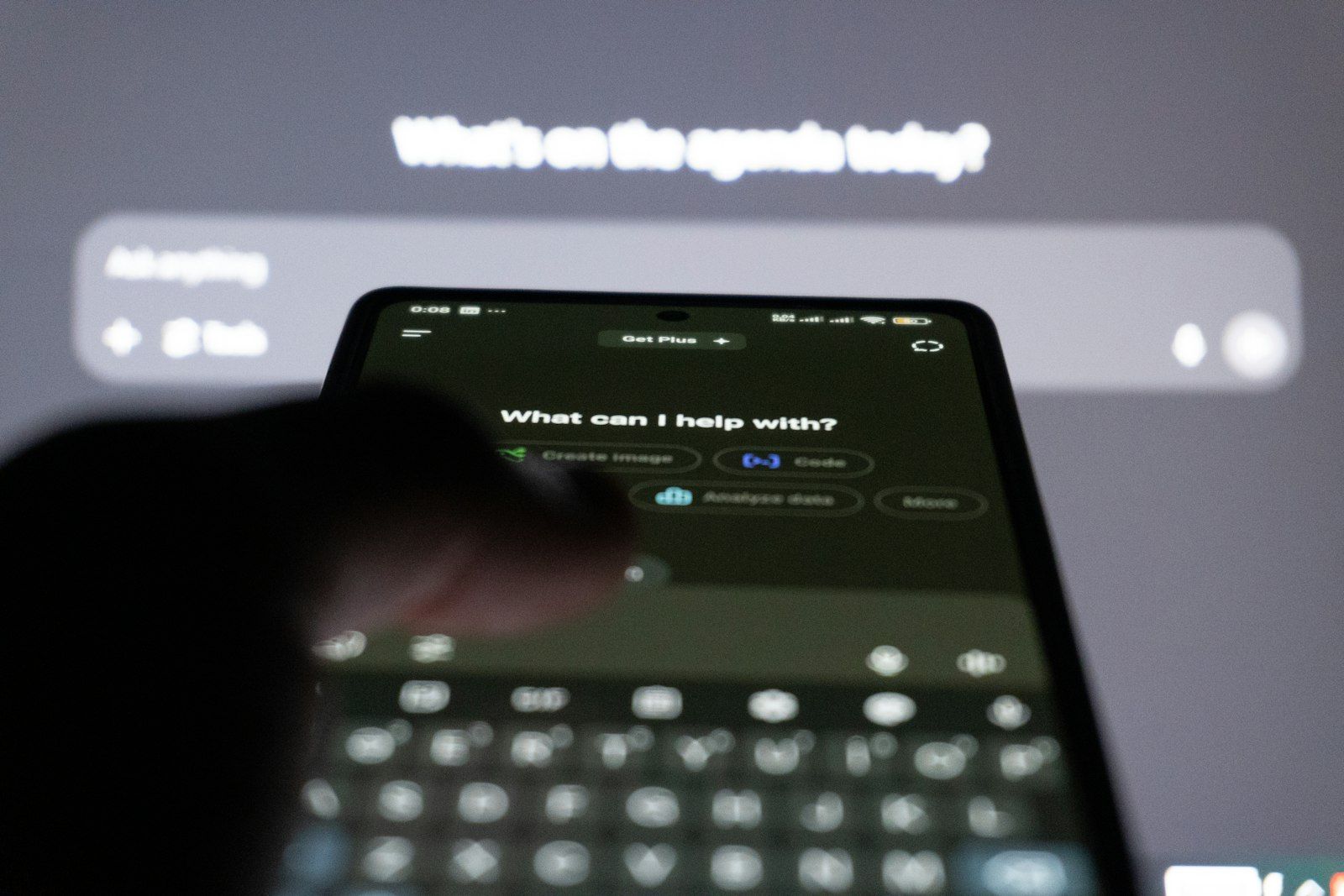
AI assistants such as ChatGPT, Microsoft Copilot and Google Gemini are now built into phones, browsers and Office apps. Used well, they save real time on everyday jobs. Used carelessly, they can share more than you intended.
By MCG Team | 6 minute read | Updated 7 November 2026 | Lead image: Zulfugar Karimov / Unsplash
In short
- AI assistants are good at drafting, summarising, explaining and brainstorming.
- They can sound confident and still be wrong, so check facts that matter.
- Do not paste passwords, bank details, medical records or client information into them.
- Microsoft 365 Copilot can work inside Word, Outlook and Excel for businesses.
What AI assistants are good at
- Drafting emails, letters and social posts in your own tone
- Summarising long documents, articles and email threads
- Explaining a confusing bill, contract clause or error message in plain English
- Planning trips, meals and events
- Brainstorming names, ideas and questions to ask a tradie or doctor
Think of them as a capable assistant who needs clear instructions and a final check.
Where they get it wrong
AI tools can invent details, mix up dates and sound sure of themselves when they are wrong. For anything important, such as health, legal, money or safety questions, use them as a starting point and confirm with a reliable source or a professional.

Keeping your information safe
- Do not share passwords, bank or card details, or tax file numbers
- Avoid pasting client or patient information, or confidential business documents, into free tools
- Check the privacy settings, including whether your chats are used to train the model
- Use the version your workplace provides if your employer has one
Tip: Scammers use AI too. Messages and even voices can be more convincing than before, so verify unexpected requests for money.
AI for small businesses
Microsoft 365 Copilot works inside Word, Outlook, Teams and Excel, using your business files with the security settings you already have. Set up properly, it can draft proposals, summarise meetings and tidy spreadsheets. Our managed IT team can advise on licensing and the security settings to check first.
How Mobile Computer Geeks can help
We run one-on-one tech lessons at home to help you get started with AI tools safely, and set up Microsoft 365 and Copilot for businesses through our managed IT services. We cover Brisbane, Logan, Ipswich, Moreton Bay and the Redlands.
Call 07 3063 7616 or book online. Bookings run Monday to Friday 9am to 9pm and Saturday 9am to 8pm, and our first hour is $160 inc GST with no call-out fee. See the full price list.
Frequently asked questions
Are AI assistants free?
Most have a free version with limits and a paid plan with more features.
Is it safe to use AI for work?
Yes, with care. Avoid pasting confidential information into free tools, and use the business versions your organisation provides.
Related articles
- Managing Your Privacy Settings Online: A Practical Guide
- Protecting Your Digital Footprint: Simple Steps to Better Online Security
- Australia's New Rules for Big Tech: What They Mean for You