Opening Hours


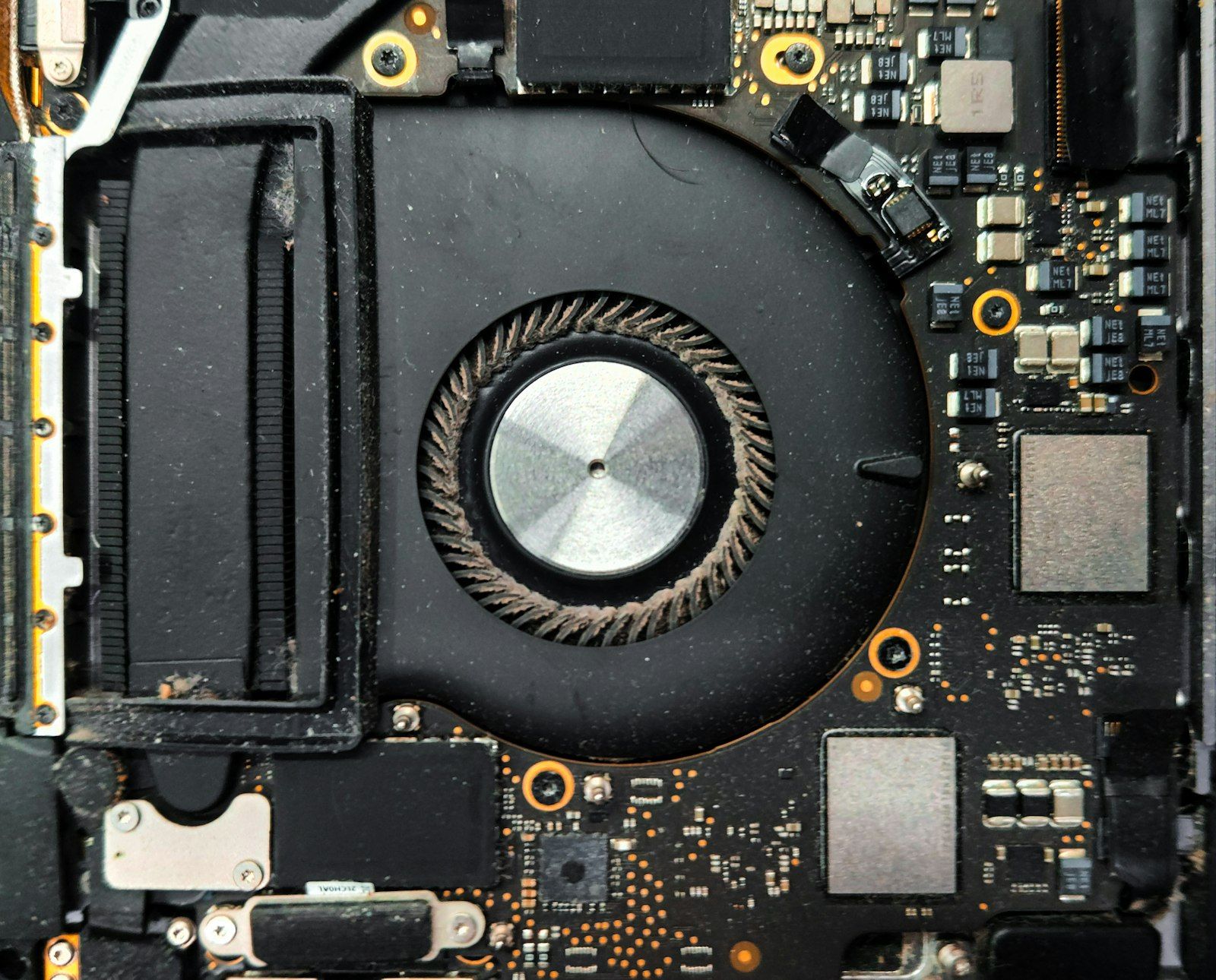
Computers rarely fail out of nowhere. Dust, full drives, missed updates and ageing parts build up slowly, and regular maintenance catches them before they become a bad day.
5 minute read | Updated 7 November 2026 | Lead image: Zoshua Colah / Unsplash
In short
- Monthly: install updates, restart properly and check your backup ran.
- Every few months: clear out old files and startup programs.
- Every year or two: have the inside cleaned and the drive and battery health checked.
- For businesses, managed IT handles this automatically across every device.
What maintenance actually involves
Good maintenance is mostly simple habits, done regularly:
- Installing Windows, macOS and app updates
- Restarting fully at least once a week, rather than only closing the lid
- Checking that your backup is working and that you can restore a file
- Removing programs you do not use
- Keeping security software up to date
None of this takes long, and it prevents most of the slowdowns and security problems we see.
The jobs worth handing over
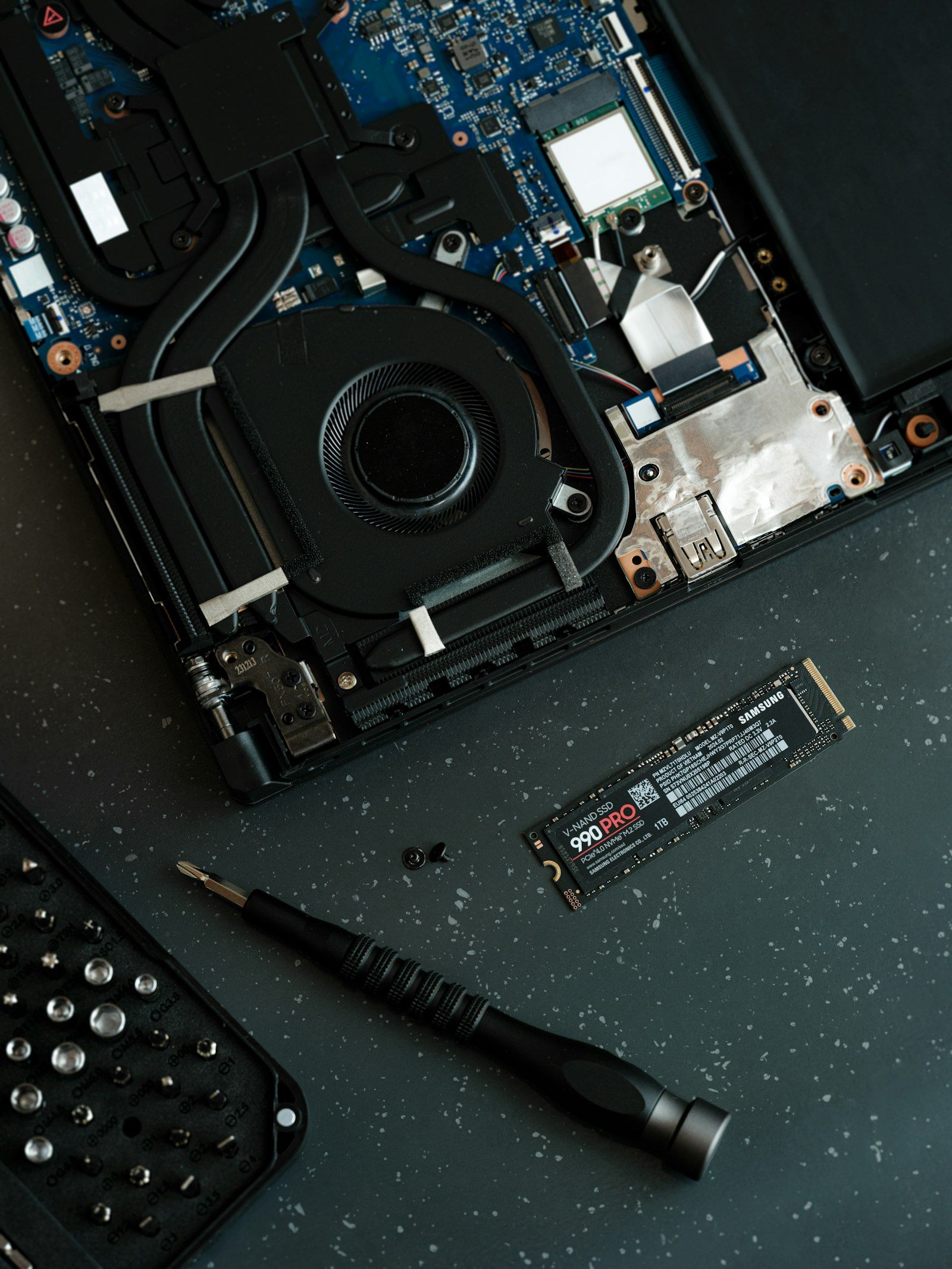
Some maintenance is best done by a technician: cleaning dust from inside the case, checking drive and battery health, replacing thermal paste on older machines, and tidying up years of leftover software. We do all of this in a PC clean and tune-up.
Why it saves money
A failing drive caught early is a quick swap and a file copy. Caught late, it can mean data recovery and a rebuild. An overheating laptop cleaned in time keeps its battery and processor healthy. Small, regular jobs cost far less than emergency repairs.
Maintenance for businesses
In an office, a missed update or failed backup on one computer can affect everyone. Our managed IT plans include remote monitoring, so updates, security and backups are checked across every device without your staff having to think about it.
How Mobile Computer Geeks can help
We look after maintenance for homes and businesses across Brisbane, Logan, Ipswich, Moreton Bay and the Redlands, onsite or remotely. For homes, book a clean and tune-up. For businesses, ask about managed IT services.
Call 07 3063 7616 or book online. Bookings run Monday to Friday 9am to 9pm and Saturday 9am to 8pm, and our first hour is $160 inc GST with no call-out fee. See the full price list.
Frequently asked questions
How often should I have my computer serviced?
Every one to two years for most home computers, or sooner if it is running hot, noisy or slow.
Can maintenance be done remotely?
Software checks, updates and clean-ups can. Cleaning dust from inside the case needs an onsite visit.