Opening Hours
How to Extend the Life of Your Laptop with Routine Maintenance
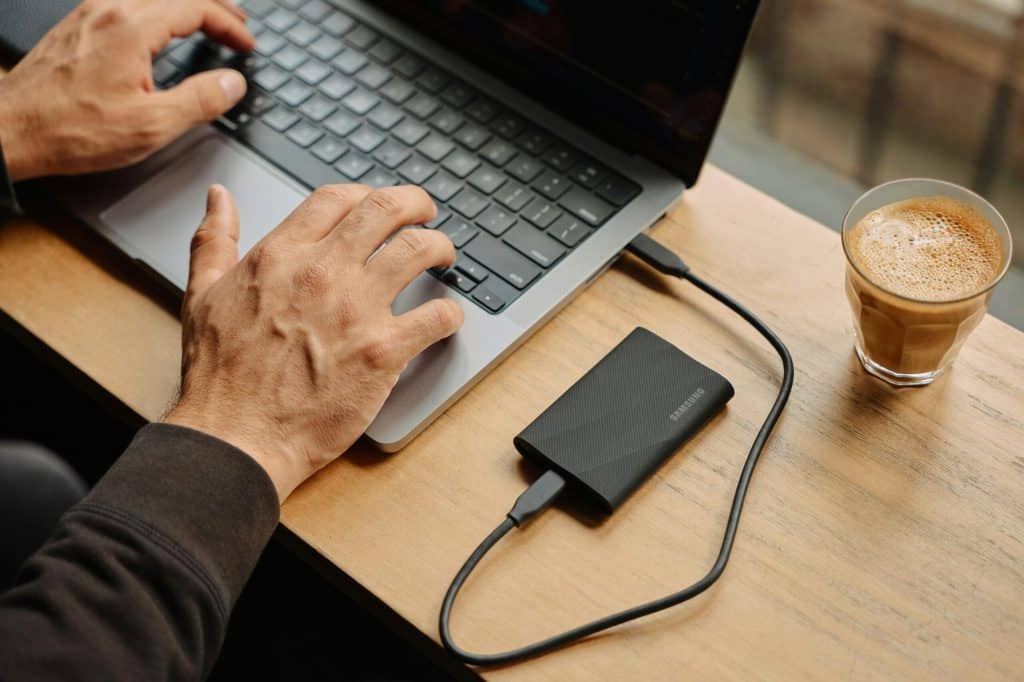
Have you noticed your laptop slowing down, heating up more often, or struggling with simple tasks? These signs often point to missed maintenance rather than a need for immediate replacement. For Brisbane-based users who rely on their laptops daily—whether you’re a student, remote worker, or small business owner—routine care can significantly extend your device’s lifespan. In this blog, we’ll explore practical ways to maintain your laptop, prevent common issues, and save on repair costs in the long term. We’ll also look at why working with a local provider for laptop repairs in Brisbane can help you get the most from your device. Why Routine Laptop Maintenance Matters Just like any piece of technology, laptops need periodic attention to stay functional. Over time, dust builds up in vents, software accumulates unnecessary files, and batteries begin to degrade. Ignoring these issues often leads to poor performance or costly repairs. Routine maintenance is about prevention—keeping your laptop in a condition where major faults are less likely to occur. With regular upkeep, you may be able to avoid unexpected breakdowns, maintain speed and efficiency, and even improve battery performance. Keep Your Laptop Physically Clean Physical cleanliness has a direct impact on your laptop’s performance and longevity. Dust can block ventilation, leading to overheating, while crumbs or spills may damage internal components. Update Software Regularly Staying up to date with software may not seem critical, but outdated operating systems and programs can expose your laptop to security vulnerabilities and bugs. Uninstall Unused Programs & Manage Startup Items Over time, your laptop can become cluttered with applications you no longer use. These apps not only take up space but can also slow down performance. Perform Regular Malware Scans Even with trusted browsing habits, malware can sneak into your system via emails, downloads, or insecure websites. Over time, this can damage files, slow performance, or compromise your data. Monitor Battery Health & Charging Habits Laptop batteries degrade over time, but careful charging can help slow this process. Many users unknowingly shorten their battery’s life by overcharging or letting it drain completely. Protect Against Overheating Heat is one of the most common factors in long-term hardware damage. Laptops with blocked vents or faulty fans are particularly at risk. Back Up Your Data Regularly No amount of maintenance can fully protect you from hardware failure. Backups help you avoid losing important files during an unexpected breakdown or repair. Be Mindful of Physical Handling Laptops are portable but also vulnerable to damage from drops, knocks, or even rough plugging and unplugging. Clear Temporary Files & Run Disk Cleanups Temporary files, cache data, and unused system files can eat up valuable space and reduce speed. Schedule Annual Professional Servicing Even with good personal maintenance, your laptop benefits from a yearly professional check-up. Local providers offering laptop repairs in Brisbane can help detect problems before they escalate. Why Choose a Local Provider for Laptop Repairs in Brisbane? Brisbane-based laptop users benefit from fast, accessible support when working with a local service provider. Unlike big-box chains or online-only repair options, local technicians often offer: If you’re searching “laptop repairs near me” and want reliable, ongoing support, a trusted local service provider may offer the best value for your long-term needs. Book Your Laptop Maintenance with Our Local Brisbane Technician Routine laptop maintenance doesn’t require technical knowledge—just a consistent habit of keeping your device clean, updated, and monitored. From backing up files and cleaning vents to updating software and managing your battery, these steps can help extend your laptop’s life and reduce your need for repairs. At Mobile Computer Geeks Services, we support Brisbane laptop users with clear advice, professional servicing, and reliable repair solutions. Whether you’re dealing with performance issues, looking for a maintenance plan, or in need of quick diagnostics, our team is here to help. Contact us today to book a routine laptop check-up or discuss your repair needs with a local technician.