Opening Hours

After thousands of callouts, the same handful of problems come up again and again. Here is what usually causes them, what you can try yourself, and how a technician fixes them properly.
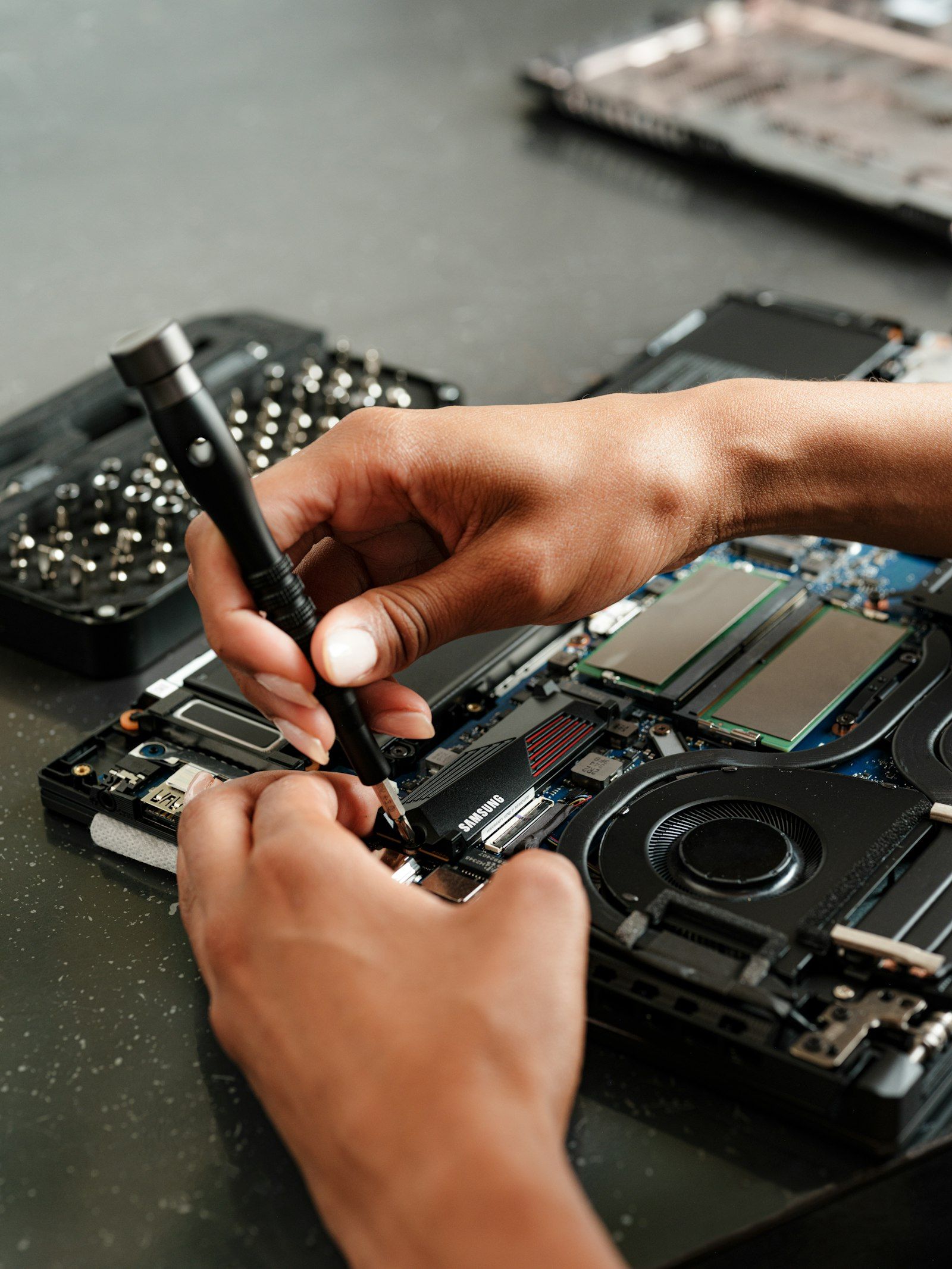
By MCG Team | 7 minute read | Updated 7 November 2026 | Lead image: Samsung Memory / Unsplash
In short
- Slow computers are usually caused by full drives, too little memory, ageing hard drives or startup clutter.
- Wi-Fi problems are often about modem placement and coverage, not your internet plan.
- Printers that drop off the network usually need a fixed address and fresh drivers.
- Email problems after a provider change are very common and quick to fix.
A slow computer
The usual suspects are a nearly full drive, too many programs starting with Windows, an ageing spinning hard drive, or not enough memory for modern software. Malware is less common but worth ruling out.
Try a restart, updates and clearing space first. If it is still slow, a tune-up or an SSD upgrade usually makes a dramatic difference.
Wi-Fi that drops out
Patchy Wi-Fi is one of the most common jobs we do. A modem hidden in a cupboard or at one end of the house simply cannot reach every room. Thick walls, metal and even fish tanks block the signal.
Moving the modem, adding a mesh system or running a cable to an access point fixes most homes. See modem installation and networking.
Printers that will not print
Printers drop off the network when their address changes, when drivers are out of date, or after the modem is replaced. Setting a fixed address and installing the right drivers solves most cases. Our printer setup and repairs page covers more.
Email that has stopped working
Email often breaks after a password change, a new device or a provider change. Getting the account settings right on every device usually sorts it out. We set up Outlook, Gmail, Bigpond and Microsoft 365 accounts every day: see email setup and support.
A computer that will not start
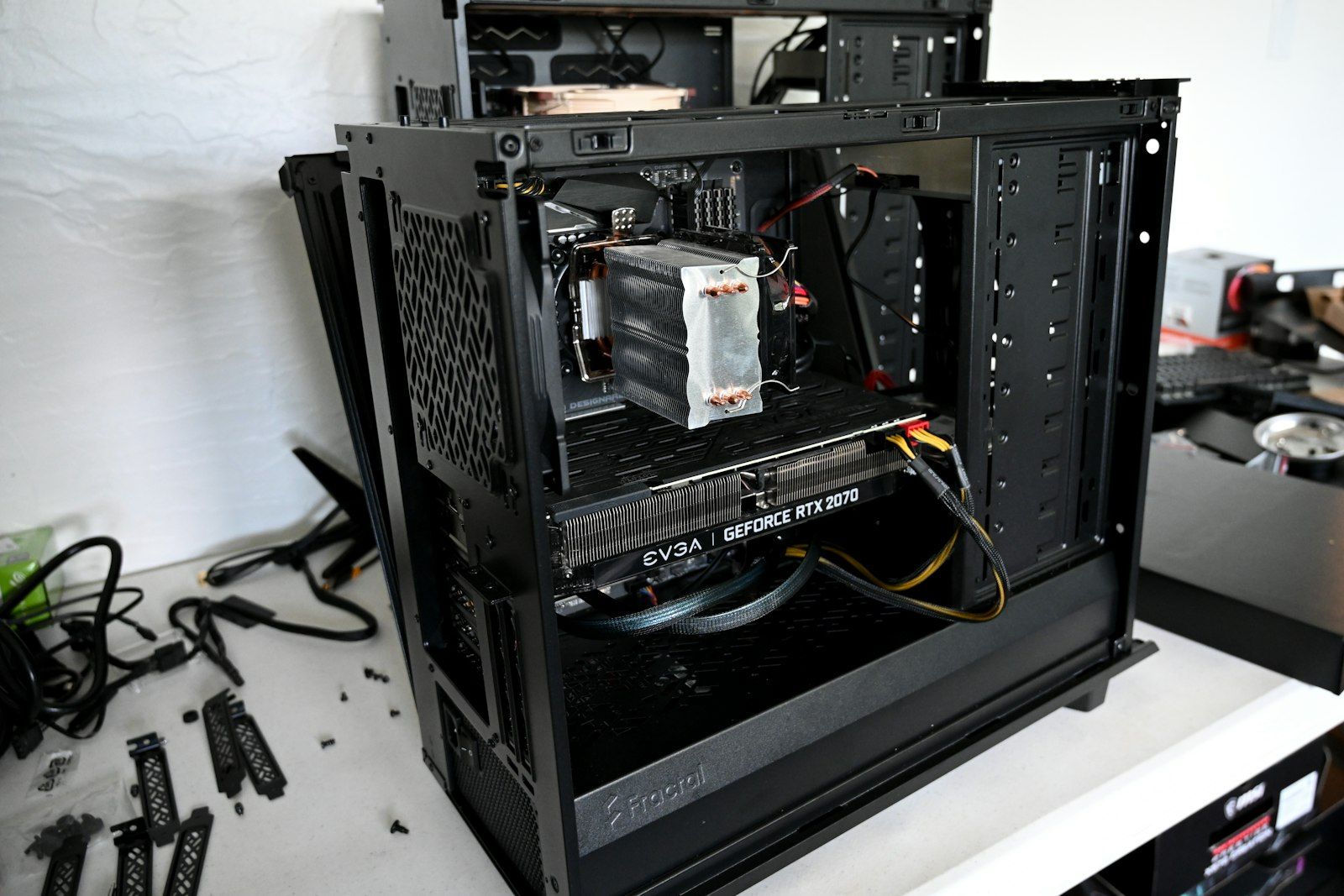
No power, a black screen, a blue screen or an endless restart loop can be caused by a failed update, a corrupt drive, a power supply fault or a hardware failure. Do not keep forcing it on. A technician can test the hardware and protect your files while fixing it.
Viruses and scams
Pop-ups, a changed home page or a scammer who has had remote access all need a proper clean-up and a password reset from a safe device. Book a virus removal or an online security check.
How Mobile Computer Geeks can help
We fix all of these problems at homes and businesses across Brisbane, Logan, Ipswich, Moreton Bay and the Redlands, onsite or remotely. Start with computer repairs in Brisbane or remote tech support.
Call 07 3063 7616 or book online. Bookings run Monday to Friday 9am to 9pm and Saturday 9am to 8pm, and our first hour is $160 inc GST with no call-out fee. See the full price list.
Frequently asked questions
What is the most common computer problem?
A slow computer. It is usually fixed with a clean-up, an SSD or more memory rather than a new machine.
Can you fix problems remotely?
Many software, email and printer issues can be fixed remotely. Hardware and Wi-Fi coverage problems need a visit.
Do you fix Macs?
Yes. We support Mac and Windows computers. See our Mac repairs page.
Related articles
- Common Software Problems and How to Fix Them: A Troubleshooting Guide
- How to Tell If Your Computer Needs Professional Repair
- Why Regular Computer Maintenance Matters (and What It Involves)