Opening Hours
Computer Repairs Brisbane
Our Mobile Computer Geeks are trained to diagnose and replace any faulty components or devices. Call us today to make a booking with a mobile computer technician.

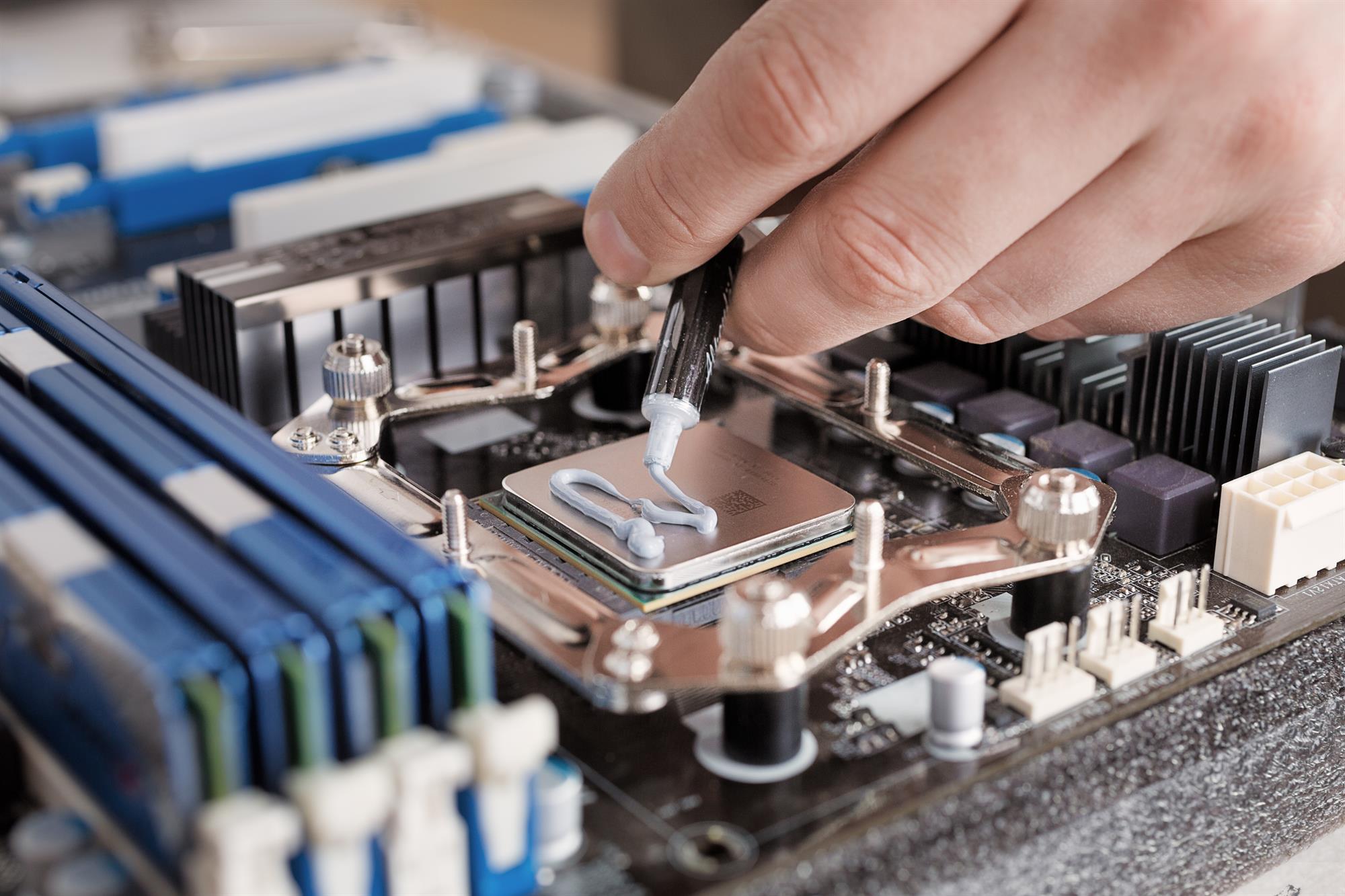


PC Hardware Repair
Dealing with computer hardware issues can be incredibly frustrating. You might find your desktop computer won’t power on, or perhaps it turns on but fails to function properly. Common issues include a freezing screen, low memory, or an undetected hard drive.
Our skilled computer technicians are here to diagnose the root cause of these problems and determine the best course for repairs. Let us help you resolve these typical hardware challenges efficiently.
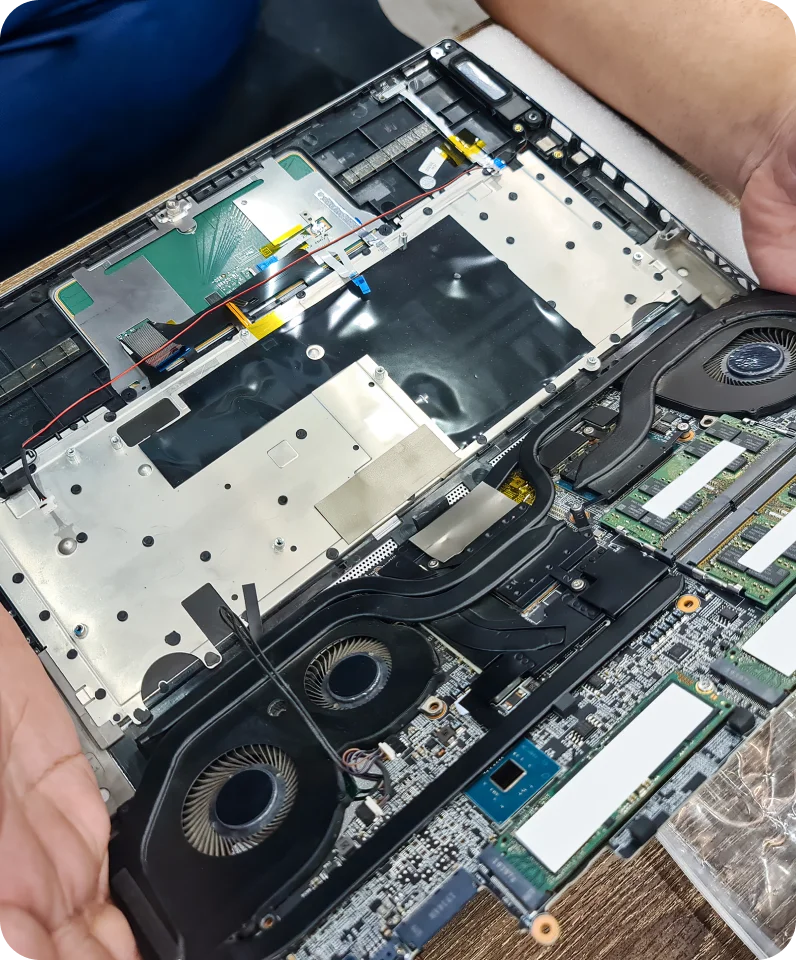
Computer Hardware Repair
Our expert technicians are proficient in handling a range of computer hardware issues. Here are some common problems you might face:
- Screen displaying nothing or appearing blank
- Computer not powering on
- System unexpectedly turning on and off
- Unusual noises during operation
- Frequent shutdowns or system freezing
- Issues with charging
- Screen lights dimming or failing
- Distorted or odd images on the screen
We service a variety of brands, including Dell, HP, MSI, Lenovo, Acer, and Asus. Regardless of the make of your computer, our repair services are designed to get your system running smoothly again.
Computer System Repairs
Once the problem has been pinpointed, your Geek will take the following steps:
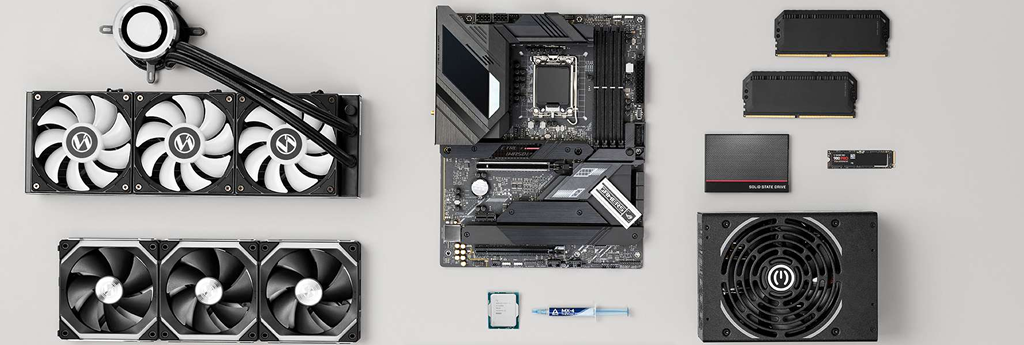
Cooling System Overhaul If your computer is overheating, it’s crucial to address the cooling system. We handle everything from cleaning dust-blocked fans to replacing failing cooling components, ensuring your system stays cool under pressure.
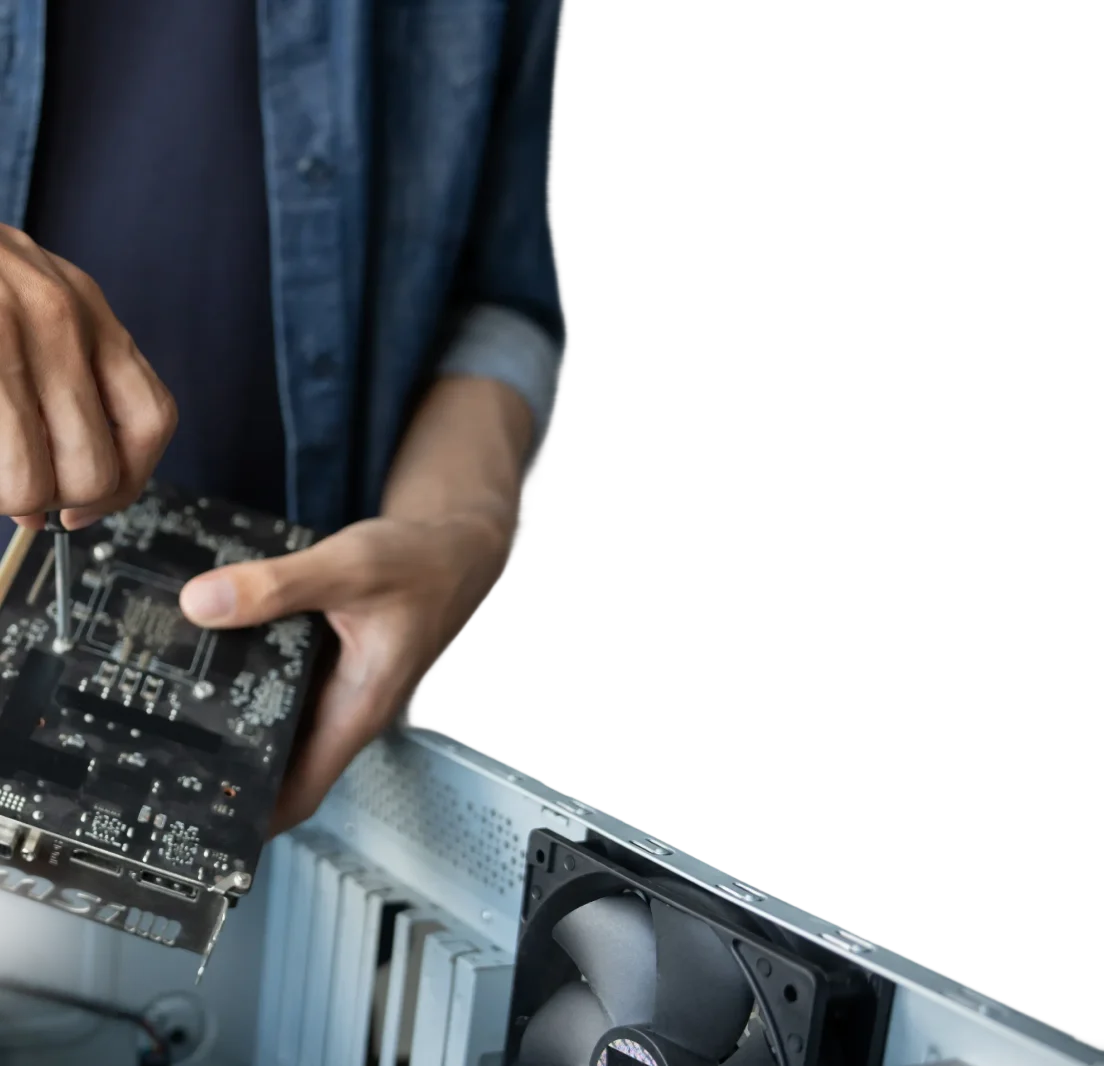
Graphics Card Fix Experiencing visual disruptions or glitches from your graphics card? Our Geeks are equipped to repair these issues, enhancing your graphical performance for a seamless experience.
Motherboard Maintenance As the central component of your computer, the motherboard often needs careful maintenance. We provide thorough repair services to diagnose and fix any underlying issues, securing a stable foundation for your PC or laptop.
Component Upgrade Ready to improve your system’s performance? Our Geeks will replace old components with the latest, most reliable hardware, including SSD upgrades and new hard drives.
Motherboard Replacement Upgrade the core of your computer with a new motherboard. Our experts guide you through selecting and installing a motherboard that meets your needs, boosting your computer’s speed and efficiency.
Fix your issue before it gets worse. Book now!
Book Your Repair Today and Get Fast Support
Don’t let technical issues disrupt your day. Our experts are available for same-day service across Brisbane. Secure your slot now and get your computer fixed sooner. Book online in 60 seconds with instant confirmation.

How do I connect my new printer to my WiFi network?
A slow computer can be frustrating, and it might be caused by several issues such as low RAM, outdated hardware, or software problems. Mobile Computer Geeks can diagnose the cause and optimize your computer’s speed, so you don’t have to deal with the slowdown anymore.
My PC won't turn on, what could be wrong?
There are several hardware-related reasons why your PC might not be turning on. It could be due to a faulty power supply, a defective motherboard, or even issues with your PC’s internal connections. Mobile Computer Geeks can come to your location to diagnose the problem and perform the necessary repairs, ensuring your PC is up and running smoothly again.
I'm hearing strange noises from my PC, what should I do?
Unusual noises from your PC can be alarming and are often due to hardware issues, such as a failing hard drive, an obstructed fan, or loose components. To prevent potential damage or data loss, it’s advisable to have Mobile Computer Geeks check your PC. We can quickly identify and fix any physical issues, safeguarding both your device and your data.
How do I know if my computer needs more RAM?
If your computer is struggling to perform multiple tasks at once or runs slowly when you open several applications, it might need more RAM. Mobile Computer Geeks can upgrade your computer’s RAM to improve performance and extend its usability.
What is a GPU, and do I need to upgrade it?
A GPU (Graphics Processing Unit) is crucial for rendering images, video and animations on your computer. If you find that games or graphic-intensive applications lag or don’t run smoothly, upgrading your GPU might be necessary. Mobile Computer Geeks can advise on and install the right GPU for your needs.