Opening Hours


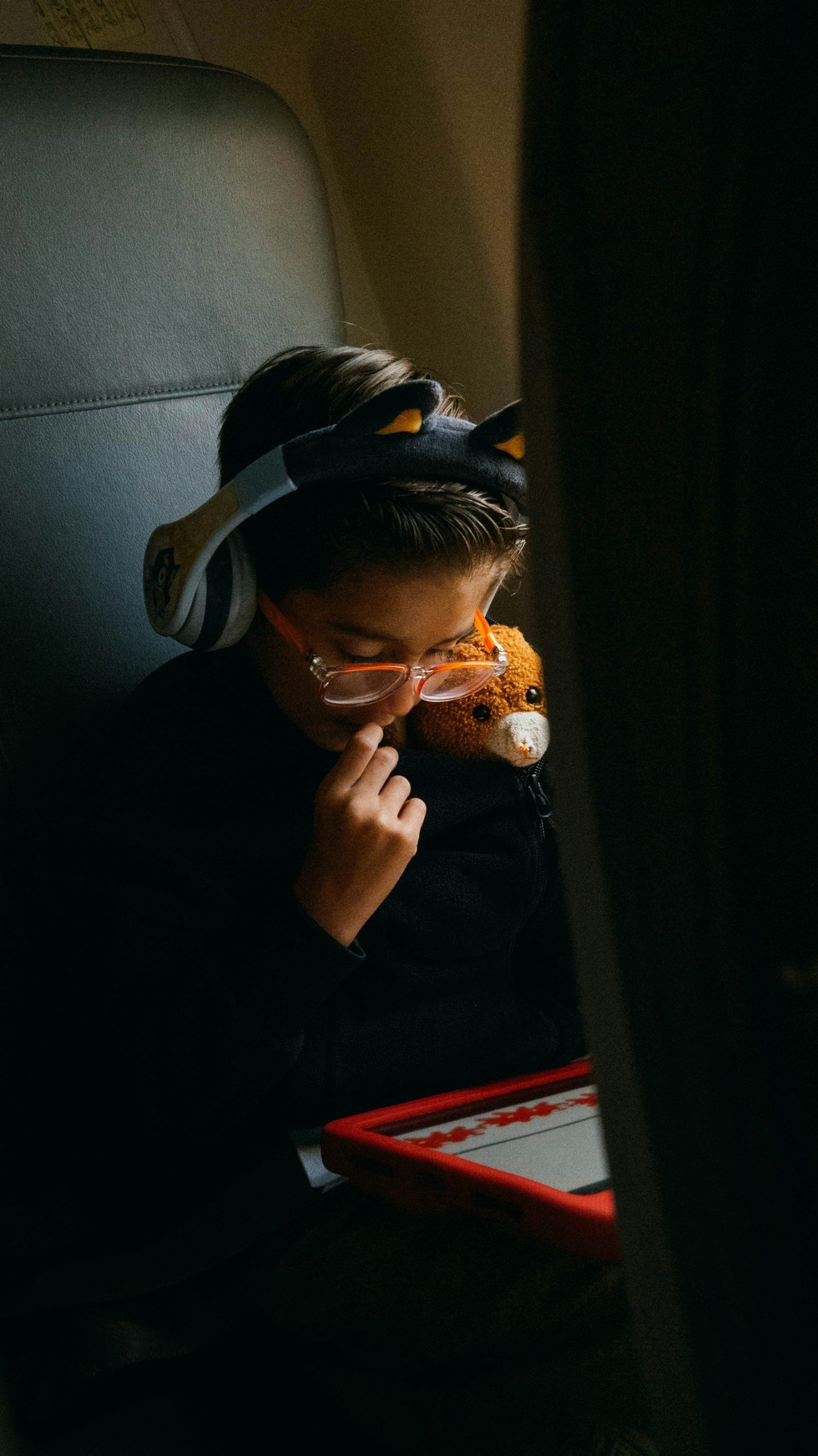
Parental controls are most effective when they are set up in layers: on each device, inside the apps your children use, and on your home Wi-Fi. Combined with honest conversations, they make the online world much safer for kids.
7 minute read | Updated 7 November 2026 | Lead image: Guillermo Lopez / Unsplash
In short
- iPhone and iPad use Screen Time; Android uses Google Family Link; Windows uses Microsoft Family Safety.
- Consoles such as PlayStation, Xbox and Nintendo Switch have their own family settings.
- Router-level filtering covers every device on your home Wi-Fi.
- Under-16s cannot hold accounts on major social media platforms since 10 December 2025.
Phones and tablets
- iPhone and iPad: Settings > Screen Time, with Family Sharing to manage it from your own phone
- Android: Google Family Link for app approvals, screen time and location
- Set app store purchases to require your approval
Set controls before handing over a new device. It is much easier than adding them later.
Computers and consoles
Windows computers use Microsoft Family Safety for screen time, web filtering and activity reports. Macs use Screen Time. PlayStation, Xbox and Nintendo Switch all have parent apps to set play time, spending limits and who children can chat with.
Your home Wi-Fi
Many modern routers and mesh systems include family profiles that filter content and pause the internet for chosen devices at bedtime. Because they work at the network level, they cover devices that are harder to control individually. Our networking service can set this up.
Social media and the age limit
Since 10 December 2025, major social media platforms must stop under-16s having accounts. Messaging apps and games are generally not covered, so device and app controls still matter. Read our guide to the social media age limit.
Talk as well as control
Controls are not a substitute for conversations. Talk about what to do if something upsets them, who they chat with, and why the rules exist. The eSafety Commissioner has helpful guides for parents.
How Mobile Computer Geeks can help
We set up parental controls across phones, tablets, computers, consoles and home Wi-Fi in one visit, then show you how to manage them. Available at homes across Brisbane, Logan, Ipswich, Moreton Bay and the Redlands. See parental control setup.
Call 07 3063 7616 or book online. Bookings run Monday to Friday 9am to 9pm and Saturday 9am to 8pm, and our first hour is $160 inc GST with no call-out fee. See the full price list.
Frequently asked questions
What is the best parental control app?
Start with the free built-in tools: Screen Time on Apple devices, Family Link on Android and Family Safety on Windows. Add router-level filtering for the whole home.
Can kids get around parental controls?
Some can, especially older children. Layered controls and open conversations work better than any single tool.