Opening Hours

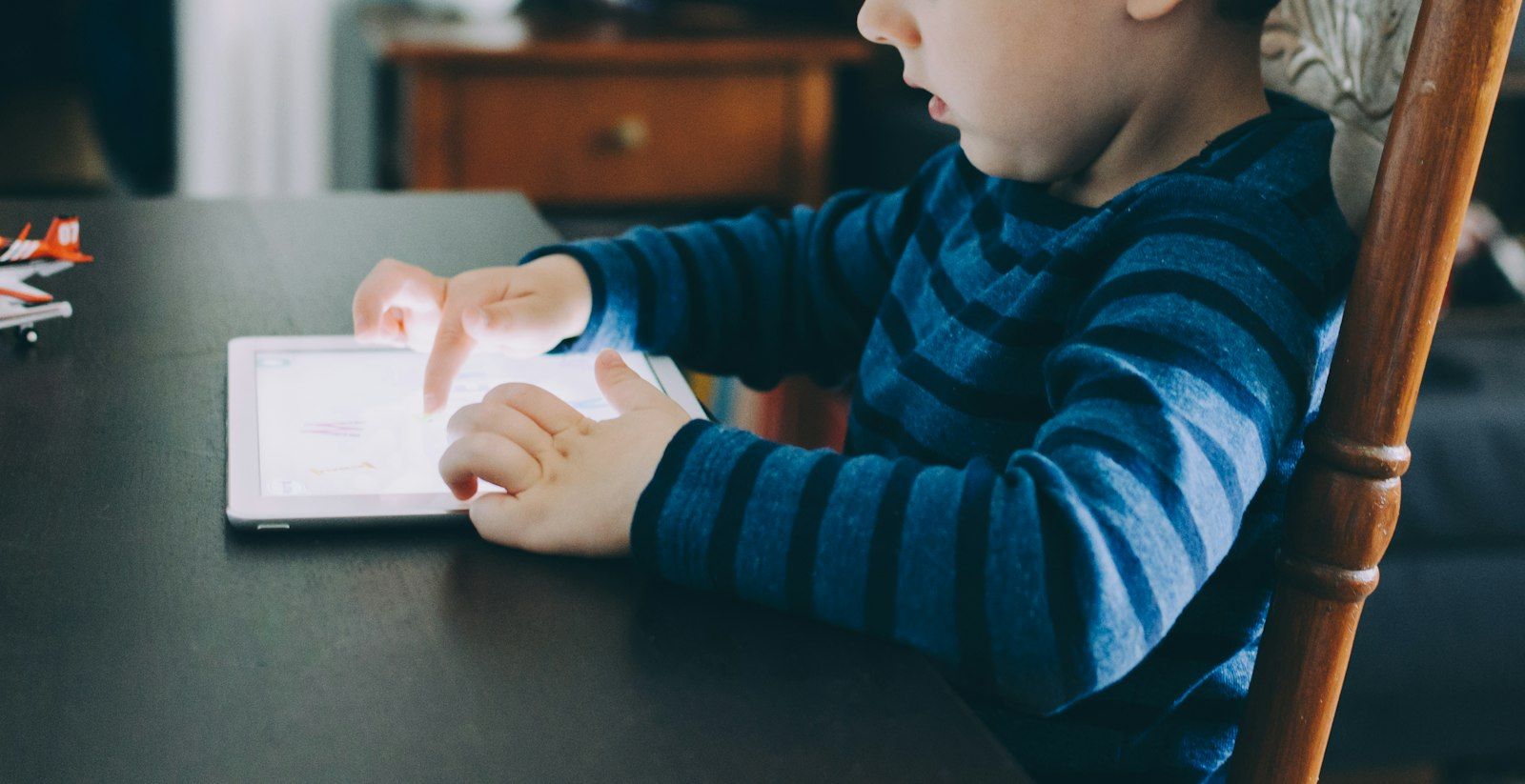
School holidays and screens tend to go together. With a bit of planning, that screen time can be creative and educational, and most of the best options are free.
By MCG Team | 5 minute read | Updated 7 November 2026 | Lead image: Kelly Sikkema / Unsplash
In short
- Free coding tools like Scratch and Code.org teach problem solving through games and animation.
- Your local library app offers free eBooks, audiobooks and more with a library card.
- Creative projects such as stop-motion videos and digital art keep kids making, not just watching.
- Set up parental controls and screen time limits before the holidays start.
Learn to code, for free
Scratch lets younger children build games and animations with drag-and-drop blocks, and Code.org has short, game-based coding activities for all ages. Older kids can move on to Python with free online courses.
Use your library card
Most Queensland libraries offer free digital collections with a library card, including eBooks, audiobooks and magazines through apps such as Libby. Many also run free holiday workshops, including coding and robotics sessions.

Make something
- Shoot a stop-motion movie with toys and a phone
- Create digital art or design a poster
- Start a family photo book or slideshow
- Record a podcast or radio show
- Build a world in a game with creative modes, with agreed time limits
Keep it balanced
Agree on screen time rules before the holidays start, keep devices out of bedrooms overnight, and mix screen activities with outdoor time. Parental controls on phones, tablets, consoles and your home Wi-Fi make the rules easier to stick to. See our parental control setup service.
How Mobile Computer Geeks can help
We set up kids’ devices, parental controls and safe Wi-Fi at homes across Brisbane, Logan, Ipswich, Moreton Bay and the Redlands, and can get a new laptop ready for school. See parental control setup and device setup.
Call 07 3063 7616 or book online. Bookings run Monday to Friday 9am to 9pm and Saturday 9am to 8pm, and our first hour is $160 inc GST with no call-out fee. See the full price list.
Frequently asked questions
What age is Scratch suitable for?
Scratch is aimed at about 8 to 16, and ScratchJr suits younger children.
How much screen time is OK in the holidays?
There is no single answer. Agree on limits as a family and balance screens with offline activities.
Related articles
- Parental Controls Made Simple: A Guide for Australian Families
- Australia's Social Media Age Limit of 16: What Parents Need to Know
- Beyond ChatGPT: Practical AI Tools for Everyday Australians