Opening Hours


Technology can help cut travel, paper and energy use, but old devices create a growing pile of e-waste. The greenest approach is simple: keep devices running longer, then wipe and recycle them properly.
5 minute read | Updated 7 November 2026 | Lead image: Compagnons / Unsplash
In short
- Extending a computer’s life with an SSD or memory upgrade is the biggest environmental win.
- Always wipe your data properly before recycling or giving away a device.
- Australia’s National Television and Computer Recycling Scheme offers free drop-off points.
- Never put computers, batteries or phones in your household bins.
Make it last longer
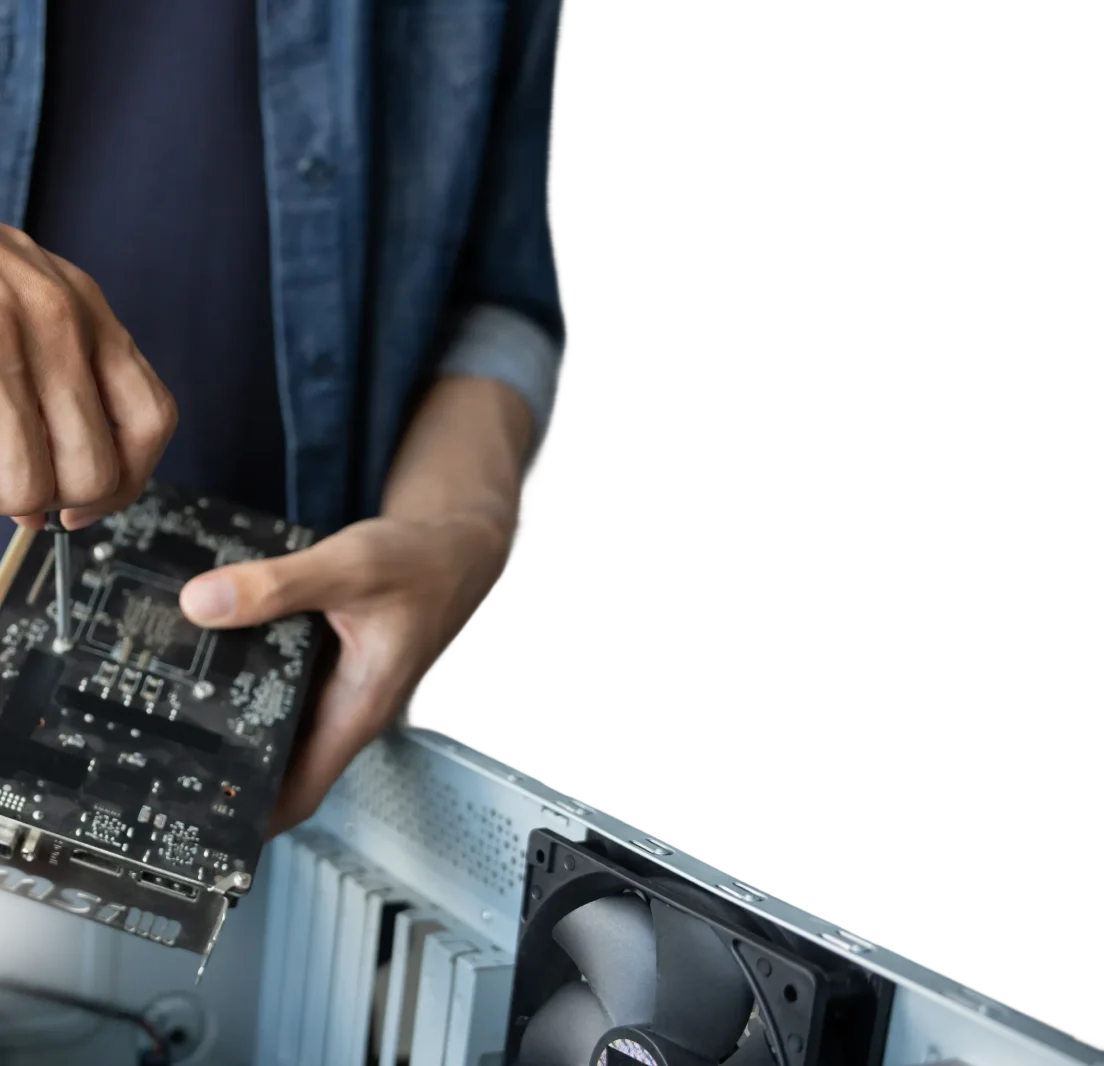
Most of a computer’s environmental footprint comes from making it. Keeping it running a few more years with a solid-state drive or memory upgrade, a clean and tune-up or a new battery saves money and resources.
Wipe your data first
Deleting files or emptying the Recycle Bin does not remove them. Before you recycle, sell or donate a computer, back up what you need and securely wipe the drive, or remove it. Phones and tablets should be signed out of your accounts and reset to factory settings.
Where to recycle
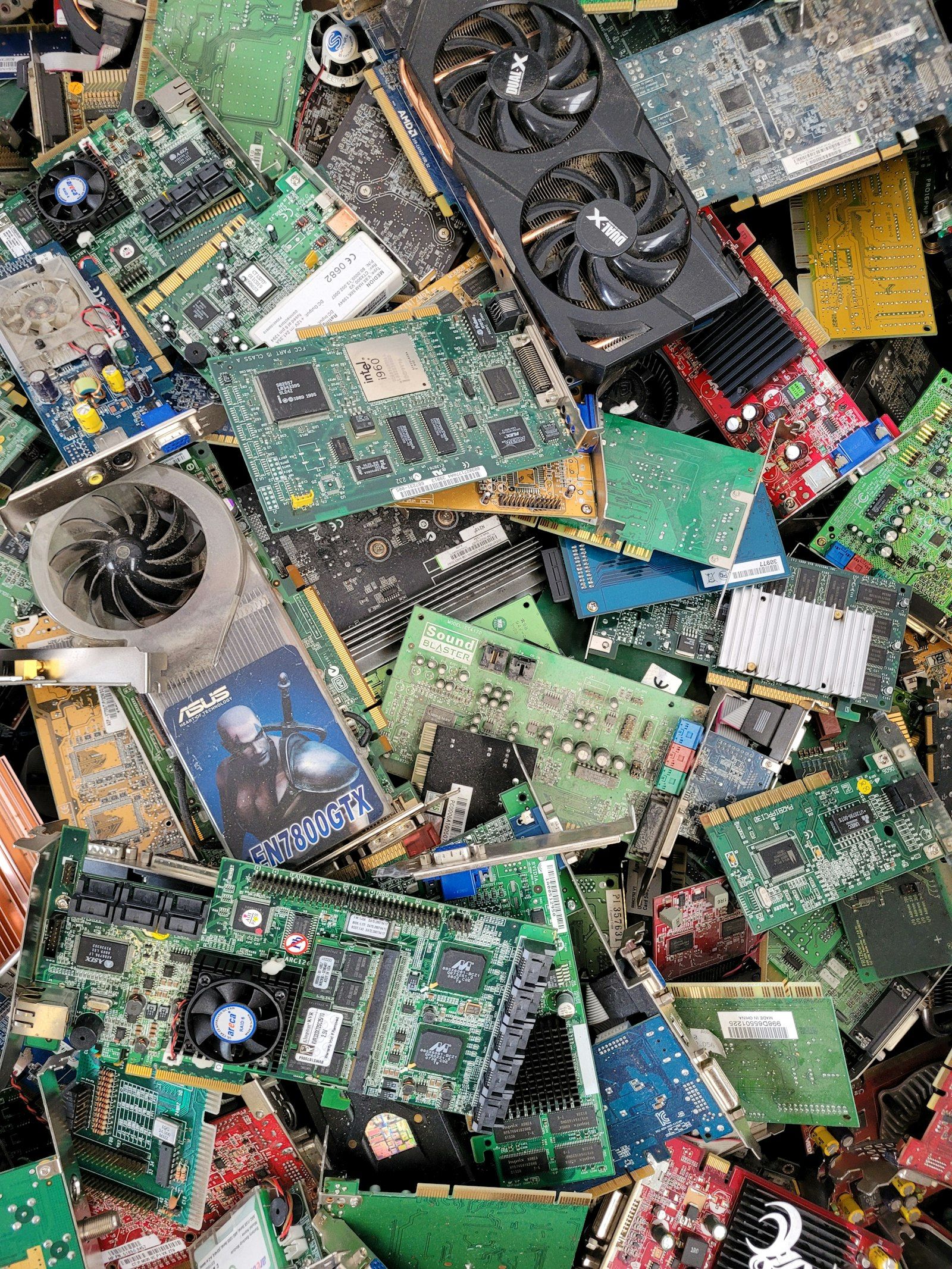
- The National Television and Computer Recycling Scheme provides free drop-off for computers, laptops, printers and TVs
- Many councils accept e-waste at their resource recovery centres
- Phones can go to MobileMuster collection points
- Batteries should go to battery recycling drop-offs, never household bins
Our computer recycling service can collect old equipment and wipe drives for you.
Use less energy
Turn on power-saving settings, let computers sleep when idle, and switch off monitors and printers at the wall overnight. Laptops use far less power than older desktops.
How Mobile Computer Geeks can help
We upgrade older computers so they last longer, securely wipe drives and arrange recycling for homes and businesses across Brisbane, Logan, Ipswich, Moreton Bay and the Redlands. See computer recycling and computer upgrades.
Call 07 3063 7616 or book online. Bookings run Monday to Friday 9am to 9pm and Saturday 9am to 8pm, and our first hour is $160 inc GST with no call-out fee. See the full price list.
Frequently asked questions
Is it free to recycle a computer in Australia?
Under the National Television and Computer Recycling Scheme, households and small businesses can drop off computers and TVs for free at participating sites.
How do I wipe a computer before recycling?
Back up your files, sign out of accounts, then reset or securely erase the drive. We can do this for you.