Opening Hours


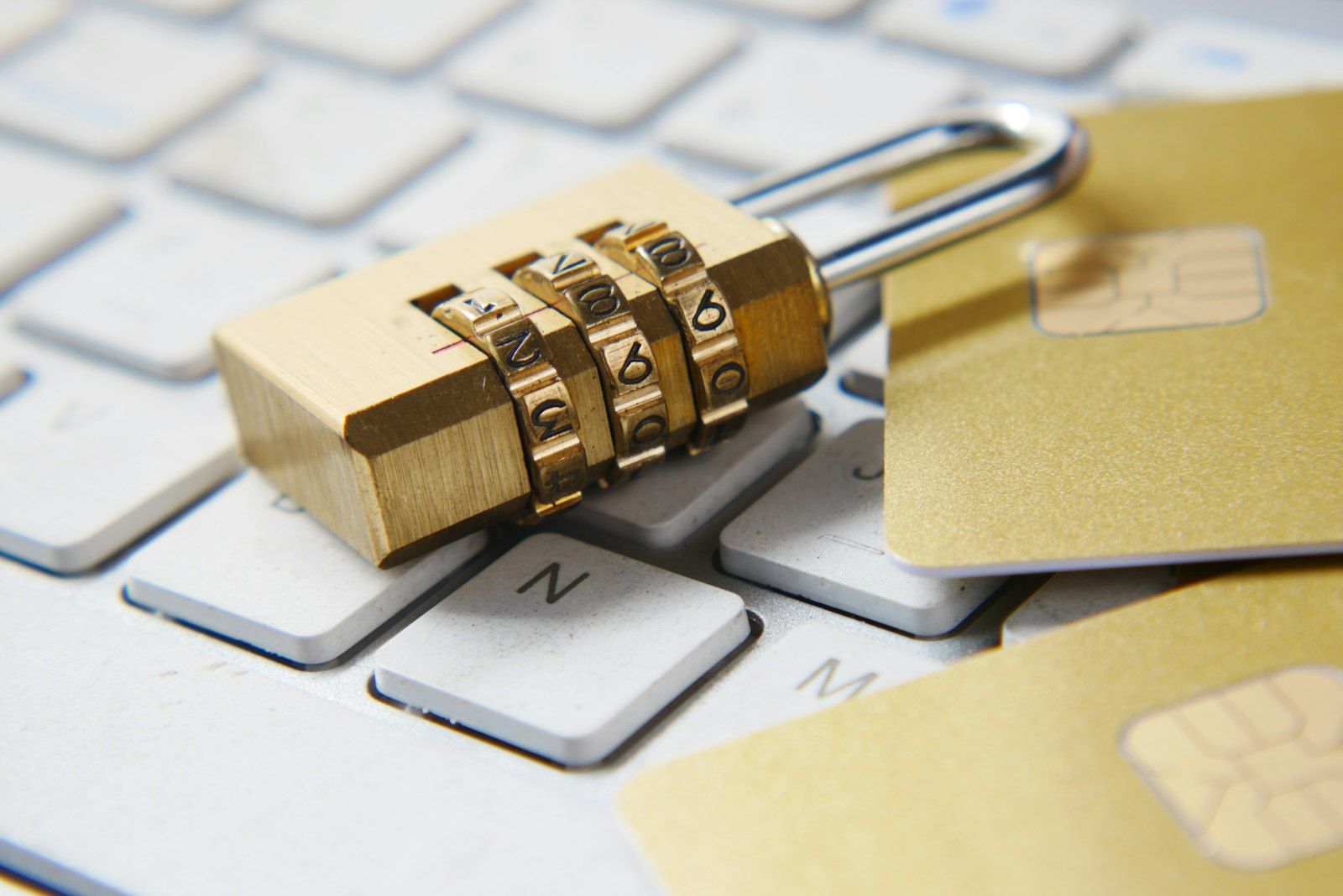
In June 2025, researchers reported a collection of about 16 billion stolen logins sitting exposed online. It was not one new breach, but it is a useful reminder of how often passwords get stolen, and how to stay ahead of it.
6 minute read | Updated 7 November 2026 | Lead image: Towfiqu barbhuiya / Unsplash
In short
- The 16 billion records were a compilation of about 30 datasets, much of it from password-stealing malware and older leaks.
- Reused passwords are the real danger: one leaked password can unlock several accounts.
- A password manager and two-factor authentication stop most account takeovers.
- Check your email address at Have I Been Pwned and change any password you have reused.
What was actually leaked
Researchers at Cybernews found around 30 large datasets of usernames and passwords that had been left exposed online. Together they added up to about 16 billion records.
Much of the data came from infostealer malware, which quietly copies saved passwords from infected computers, along with repackaged older breaches. Many records were duplicates. So while the headline number was alarming, it did not mean 16 billion fresh accounts had just been hacked.
Why it still matters
Criminals use leaked logins for credential stuffing: they try the same email and password on banks, email, shopping and social media sites. If you reuse a password, one leak can expose everything that shares it.
Infostealer malware is also a reminder that an infected computer can leak every password saved in your browser. If your computer has been acting strangely, a virus check is worth doing.
Five steps to protect yourself
- Check your email address at Have I Been Pwned to see which known breaches include it.
- Change any password you have used on more than one site, starting with email and banking.
- Turn on two-factor authentication everywhere it is offered, especially email.
- Use a password manager to create and remember long, unique passwords.
- Keep your computer and phone updated and run reputable security software.
Tip: Your email account is the key to everything else, because password resets go there. Protect it first.
For businesses
In a business, one reused password can open the door to Microsoft 365, files and banking. Our managed IT plans include a business password manager, corporate antivirus and Microsoft 365 security settings, so staff accounts are protected by default.
How Mobile Computer Geeks can help
We can check your devices for password-stealing malware, set up a password manager and two-factor authentication, and walk you through it, at home or at your office anywhere across Brisbane, Logan, Ipswich, Moreton Bay and the Redlands. Start with an online security check.
Call 07 3063 7616 or book online. Bookings run Monday to Friday 9am to 9pm and Saturday 9am to 8pm, and our first hour is $160 inc GST with no call-out fee. See the full price list.
Frequently asked questions
Was my password in the 16 billion leak?
There is no single list to search, but Have I Been Pwned shows which known breaches include your email address. If you have reused passwords, change them regardless.
Is a password manager safe?
A reputable password manager protected by a strong master password and two-factor authentication is far safer than reusing passwords.
What is two-factor authentication?
A second check, such as a code from an app on your phone, needed as well as your password. A stolen password alone is then not enough.