Opening Hours


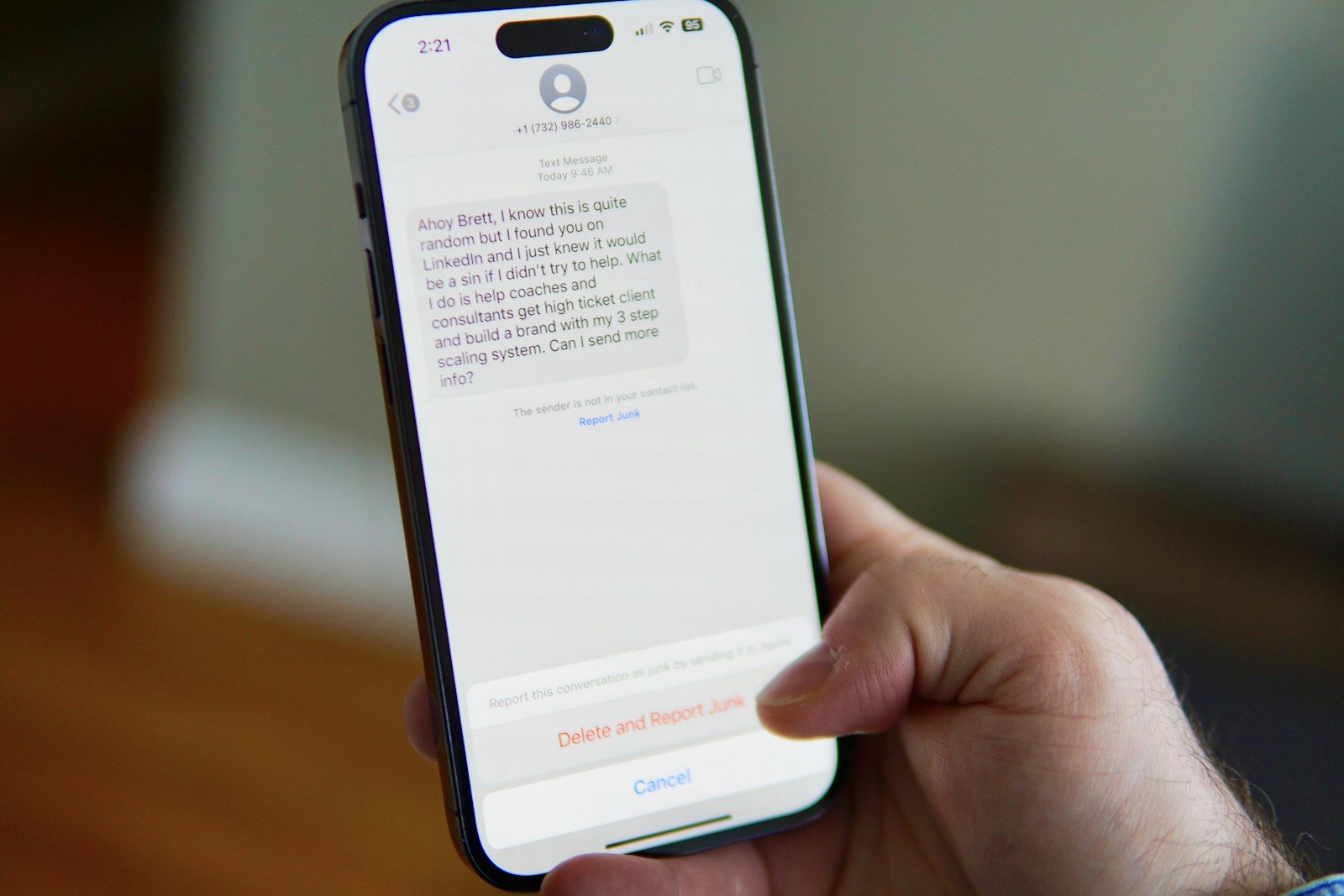
Scams have moved well beyond the obvious email from a foreign prince. Today they arrive by text, phone, email and social media, look professional, and often use details about you to seem real.
6 minute read | Updated 7 November 2026 | Lead image: Brett Wharton / Unsplash
In short
- The most common scams impersonate banks, delivery companies, toll roads, the ATO and myGov.
- Scammers create urgency so you act before you think.
- Never use links or numbers in an unexpected message. Go to the official website or app yourself.
- Australia passed a Scams Prevention Framework law in 2025 that covers banks, telcos and digital platforms.
The scams we see most
- Text messages about a parcel, unpaid toll or tax refund, with a link
- Emails with fake invoices or changed bank details, aimed at businesses
- Calls pretending to be your bank, your telco or tech support
- “Hi Mum” messages from a new number asking for money
- Fake investment ads on social media using doctored celebrity images
Newer scams use AI to write convincing messages, and in some cases to imitate voices.
The habits that keep you safe
- Stop and check before acting on any unexpected message, however urgent it sounds.
- Go to the official app or website yourself instead of clicking a link.
- Call organisations back on a number you find yourself.
- Turn on two-factor authentication for email, banking and social media.
- Keep devices updated and use reputable security software.
Tip: For businesses, always confirm a change of bank details by phone using a number you already have, never the one in the email.
What is changing in Australia
Parliament passed the Scams Prevention Framework in 2025, which requires banks, telcos and digital platforms to take steps to prevent, detect and respond to scams. It will take time to roll out, so your own habits remain the best defence.
If you think you have been scammed
Contact your bank straight away, change passwords from a safe device and report it to Scamwatch. If your identity details were shared, IDCARE can help with next steps.
How Mobile Computer Geeks can help
We help households and businesses across Brisbane, Logan, Ipswich, Moreton Bay and the Redlands recover from scams and stay protected: online security checks, virus removal, two-factor setup and staff security for businesses through our managed IT services.
Call 07 3063 7616 or book online. Bookings run Monday to Friday 9am to 9pm and Saturday 9am to 8pm, and our first hour is $160 inc GST with no call-out fee. See the full price list.
Frequently asked questions
How do I know if a text message is a scam?
Be wary of any unexpected message with a link, especially about parcels, tolls, refunds or your bank. Go to the official app or website yourself.
What should I do if I clicked a scam link?
Do not enter any details. If you did, change those passwords from another device, contact your bank if relevant, and have your device checked.