Opening Hours



A phone call from “Microsoft” about a virus on your computer, or a pop-up telling you to ring a support number, is one of the oldest scams around. It still catches people every week.
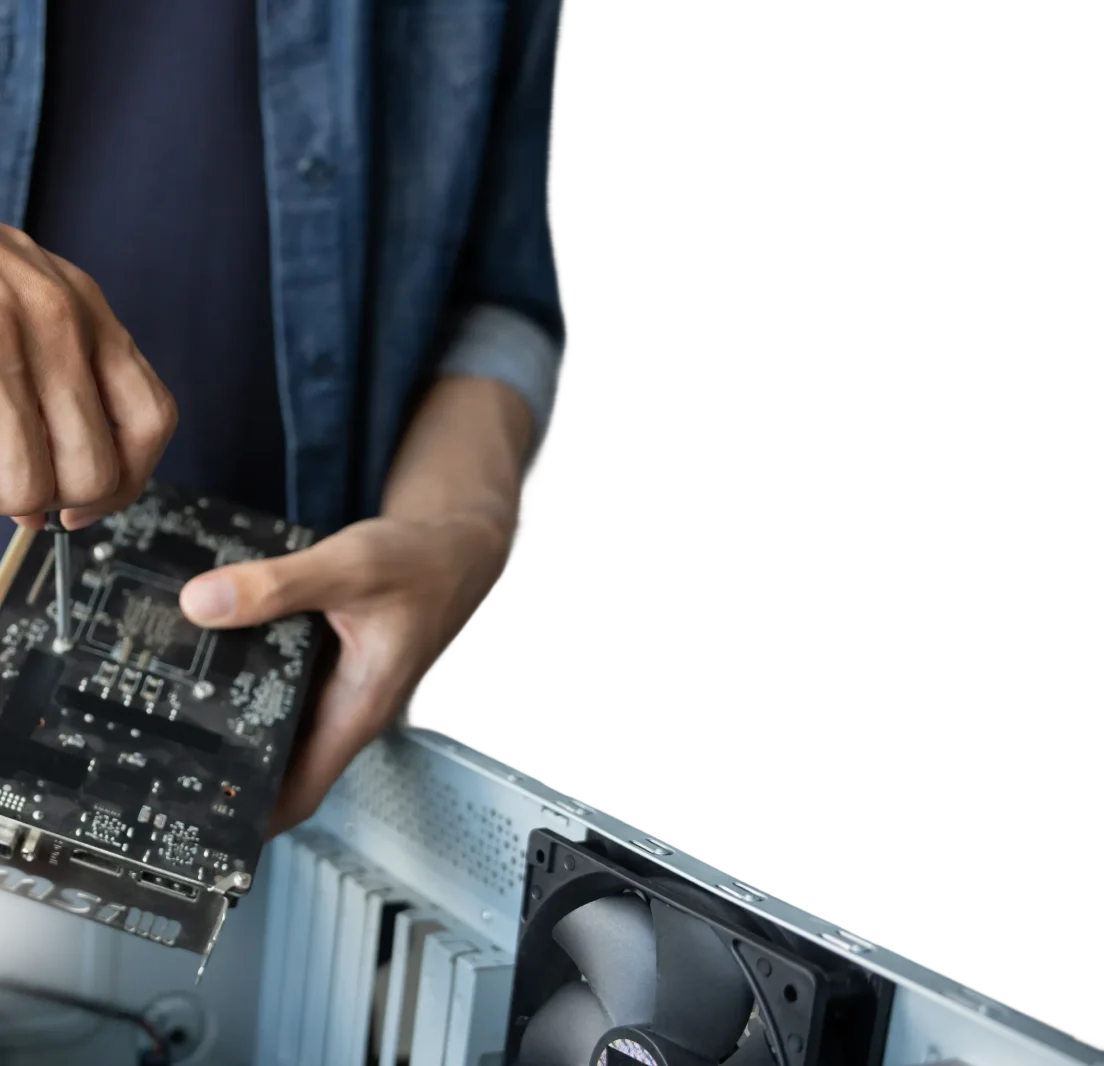
6 minute read | Updated 7 November 2026 | Lead image: Bermix Studio / Unsplash
In short
- Microsoft does not make unsolicited calls or show pop-ups with phone numbers to fix your computer.
- Scammers try to get remote access to your computer, then ask for payment or bank logins.
- If you have let someone in, disconnect from the internet and change passwords from another device.
- Report scams to Scamwatch and contact your bank straight away if money is involved.
How the scam works
The scam usually starts one of three ways: a cold call claiming your computer is infected, a pop-up in your browser with a warning and a phone number, or an email about a problem with your Microsoft account.
Once you are on the phone, the scammer asks you to install a remote access tool so they can “fix” the problem. They then show fake errors, ask for payment, or try to get you to log in to your bank so they can move money.
Warning signs
- Someone calls you out of the blue about your computer
- A pop-up locks your browser and tells you to call a number
- You are asked to install remote access software
- You are asked to pay with gift cards, cryptocurrency or a bank transfer
- The caller wants you to log in to online banking while they watch
Tip: A browser pop-up cannot see viruses on your computer. Close the browser, or restart the computer if it is frozen.

What to do if you have let someone in
- Disconnect from the internet straight away.
- Call your bank if you entered banking details or made a payment.
- Change your email and banking passwords from a different, safe device.
- Have the computer checked and cleaned. Scammers often leave remote access tools behind.
- Report it to Scamwatch.
Protecting yourself for next time
Keep Windows and your browser updated, use reputable security software, and turn on two-factor authentication for your Microsoft account. Talk to older family members too, since they are often targeted.
How Mobile Computer Geeks can help
If a scammer has had access to your computer, we can remove their tools, check for malware, secure your accounts and explain what happened. We do this at homes across Brisbane, Logan, Ipswich, Moreton Bay and the Redlands. Book a virus and scam clean-up or an online security check.
Call 07 3063 7616 or book online. Bookings run Monday to Friday 9am to 9pm and Saturday 9am to 8pm, and our first hour is $160 inc GST with no call-out fee. See the full price list.
Frequently asked questions
Does Microsoft ever call customers?
Microsoft does not make unsolicited calls to fix computers. Treat any such call as a scam and hang up.
I gave a scammer remote access. Is my computer safe to use?
Disconnect it from the internet and have it checked before using it for banking or email. Change your passwords from another device.
Where do I report a scam in Australia?
Report it to Scamwatch, and contact your bank immediately if money or banking details are involved.
Sources