Opening Hours

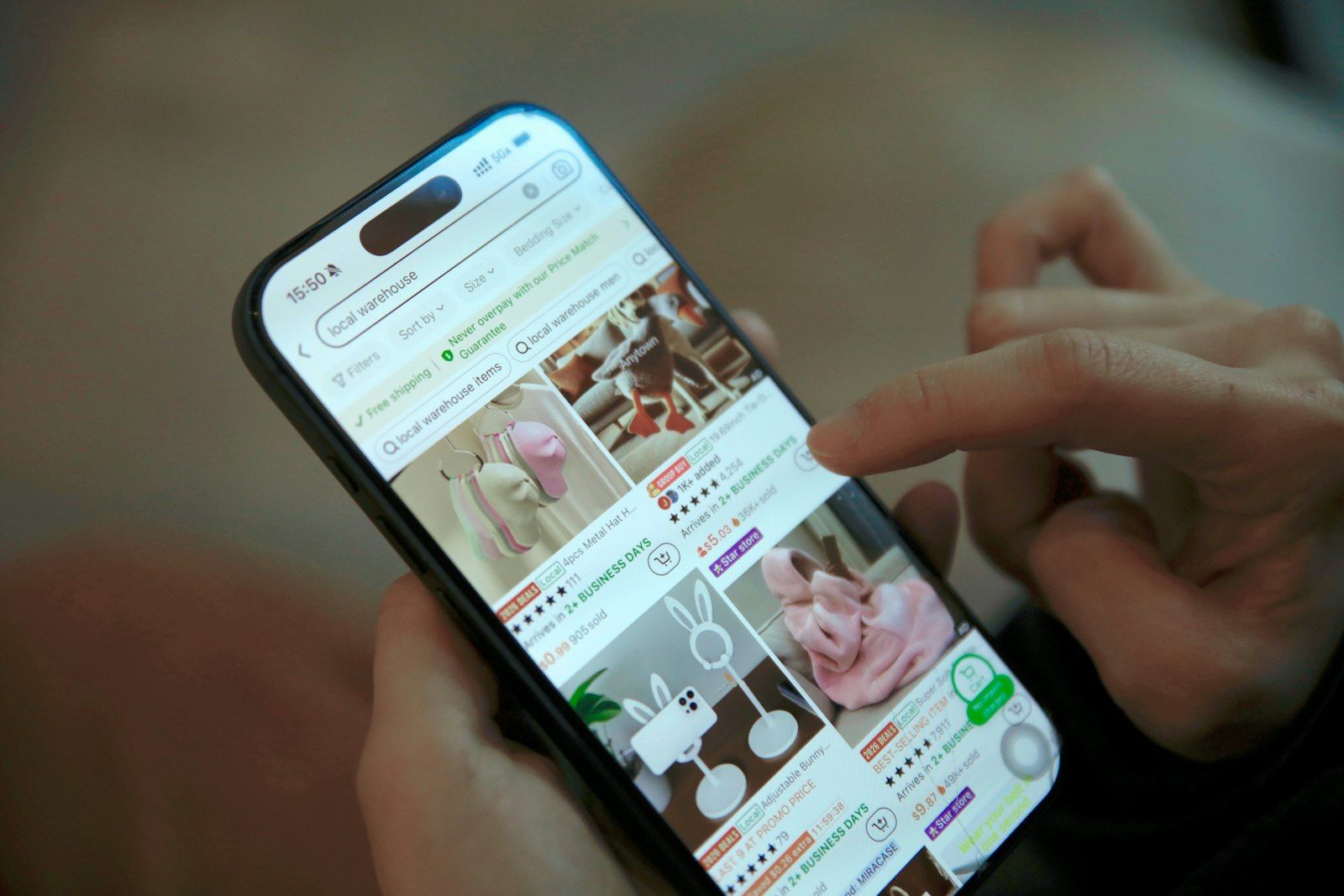
Selling on Facebook Marketplace or Gumtree? One of the most common scams targets sellers with a fake PayID email that asks you to pay money before you can “receive” a payment.
By MCG Team | 6 minute read | Updated 7 November 2026 | Lead image: V H / Unsplash
In short
- PayID never needs you to pay a fee, upgrade an account or send money to receive a payment.
- Payment confirmations only come from your own bank, in your banking app, not by email.
- Scammers often claim to be interstate and send a “courier” to collect the item.
- Check your banking app before handing anything over, and never click links in payment emails.
How the scam works
A buyer agrees to your price quickly, often without asking questions, and says they will pay by PayID. You then receive an email that looks like it is from PayID or your bank, saying the payment is on hold until you upgrade to a business account or pay a fee.
The buyer then pressures you to pay the fee, often promising to add it to their payment. There was never any payment, and the money you send is gone.
Red flags
- The buyer agrees to the price without seeing the item
- They are interstate or overseas and want to send a courier
- Payment “confirmation” arrives by email, not in your banking app
- You are asked to pay a fee or upgrade to receive money
- The buyer creates urgency or gets pushy
How to sell safely
- Only accept payment you can see in your own banking app.
- Prefer cash on pick-up for local sales.
- Never click links in emails or messages about payments.
- Do not hand over the item until the money has cleared.
- If unsure, call your bank using the number on its website.
If you have been scammed
Contact your bank immediately, as some transfers can be stopped if you act fast. Report the scam to Scamwatch and to the platform. If you clicked a link and entered details, change your passwords and have your device checked.
How Mobile Computer Geeks can help
If you have clicked a scam link or entered details on a fake site, we can check your computer or phone, secure your accounts and set up protection. We help homes across Brisbane, Logan, Ipswich, Moreton Bay and the Redlands with online security checks and virus removal.
Call 07 3063 7616 or book online. Bookings run Monday to Friday 9am to 9pm and Saturday 9am to 8pm, and our first hour is $160 inc GST with no call-out fee. See the full price list.
Frequently asked questions
Does PayID charge fees to receive money?
No. PayID payments appear in your bank account without any fee or upgrade.
Will PayID send me an email?
Payment confirmations come from your own bank, in your banking app. Treat emails claiming to be from PayID with suspicion.
Sources
Related articles
- Online Scams Are Evolving: How to Stay Protected
- Beware of Microsoft Scams: How to Spot Them and Protect Your Account
- Managing Your Privacy Settings Online: A Practical Guide