Opening Hours

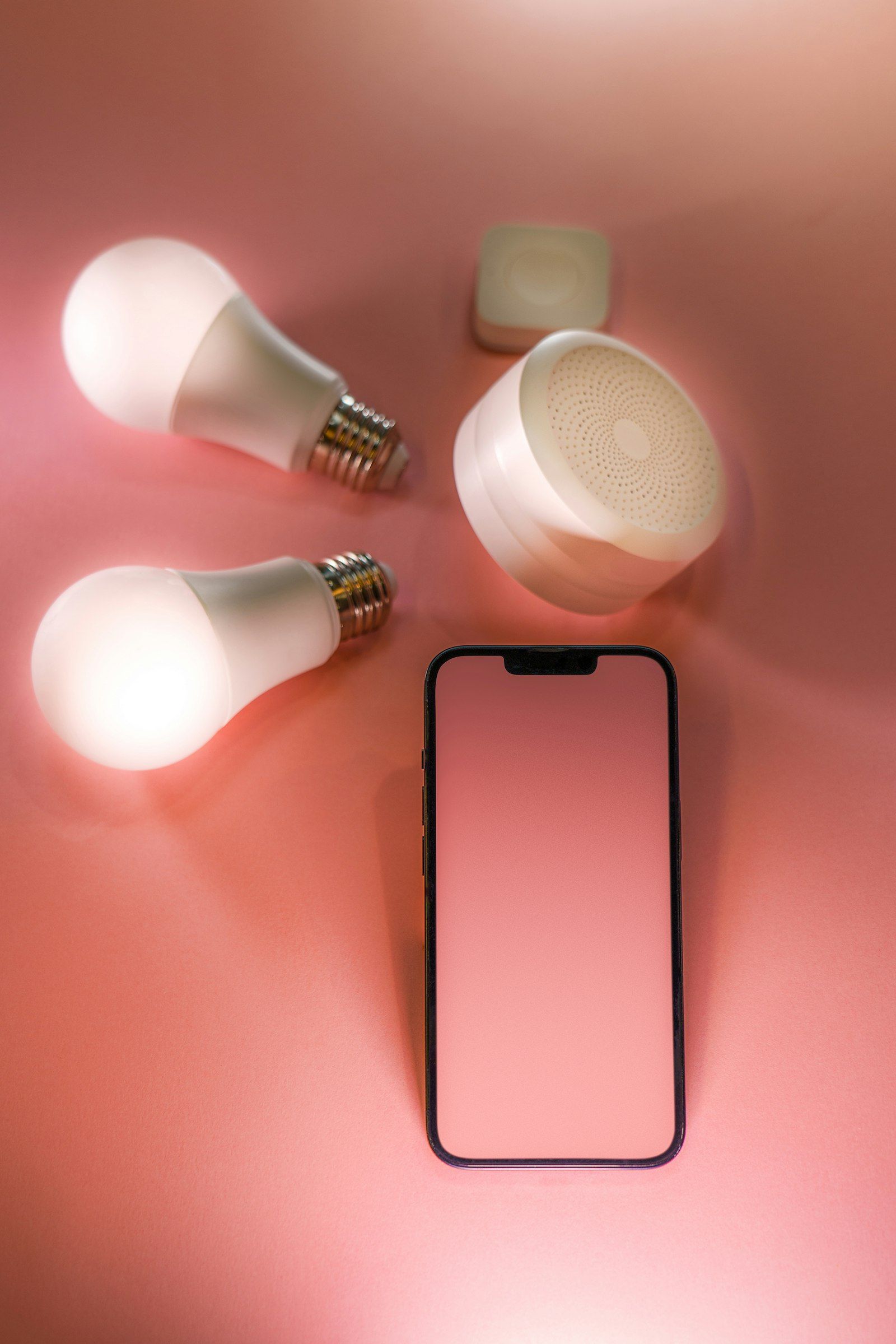
All three Australian mobile networks have now switched off 3G. Most people never noticed, but older phones, medical alarms, security systems and some smart devices stopped working properly when it happened.
By MCG Team | 6 minute read | Updated 7 November 2026 | Lead image: Jakub Żerdzicki / Unsplash
In short
- Vodafone (TPG Telecom) closed its 3G network first, followed by Telstra on 28 October 2024 and Optus in late 2024.
- Phones that do not support 4G calling (VoLTE) can no longer make normal calls, and some cannot call 000.
- Medical alarms, security systems, EFTPOS terminals and GPS trackers that relied on 3G may need replacing.
- If a device has stopped working, check with your provider or the device maker about a 4G replacement.
What changed
Mobile networks closed 3G to free up radio spectrum for faster 4G and 5G services. Vodafone, owned by TPG Telecom, went first. Telstra switched off its 3G network on 28 October 2024, and Optus followed in late 2024.
Devices that only use 3G, or that rely on 3G for voice calls, lost service or lost the ability to call when that happened.
Devices that may be affected
- Older mobile phones, and some newer imported phones without Australian VoLTE support
- Personal and medical alarms for older Australians
- Home and business security alarms with a SIM card
- EFTPOS terminals, vending machines and GPS trackers
- Older tablets, smartwatches and car systems with mobile connections
Tip: If you look after an older relative, check their personal alarm and mobile phone. These were the devices most often affected.

How to check your phone
Your mobile provider can tell you whether your phone works on 4G for calls. Many providers also sent text messages to affected customers. You can test by turning off mobile data and 4G calling in settings, if available, and making a call, but your provider’s check is the most reliable.
What to do if something stopped working
Contact your mobile provider about a compatible phone, or the alarm or device maker about a 4G model. For home and business internet backup that used a 3G dongle, a 4G or 5G backup modem is the usual replacement. Our modem and networking service can help set one up.
How Mobile Computer Geeks can help
We set up new phones and transfer contacts, photos and apps, configure 4G backup modems for homes and businesses, and help older family members get comfortable with new devices. See mobile device setup and tablet and iPad support. We cover Brisbane, Logan, Ipswich, Moreton Bay and the Redlands.
Call 07 3063 7616 or book online. Bookings run Monday to Friday 9am to 9pm and Saturday 9am to 8pm, and our first hour is $160 inc GST with no call-out fee. See the full price list.
Frequently asked questions
Has the 3G network been switched off in Australia?
Yes. Vodafone, Telstra and Optus have all closed their 3G networks.
Will my old phone still work?
Only if it supports 4G voice calling (VoLTE) on your provider’s network. Your provider can confirm this for your model.
What about my personal alarm?
Contact the alarm provider. Many offered 4G replacements during the shutdown.
Related articles
- Telstra's 3G Network Closure: What It Meant and What to Do Now
- Calls Not Working After the 3G Shutdown? Check for VoLTE
- Starlink in South East Queensland: Is It Right for You, and How to Set It Up Securely