Opening Hours

Tablet repairs and iPad support in Brisbane
An iPad that won’t connect, apps that keep closing or a new tablet still sitting in its box? Mobile Computer Geeks can help with setup, software problems and patient, practical training, so you can get back to using your device.

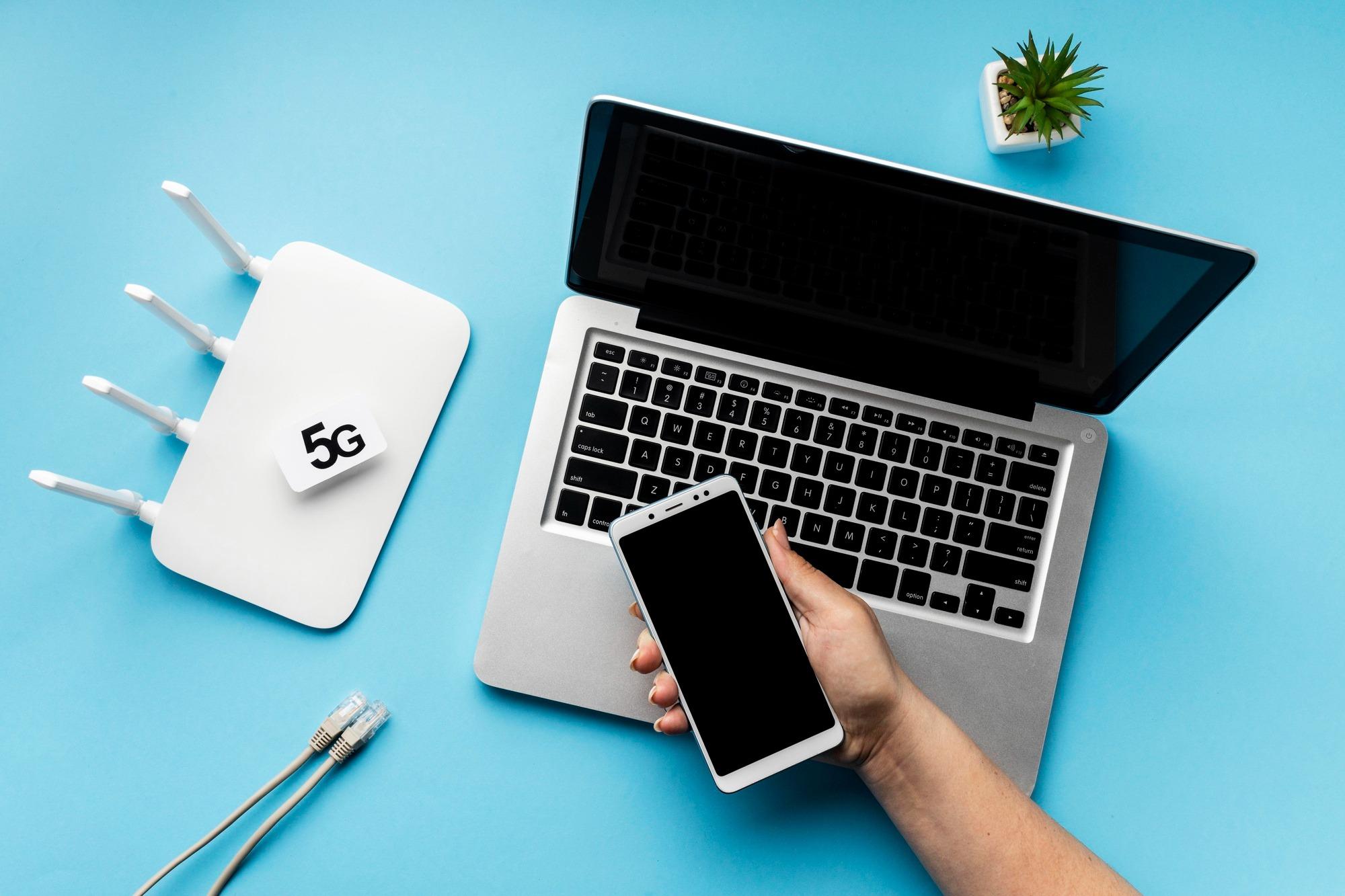
iPad support
Android tablets
Setup and training
Let's work out what's troubling your tablet
Tablets are handy until a small problem gets in the way of everything you use them for. Perhaps your emails have stopped arriving, storage is full or the Wi-Fi drops out whenever you move rooms. We’ll listen to what’s happening and work through the likely cause.
We help with iPads, Samsung and other Android tablets, and suitable Windows devices. If there’s physical damage, a charging fault or a suspected battery problem, tell us the model before booking so we can check the appropriate repair options.

Need a hand with your computer?
Our local Geeks come to you at home or work, or help remotely, across Brisbane, Logan, Ipswich, Moreton Bay and Redland Bay. No surcharge for same-day, weekend or after-hours appointments, subject to availability. Instant confirmation when you book online.

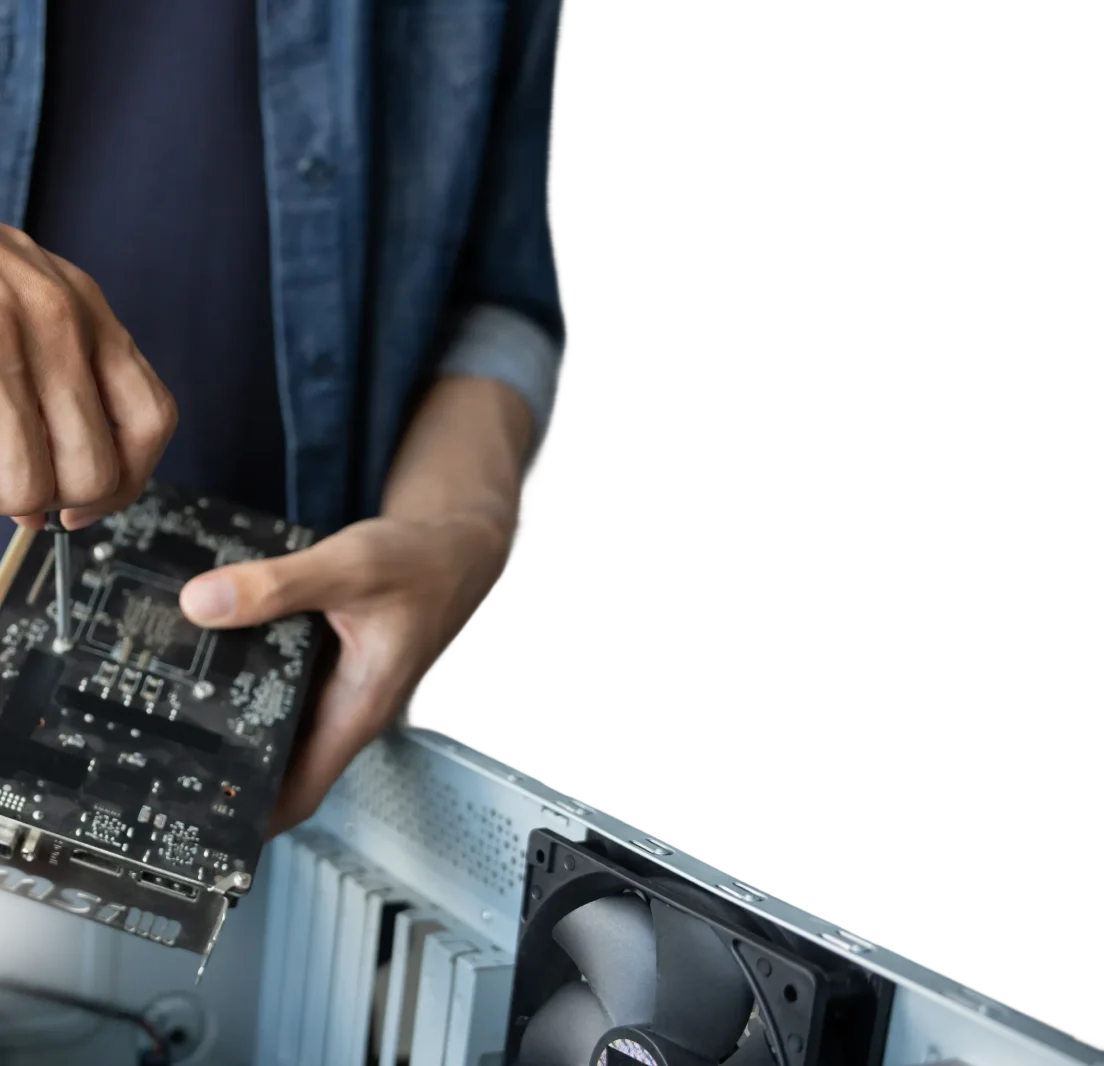
New tablet? We'll help you get comfortable with it
You don’t need to figure out every menu on your own. We can help connect your tablet, sign in to your account and set up the apps you actually want. Bring your questions, whether that’s reading eBooks, sharing photos or making a video call to the grandkids.
We’ll let you try the steps yourself and adjust things such as text size and notifications along the way. For more time to practise, our one-on-one computer training can cover your tablet too.
Keep the right things in sync
It helps when a calendar entry or photo is available where you expect it. We can review your accounts and set up supported syncing between your tablet, phone and computer. We’ll explain which items sync, which stay on the device and whether a subscription is involved.
If you’re moving from an older tablet, we can also help with data backup and transfer. Keeping a backup is worth planning separately from day-to-day syncing.
A hand with the apps you use
Want to watch YouTube, use a library app or open work documents? We can help install suitable apps, check sign-in settings and show you the basics. We’ll also look at storage and permissions if an app is causing trouble.
Tell us what you want the tablet to do, rather than worrying about the technical name for it. If a related problem is on your laptop or desktop, our computer repair service can help you deal with that as well.
Frequently Asked Questions
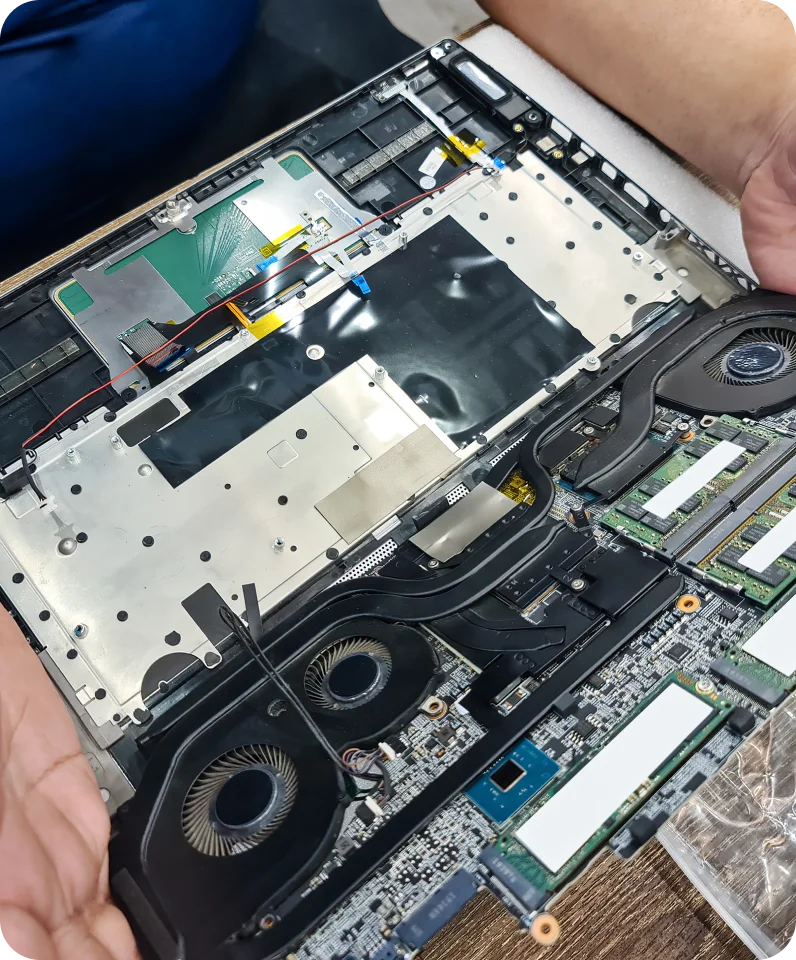
Who can help if my tablet needs fixing?
Start by telling us the brand, model and what has gone wrong. We can help with setup, connection and software issues, and check whether a physical repair needs a different service. For onsite assistance, let us know your suburb when you enquire.
How do I identify my tablet's model and size?
Look in the device’s About section for its model name or number. The box, receipt or rear casing may also help. Screen size is measured diagonally across the display, excluding the frame. Send us the model information or a clear label photo if you’re unsure.