Opening Hours

Software installation and setup in Brisbane
New software shouldn’t leave you stuck at the setup screen. We can install your programs, sort out the settings and show you where to start, with help at home, at work or remotely where suitable


Software installatio
Settings and updates
Everyday help
Get the software you need working properly
A download button is only the beginning. There may be a licence to activate, an account to connect or settings that don’t make much sense. If an installation has stalled or you’re unsure what to choose, we can help.
Mobile Computer Geeks assists with operating systems, Microsoft 365, Adobe apps, security software, email programs and other everyday tools. Tell us the program and computer you’re using so we can check what’s involved before the appointment.

Need a hand with your computer?
Our local Geeks come to you at home or work, or help remotely, across Brisbane, Logan, Ipswich, Moreton Bay and Redland Bay. No surcharge for same-day, weekend or after-hours appointments, subject to availability. Instant confirmation when you book online.

Check compatibility before you spend money
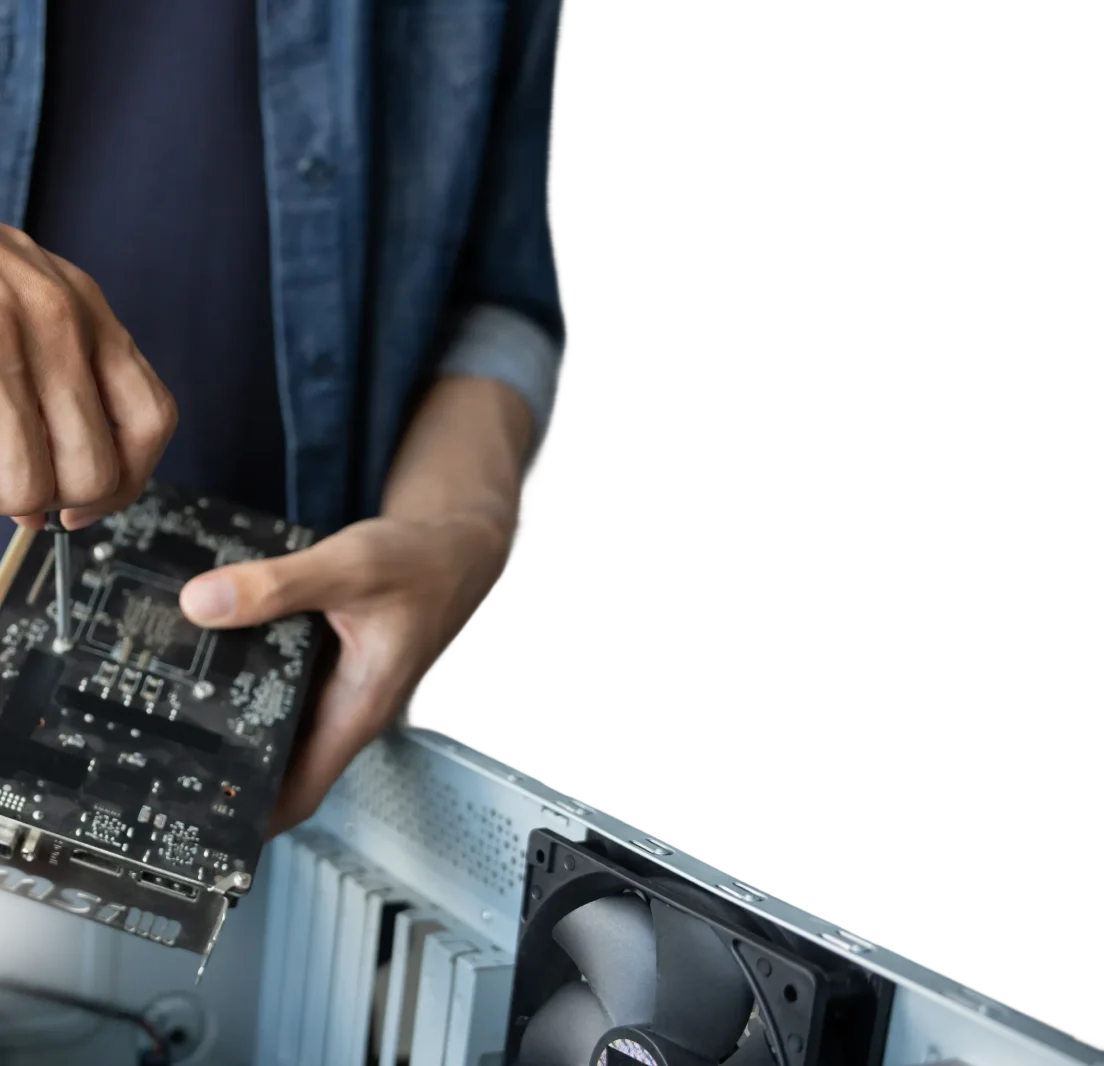
The software you want needs to suit your device as well as the job. We’ll check the operating system, available storage and relevant hardware requirements, along with the type of licence you need.
If your computer isn’t a good match, we’ll explain your choices. That might mean a different application, a supported software version or a worthwhile computer upgrade. Where a suitable free option exists, we can talk you through that too.
Install, activate and configure
We install software from its official source, help activate a valid licence and adjust the settings for the way you work. That can include choosing default apps, connecting an account or setting up access to a printer or shared folder.
Once it’s installed, we’ll open the program and test the functions you need. If you’re moving from an older installation, we’ll discuss important files and settings before making changes. Our data backup and transfer service can help with the move.
Install the updates you need
Even a fresh installation can have updates waiting. We’ll check for relevant updates and restart the computer where needed, then make sure the program still opens and works as expected.
We’ll also explain the update settings so you know what happens automatically and what may need your attention later.
Keep your programs easy to find
We’ll put shortcuts where they make sense for you, whether that’s the desktop, Windows taskbar or your Mac’s Dock. A quick demonstration helps you find the app, open a file and get started.
For more time learning the program, ask about one-on-one computer
training.
Software help that fits your setup
We work with home users and small businesses across Brisbane and the surrounding service areas. Some installations are straightforward to handle remotely; others need an onsite visit. We’ll help you choose a practical option and explain any software or subscription costs separately from the support work.
Frequently Asked Questions
Can you install an app I've already bought?
Yes, if it is compatible with your computer and you have the required licence. Have the purchase details and relevant account available. We’ll check the installation and activation requirements with you.
Which programs do I need on a new computer?
Start with what you actually use: a browser, email, document tools and appropriate security and backup software. We can help you choose suitable options and avoid loading the computer with unnecessary extras.
Can you install software across our business computers?
We can help plan installation on multiple devices, checking licences, access permissions and compatibility first. The approach depends on your systems and the software. Tell us how many computers are involved when you enquire.