Opening Hours

Computer troubleshooting and onsite help
Something’s wrong with your computer, but you’re not sure what to call it. That’s enough to get started. Tell us what you’re seeing and we’ll help track down the cause.

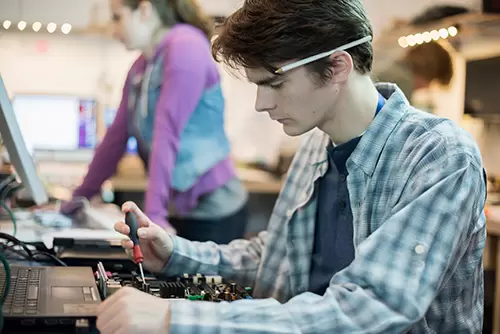


You don't have to diagnose it yourself
Maybe an app closes halfway through your work. Maybe the whole computer freezes, or a message appears every time you switch it on. You can show us the problem without knowing what the message means.
Mobile Computer Geeks provides computer troubleshooting for homes and small businesses around Brisbane. We investigate the symptoms, explain what we find and discuss a repair or practical next step. Suitable problems can also be assessed through remote support.
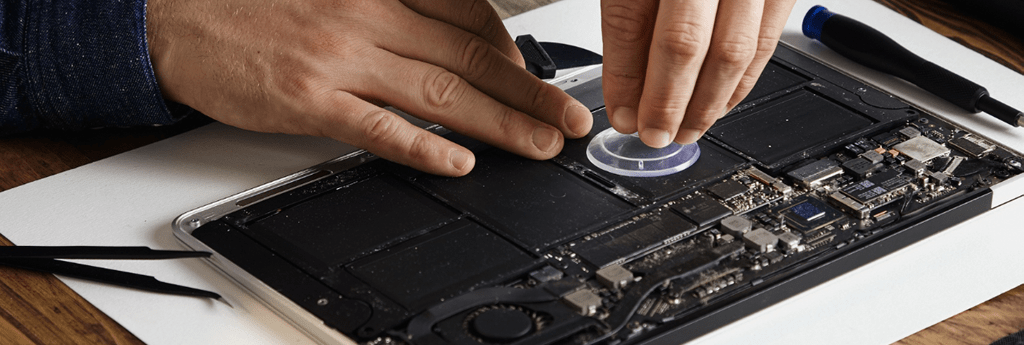
Need a hand with your computer?
Our local Geeks come to you at home or work, or help remotely, across Brisbane, Logan, Ipswich, Moreton Bay and Redland Bay. No surcharge for same-day, weekend or after-hours appointments, subject to availability. Instant confirmation when you book online.

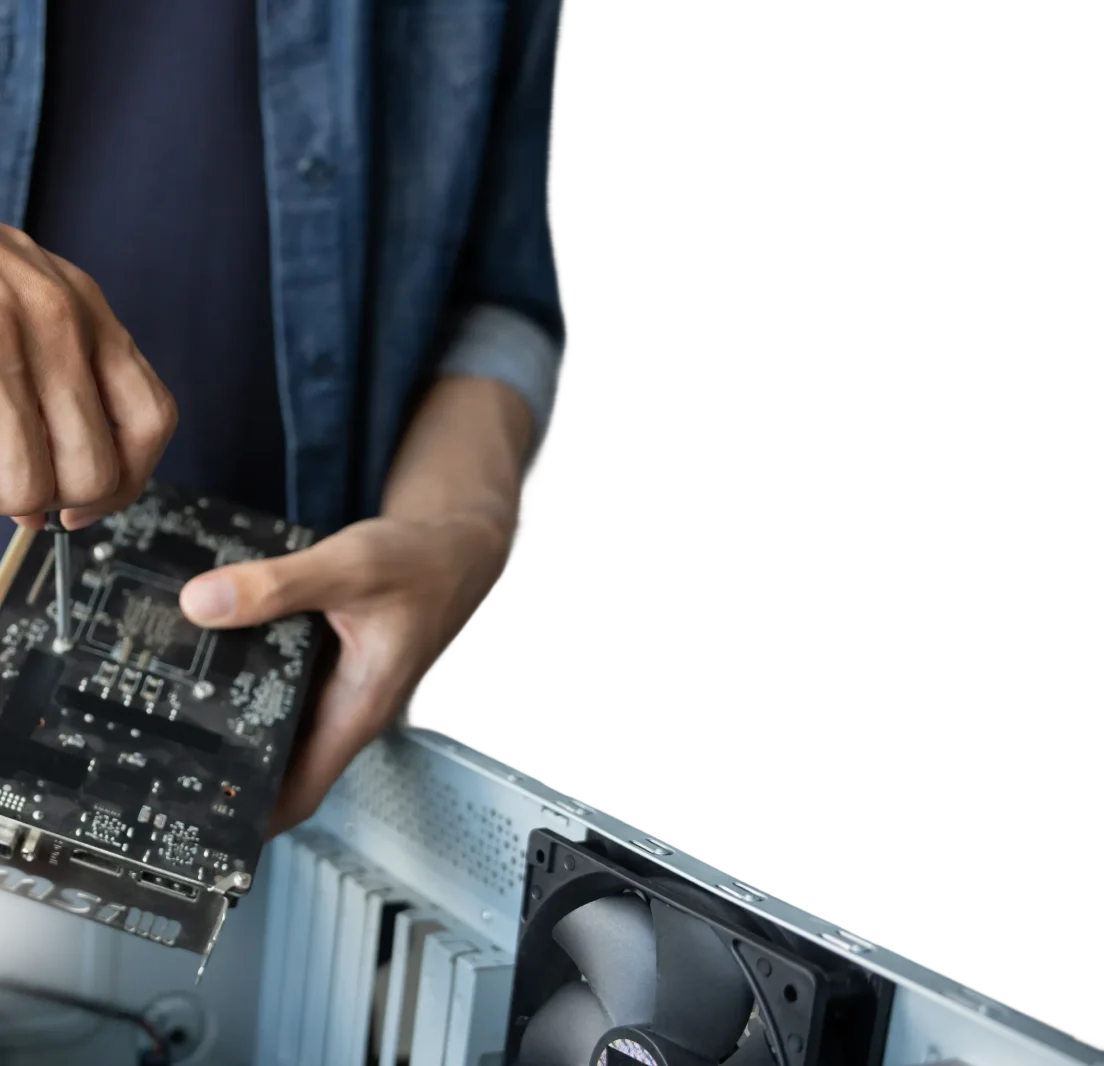
Work out whether the hardware is at fault
Slowness, crashes and startup problems don’t point to just one part. We look at the computer’s behaviour, relevant diagnostics and connected equipment to narrow down the cause.
That can include checking storage, memory, cooling and power-related
symptoms. We troubleshoot both Windows computers and Macs, with Mac support tailored to the model rather than assuming every machine works the same way.
Deal with overheating and cooling problems
If a component is causing the trouble, we’ll explain the hardware repair options, including compatibility and likely parts requirements. An upgrade may help an older computer, but it isn’t automatically the answer.
We’ll discuss the cost and your computer’s condition before replacement work goes ahead, so you can make an informed choice.
Get to the bottom of software problems
When one program stops behaving, we check its settings, updates and how it interacts with the rest of the computer. Sometimes the issue is an account or connection rather than the application itself.
We can also investigate unwanted software and arrange virus and malware removal where needed. If files are missing or at risk, we’ll discuss backup or recovery before making changes that could affect them.
Repair or reinstall an application carefully
Damaged program files can stop an app opening or make it crash repeatedly. Where a repair or reinstall is appropriate, we’ll check the licence, saved files and settings first.
Afterwards, we’ll test the task that was failing and show you any changes. If you need help using the program, we can also explain the steps or arrange a separate training session.
Frequently Asked Questions
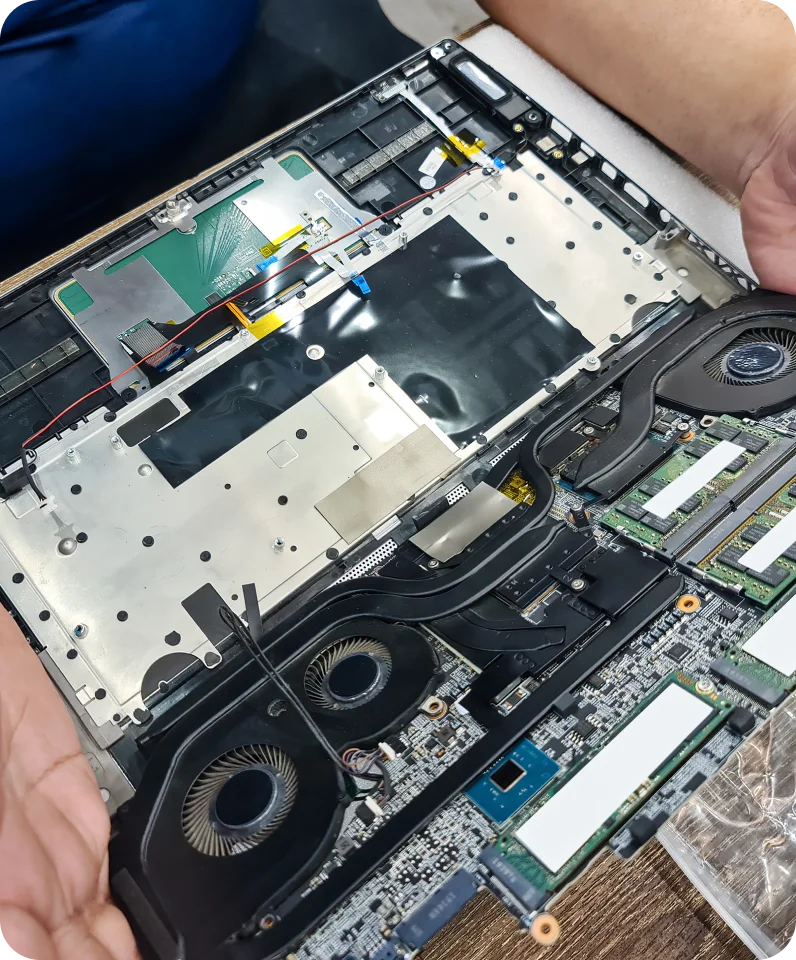
What happens during computer troubleshooting?
We ask about the symptoms and when they started, then run relevant checks to narrow down the cause. Once we have a clearer picture, we’ll explain the findings and any recommended repair work.
How do I arrange help if I don't know what's wrong?
Book online or call us and describe what happens when you use the computer. A photo of an error message can help. We’ll advise whether an onsite appointment or suitable remote session is the better starting point.
Is there anything I can do before the appointment?
Make a note of any error messages and recent changes. If the computer is otherwise stable, a normal restart may help. Avoid repeatedly restarting a noisy or failing drive, and tell us if important files aren’t backed up.